

Don’t waste time creating a plant watering tracker from scratch.
Use our free, professionally formatted Plant Watering Schedule Template, available in Google Sheets, Excel, and PDF.
Easily update watering details, monitor plant care routines, and keep every plant on the right schedule.
What Is a Plant Watering Schedule Template?
A plant watering schedule template is a structured planning tool that helps gardeners and plant owners track when and how much to water each plant, ensuring every plant receives the right amount of moisture based on its individual needs.
By following a template, both beginners and experienced gardeners can prevent common problems like overwatering or underwatering, ultimately promoting healthier growth and longer-lasting plants.
Download Spreadsheet Daddy’s Free Plant Watering Schedule Template
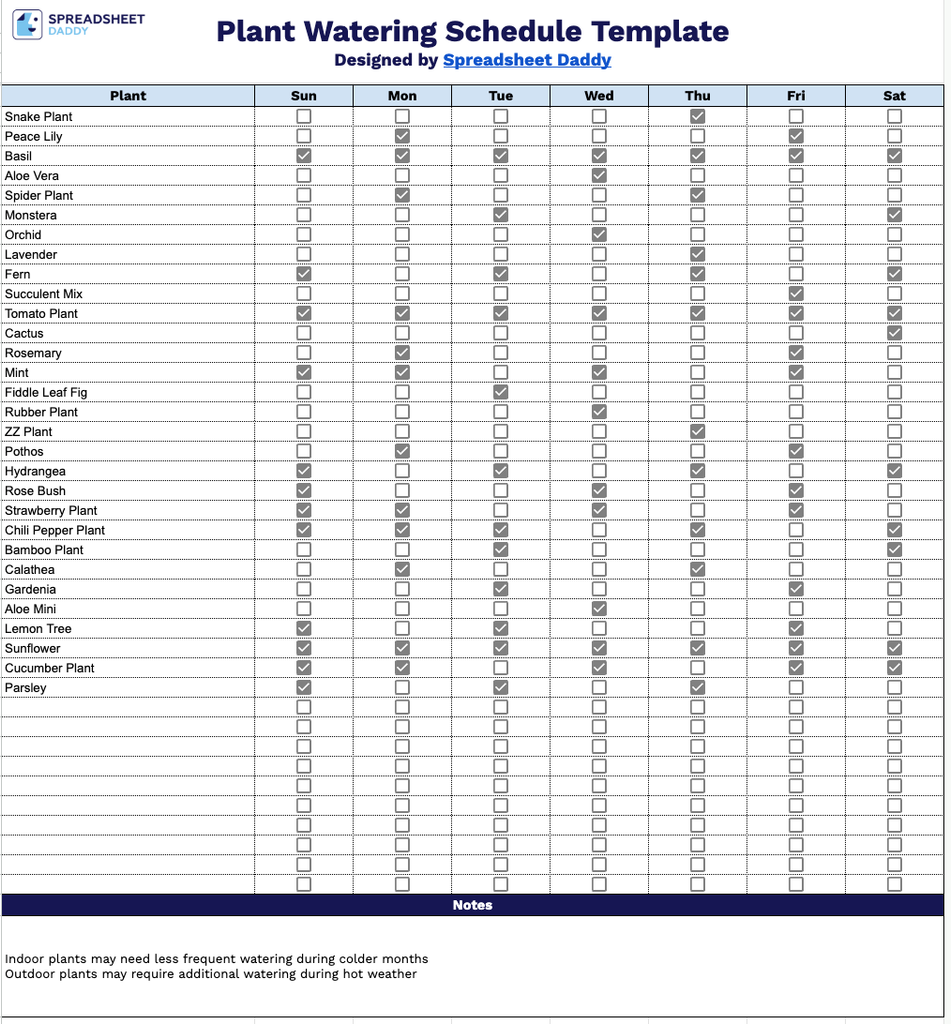
Our Plant Watering Template provides a simple weekly checklist to track when to water each of your plants, from Sunday through Saturday.
What’s included
- Weekly plant tracking grid: The main table includes a “Plant” column with blank rows for listing each plant by name, paired with seven day-of-the-week columns (Sun through Sat) so you can log a full week of watering activity at a glance.
- Checkbox-style tracking cells: Every plant row includes a small checkbox under each day of the week, letting you tap or mark the box once a plant has been watered, making daily upkeep fast and visually easy to scan.
- Dedicated notes section: A full-width “Notes” panel sits at the bottom of the template under its own dark navy header, providing open space to jot down care reminders, fertilizing schedules, sunlight adjustments, or other plant-specific observations.
You can easily add or remove columns as needed to fit your own schedule.
Choose your preferred format from the options below and download a free Plant Watering Schedule template to keep your plants healthy and hydrated:
How to Use Our Plant Watering Schedule Template
1. Download a ready-to-use HR Checklist template in Excel or PDF format, or create a personalized Google Sheets copy to manage employee tasks efficiently.
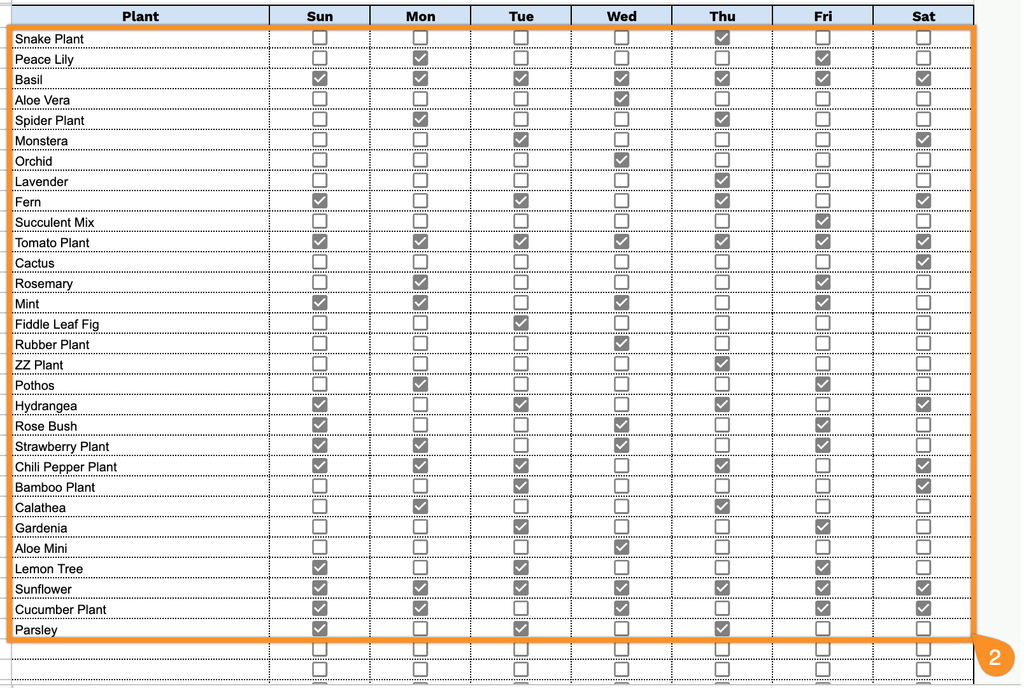
2. Fill in your plant list and track your watering routine by checking the boxes for each day you water.
3. Use the Notes section to include important reminders, care instructions, or special details about specific plants.

