Searching for a medical receipt template, but don’t have time to create one yourself?
Download our free, professionally formatted Medical Receipt Template, available in Google Sheets, Excel, Word, Google Docs, and PDF. It’s simple to customize and perfect for recording patient charges, procedures, and payments.
For even more choices, browse our full selection of free editable receipt templates designed for a wide range of medical and administrative uses.
What Is a Medical Receipt Template?
A medical receipt template is a pre-formatted document that medical practices use to provide patients with proof of payment for services rendered.
This standardized template helps ensure consistent record-keeping, simplifies billing processes, and provides patients with the documentation they need for insurance reimbursement or tax purposes.
Download Spreadsheet Daddy’s Free Medical Receipt Template
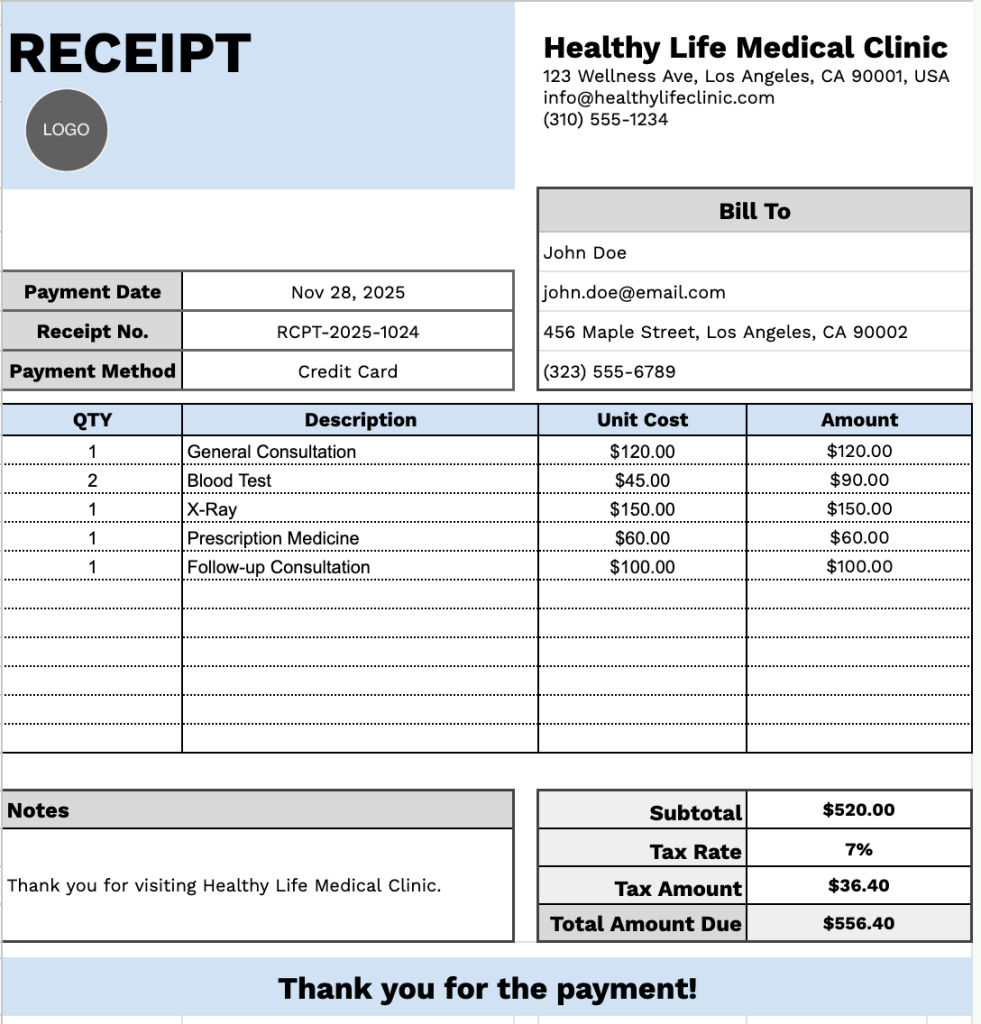
Our Medical Receipt Template provides a clean, professional format for documenting patient visits and payments.
What’s included
- Professional header section: Customizable clinic branding fields, including clinic name, complete address, email, and phone number, provide official documentation space at the top of the receipt to establish your medical practice’s identity and enable patient correspondence.
- Patient billing information panel: Dedicated fields for the patient’s name, email address, physical address, and phone number ensure complete contact details are captured for accurate billing records, insurance claims, and future communication needs.
- The transaction details area: Essential tracking fields, including the receipt number for record-keeping, the payment date for documentation, and the payment method specification, enable you to document how the payment was processed (cash, card, check, insurance, etc.) for accounting purposes.
- Multi-row itemization table: A table with four structured columns (QTY, Description, Unit Cost, Amount) enables you to list medical services, procedures, consultations, medications, lab tests, or other healthcare charges, with pre-formatted rows that provide a precise pricing breakdown for transparency and clarity in patient billing.
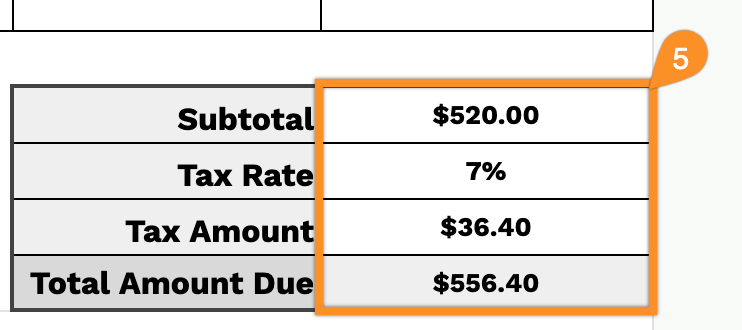
- Financial summary section: Automated calculation area at the bottom computes Subtotal, Tax Rate, Tax Amount, and Total Amount Due, plus includes a Notes field for payment terms, insurance information, or patient instructions, and concludes with a courteous “Thank you for the payment!” message.
The template includes customizable sections for patient information, itemized services, and payment details that you can easily adjust by adding or removing columns to fit your specific needs.
Select any of the links below to download a free blank medical receipt template in the format you prefer:
How to Use Our Medical Receipt Template
1. Get this medical receipt form in Excel, Word, or PDF, or duplicate it directly into Google Sheets or Google Docs.
2. Include the clinic name, logo, email, phone number, and complete address so patients can easily identify where the receipt was issued.

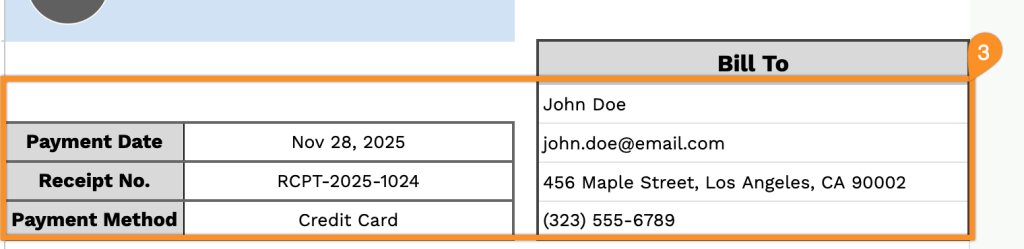
3. Add the patient’s name and contact details, along with the payment date, receipt number, and chosen payment method.
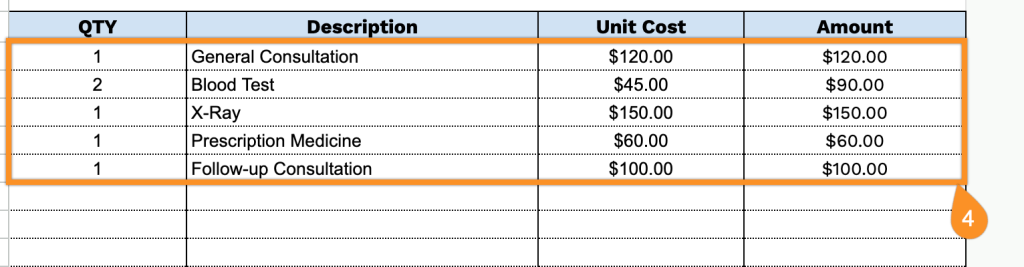
4. List each item or service (e.g., consultation, lab tests, medications, medical supplies), include the quantity, unit price, and the template will automatically calculate the line totals.
5. The template will calculate the subtotal, tax amount, and final amount due based on your clinic’s billing guidelines.
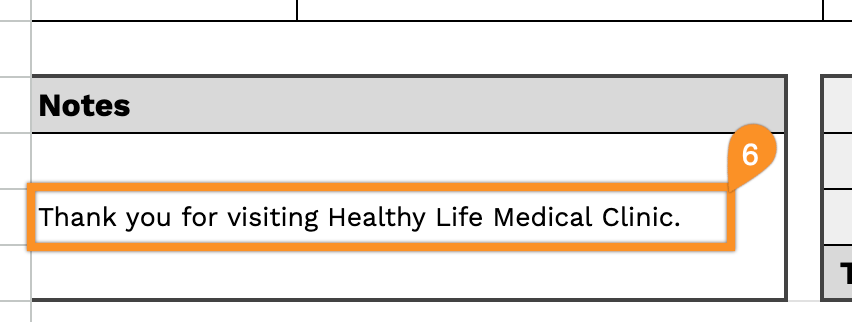
6. The Notes section is a place for follow-up instructions, insurance details, clarification about services, or any other essential remarks.