Take control of your loan repayment with our free Loan Payment Template.
Available in Google Sheets, Excel, and PDF, it’s fully customizable and makes it easy to track payments, due dates, interest, and outstanding balances.
What Is a Loan Payment Template?
A loan payment template is a pre-structured spreadsheet that helps borrowers track and manage their loan repayment schedule over time.
By using a loan payment template, individuals and businesses can stay organized, monitor their remaining balance, and ensure they make timely payments to avoid penalties or late fees.
Download Spreadsheet Daddy’s Free Loan Payment Template
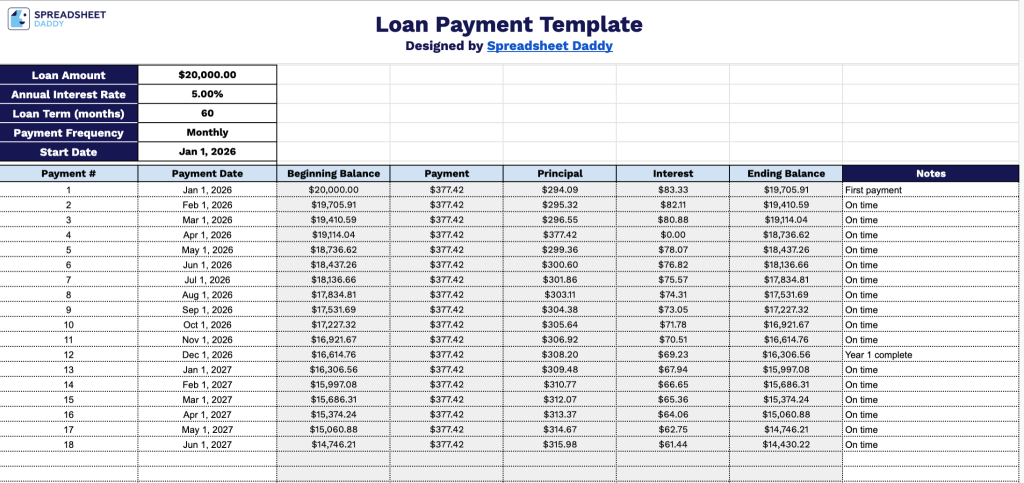
Our Loan Payment Template helps you track a loan’s full repayment schedule, breaking down each payment into principal and interest so you can see exactly how your balance decreases over time.
What’s included
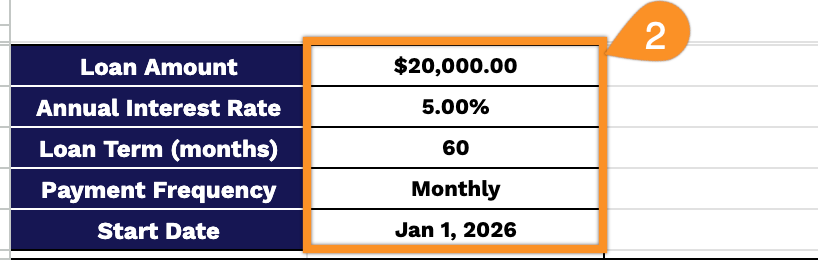
- Editable loan input fields: The top section includes five dedicated input cells, Loan Amount, Annual Interest Rate, Loan Term, Payment Frequency, and Start Date, letting you plug in your specific loan details and automatically drive the entire amortization schedule below.
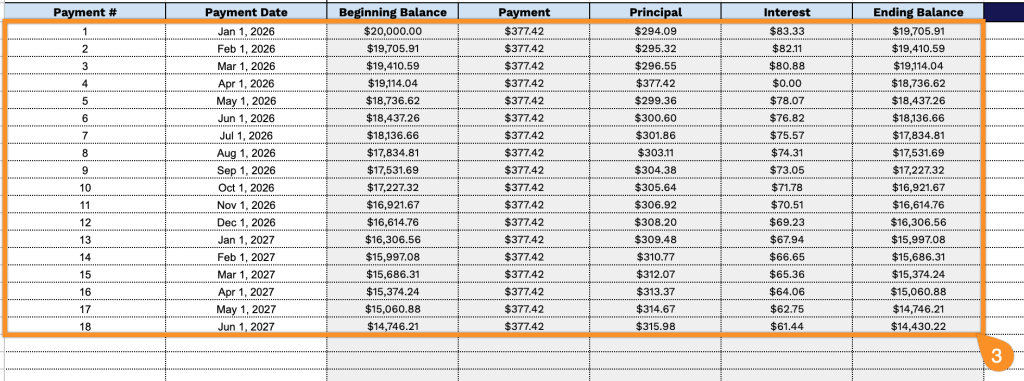
- Detailed amortization schedule table: A row-by-row payment table with columns for Payment #, Payment Date, Beginning Balance, Payment, Principal, Interest, Ending Balance, and Notes, giving you a full breakdown of every payment across the life of the loan.
- Auto-calculated payment columns: The Beginning Balance, Payment, Principal, Interest, and Ending Balance columns are pre-built with formulas that calculate automatically based on your loan inputs, so you never have to manually compute a single payment.
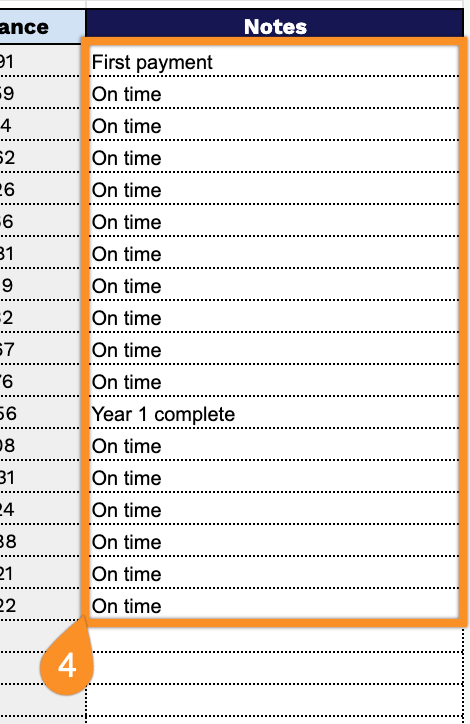
- Open Notes column: A Notes field is included at the end of each row, giving you space to log payment method, confirmation numbers, or any other borrower-specific comments alongside each entry.
You can add or remove columns as needed to fit your own tracking style.
Choose your preferred format below to get a free, editable Loan Payment Template:
How to Use Our Loan Payment Template
1. Get this Loan Payment Template in Excel or PDF, or save a personal version to Google Sheets for online editing.
2. Enter the loan details at the top of the template, including the loan amount, annual interest rate, loan term, payment frequency, and loan start date.
3. Record each payment number and payment date. The template will automatically calculate the beginning balance, payment amount, interest, principal, and remaining loan balance.
4. Use the Notes section to record important details, such as late fees, extra principal payments, payment confirmations, or reminders about future installments.