If you need a quick and organized way to plan your day, our free Daily Task List Template can help.
Download it as a Google Sheets, Excel, or PDF file and customize it to fit your routine. Use it to list your daily tasks and keep track of everything that needs to get done.
What Is a Daily Task List Template?
A daily task list template is a pre-structured document or framework designed to help individuals organize and prioritize their tasks and responsibilities for a given day.
By providing a consistent format to follow each day, the template reduces the mental effort of deciding how to organize work, boosts productivity, and ensures that important tasks are not overlooked.
Download Spreadsheet Daddy’s Free Daily Task List Template
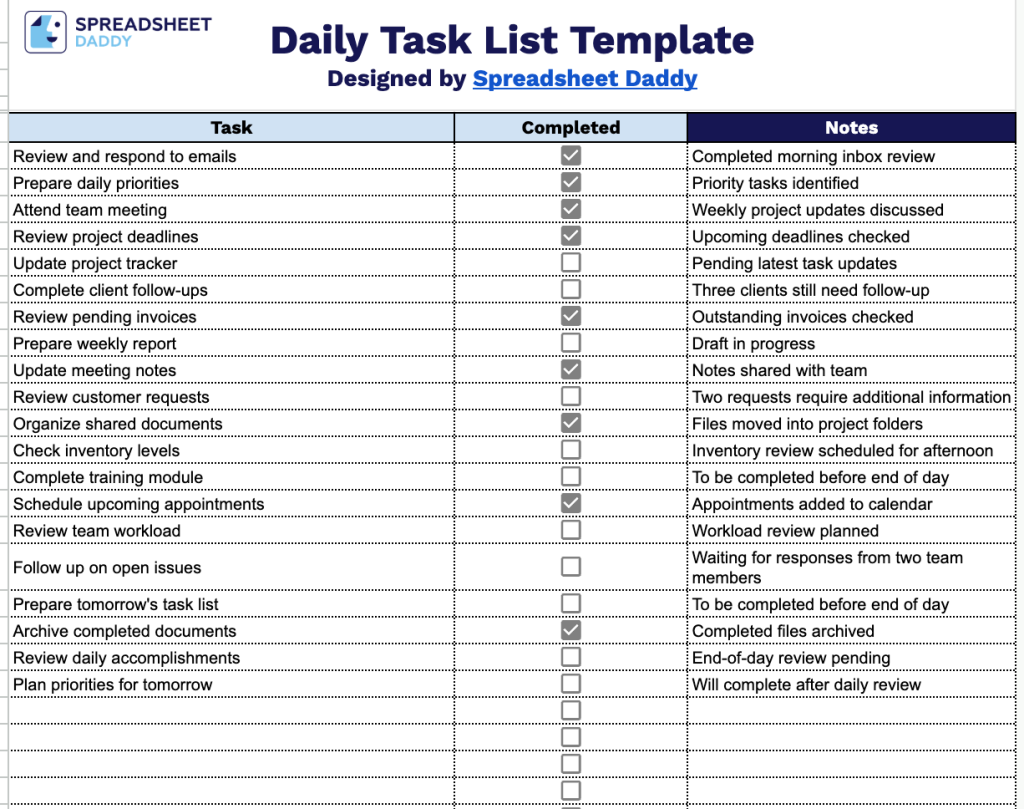
Our Daily Task List Template provides a simple, ready-to-use layout for tracking your daily tasks, marking them as complete, and jotting down notes as you go.
What’s included
- Three dedicated columns for full task management: The template includes “Task,” “Completed,” and “Notes” columns, giving you space to list each responsibility, track its status, and record any additional context or follow-up details.
- Interactive checkbox tracking: The “Completed” column uses clickable checkbox icons, allowing you to mark tasks as finished with a single click instead of manually entering text like “yes” or “done.”
- Open-ended notes field: The “Notes” column provides a free-text space next to each task, useful for adding reminders, deadlines, priority levels, or any other details relevant to completing the task.
You can add or remove columns to fit your own workflow.
Use the links below to download a free blank Daily Task List template in the format that works best for you:
How to Use Our Daily Task List Template
1. Get started by downloading the Daily Task List in Excel or PDF, or create a customizable copy in Google Sheets.
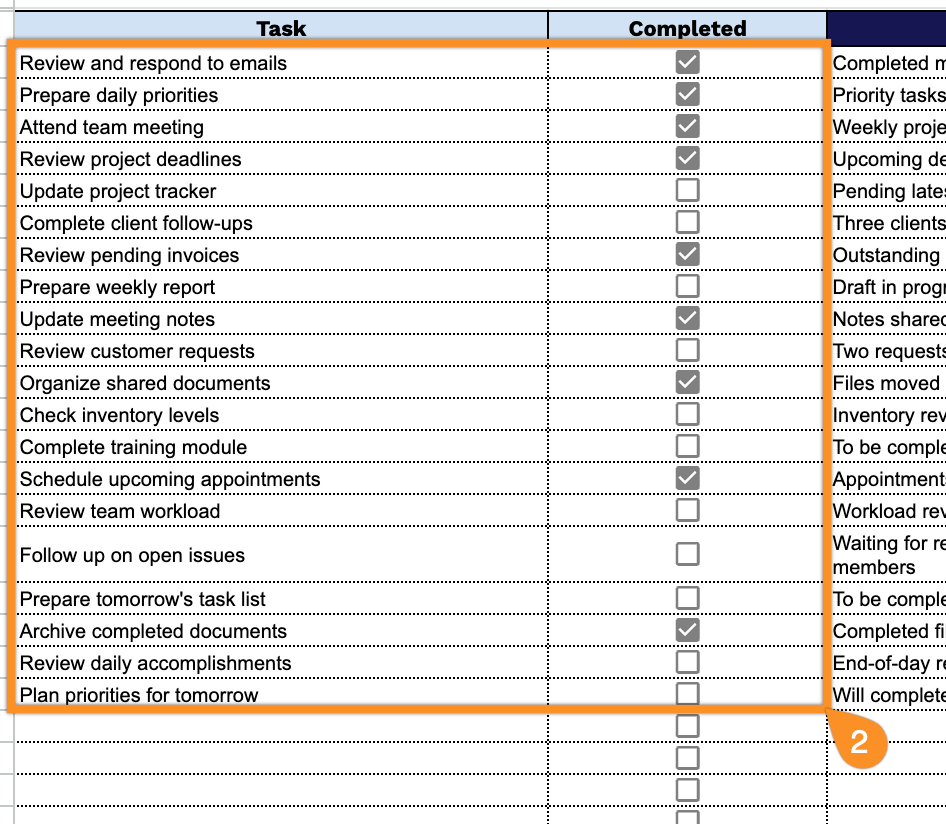
2. Add your daily tasks to the list and check them off as you complete them.
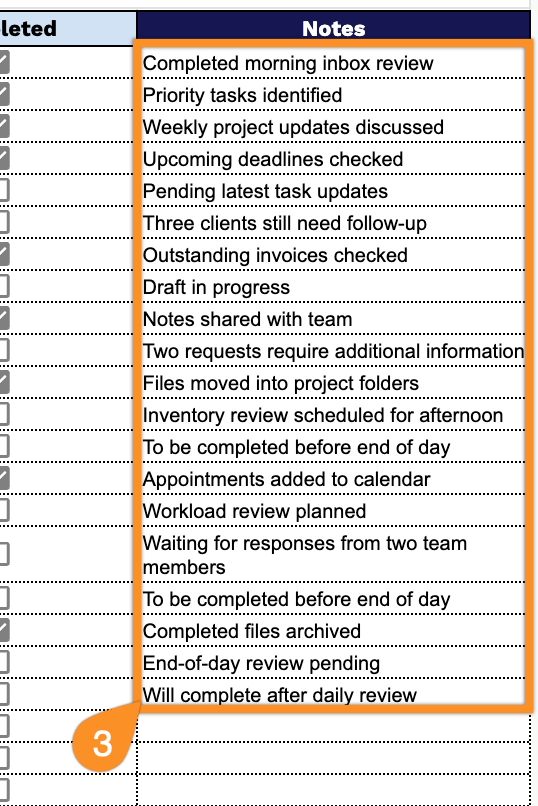
3. Use the Notes section to add important reminders, additional instructions, follow-up details, or other information related to each task.