Skip the hassle of creating a maintenance log from scratch.
Download our free Equipment Maintenance Log Template in Google Sheets, Excel, or PDF and start documenting equipment inspections, repairs, servicing, and maintenance history.
The template is fully editable and designed to keep your records clear and organized.
What Is an Equipment Maintenance Log Template?
An equipment maintenance log template is a structured document used to record and track all maintenance activities performed on machinery, tools, or equipment over time.
By providing a consistent and organized format, the template helps businesses ensure equipment reliability, extend asset lifespan, reduce unexpected breakdowns, and maintain compliance with safety and regulatory standards.
Download Spreadsheet Daddy’s Free Equipment Maintenance Log Template
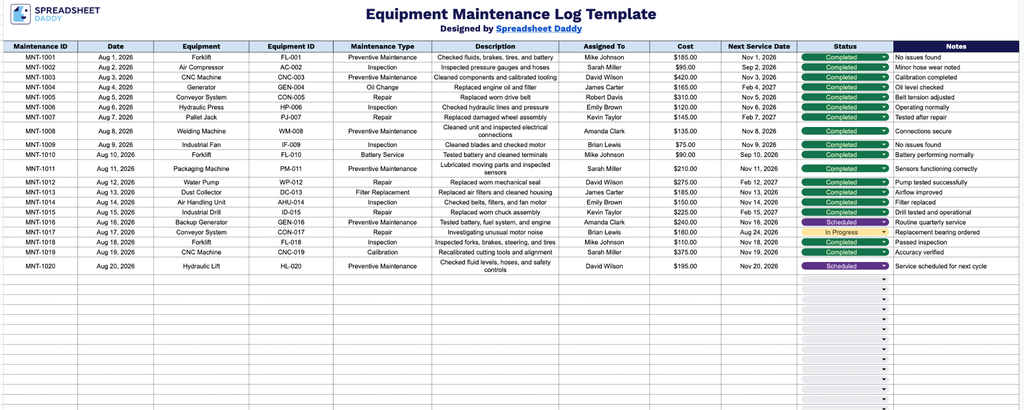
Our Equipment Maintenance Log Template helps you track service history, costs, and upcoming maintenance dates for all your equipment in one organized spreadsheet.
What’s included
- Comprehensive maintenance tracking columns: The log includes dedicated fields for Maintenance ID, Date, Equipment, Equipment ID, Maintenance Type, and Description, giving you a structured way to record exactly what service was performed, when, and on which asset.
- Accountability and cost fields: An Assigned To column lets you note which technician or team handled the work, while a Cost column tracks the expense of each maintenance event, making it easy to monitor labor assignments and spending over time.
- Forward-looking scheduling and status fields: A Next Service Date column helps you plan upcoming maintenance before equipment fails, while a color-coded Status column (highlighted in light blue) lets you flag whether a task is completed, pending, or overdue at a glance.
You can easily add or remove columns to fit your specific tracking needs.
Pick the file format you prefer and download a free, editable Equipment Maintenance Log template:
How to Use Our Equipment Maintenance Log Template
1. Get your Equipment Maintenance Log in Excel or PDF, or create a customizable copy directly in Google Sheets.
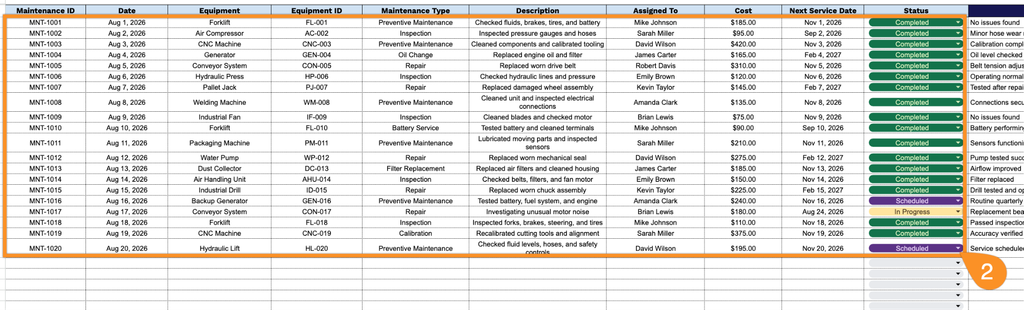
2. Record the key maintenance details, including the maintenance ID, date, equipment name and ID, type of maintenance, work performed, assigned technician, cost, next scheduled service date, and current status.
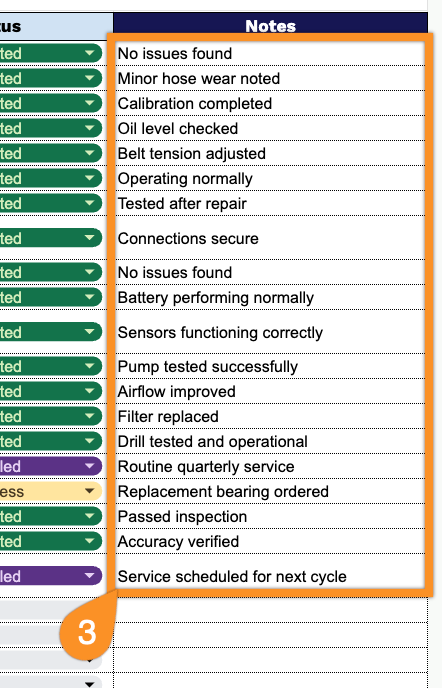
3. Use the Notes section to record any additional details, observations, parts replaced, or special instructions related to the equipment maintenance.