Keep your finances on track effortlessly with our free Basic Budget Template.
Available in Google Sheets, Excel, and PDF, it’s fully editable and perfect for tracking income, expenses, and savings all in one place.
What Is a Basic Budget Template?
A basic budget template is a simple organizational tool that helps you track your income and expenses in a structured format.
By using this template, you can identify spending patterns, make informed financial decisions, and work toward achieving your financial objectives.
Download Spreadsheet Daddy’s Free Basic Budget Template
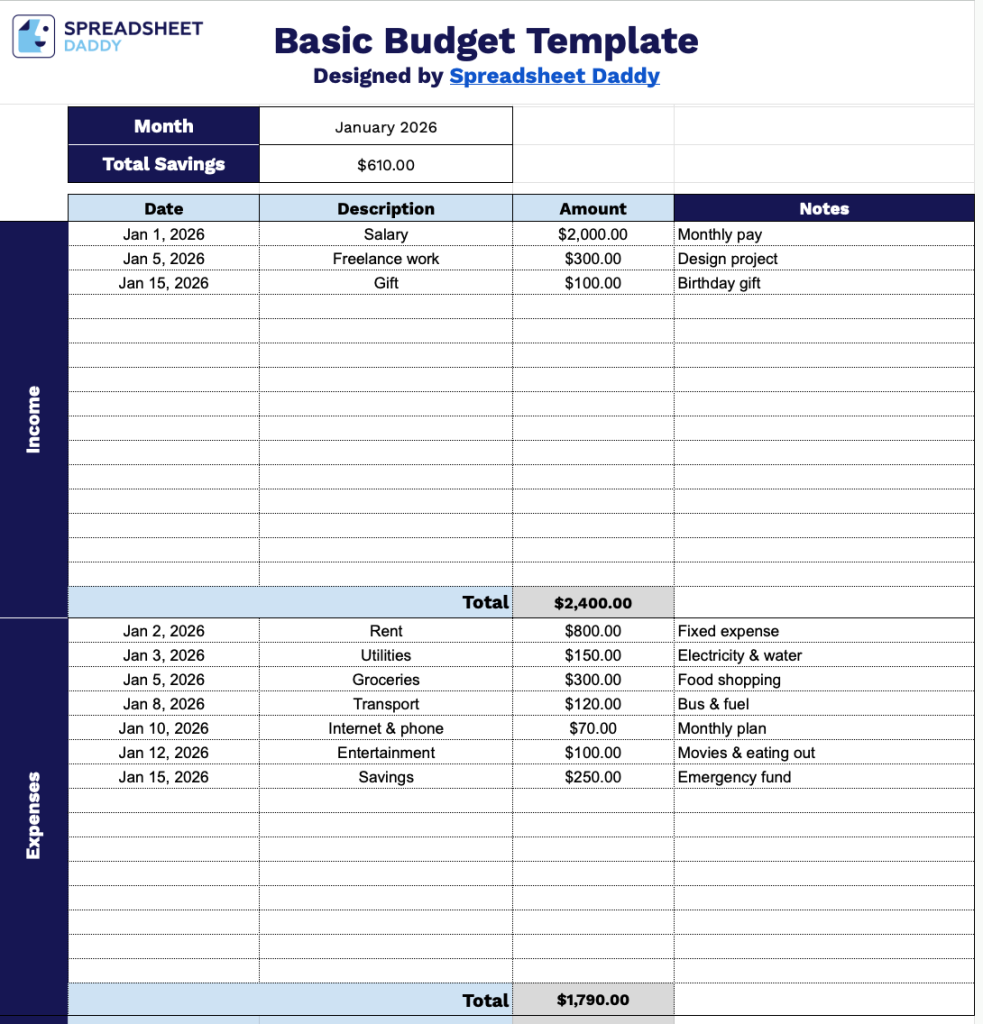
Our Basic Budget Template helps you track your monthly income and expenses in a simple, organized format.
What’s included
- Comprehensive income tracking section: The template features a dedicated income area with columns for Date, Description, Amount, and Notes, enabling you to record all sources of income throughout the month with detailed context and automatically calculate your total monthly income at the bottom of the section.
- Organized expense management system: A structured expenses section mirrors the income layout with matching columns for Date, Description, Amount, and Notes, allowing you to categorize and document every expenditure with relevant details while maintaining consistency across your budget tracking.
- Automatic savings calculation display: The template includes a prominent savings summary at the top that automatically computes your total savings by subtracting your total expenses from your total income, providing instant visibility into your monthly financial performance without manual calculations.
- Customizable month designation field: A header field lets you specify which month the budget covers, making it easy to maintain separate budget records for each period and organize your financial documentation chronologically throughout the year.
You can easily customize it by adding or removing columns to fit your personal financial tracking needs.
Grab a free blank Basic Budget Template in the format that works best for you using the links below:
How to Use Our Basic Budget Template
1. Get this template as an Excel or PDF file, or make a copy in Google Sheets for yourself.
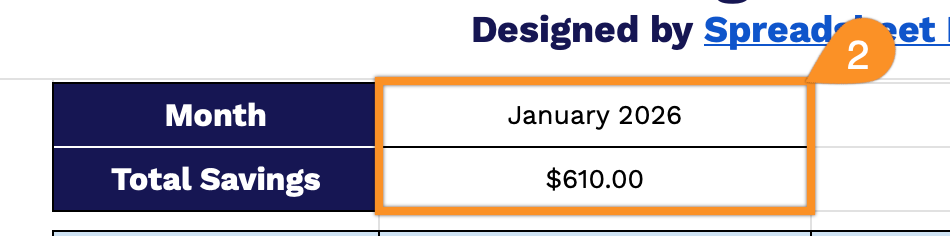
2. Select the month you are tracking. The template will automatically update the total savings as you enter your income and expenses.
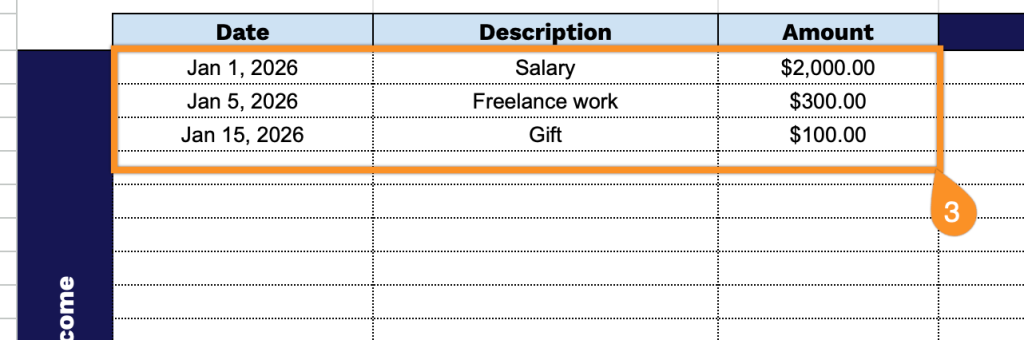
3. Complete the table with all income and expense items:
- Date: Enter the exact date when each income is received (e.g., paycheck, allowance) or when an expense is paid (e.g., rent, groceries).
- Description: Provide a clear label for each item, such as “Rent,” “Groceries,” “Salary,” or “Subscription.”
- Amount: Record the amount of each transaction.
4. As you fill in your income and expenses, the template will automatically calculate totals for each section and update your total savings.

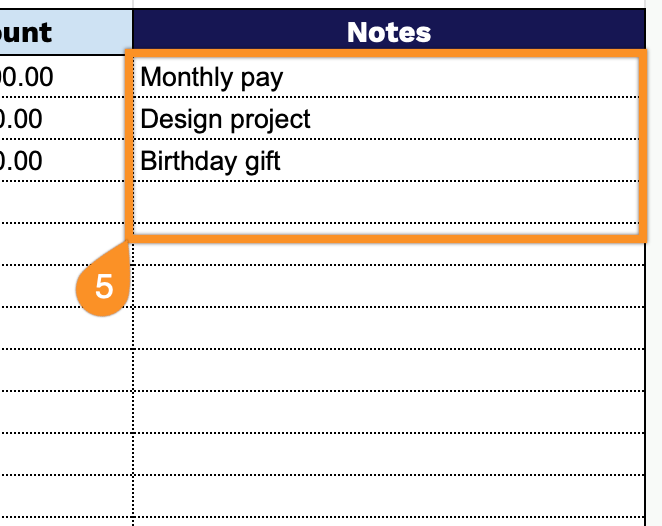
5. Use the Notes section to record explanations for unexpected expenses, reminders for upcoming payments, or exceptional circumstances affecting your budget.