Generate clear, accurate receipts for your car wash business with our free, customizable template.
Available in multiple formats, including Excel, Google Sheets, Word, Google Docs, and PDF, it’s perfect for documenting services, payments, and customer details.
Looking for more options? Browse our full collection of free, printable receipt templates to suit a variety of business and service documentation needs.
What Is a Car Wash Receipt Template?
A car wash receipt template is a pre-formatted document used by car wash businesses to provide customers with proof of payment for services rendered.
These templates save time by standardizing the receipt-creation process while ensuring all necessary information is consistently documented for both business records and customer reference.
Download Spreadsheet Daddy’s Free Car Wash Receipt Template
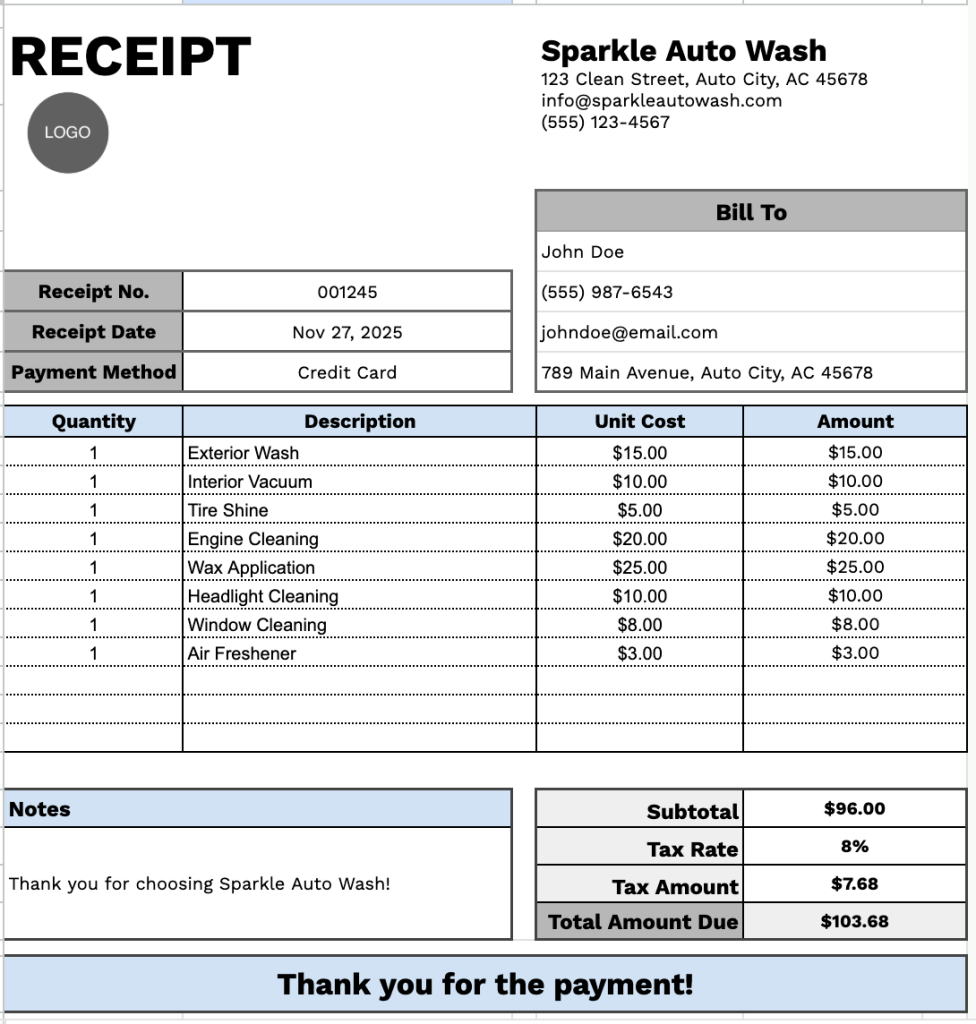
Our Car Wash Receipt Template provides a professional format for documenting service transactions with customers.
What’s included
- Customizable business information fields: The header section includes editable placeholders for company name, email address, physical address, and phone number, enabling you to quickly brand the receipt with your car wash’s details for professional documentation.
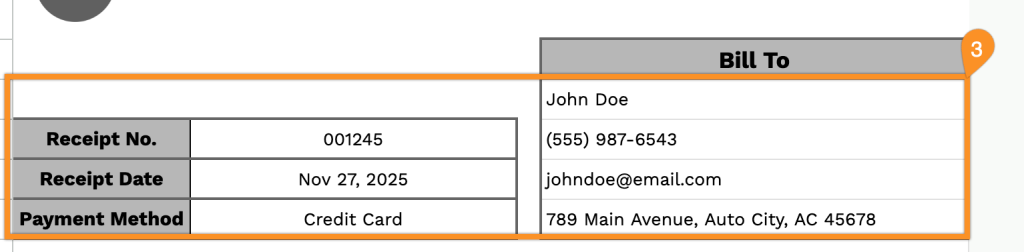
- Comprehensive customer billing section: The “Bill To” area features dedicated fields for customer name, phone number, email address, and physical address, along with receipt number, receipt date, and payment method tracking for complete transaction records and customer management.
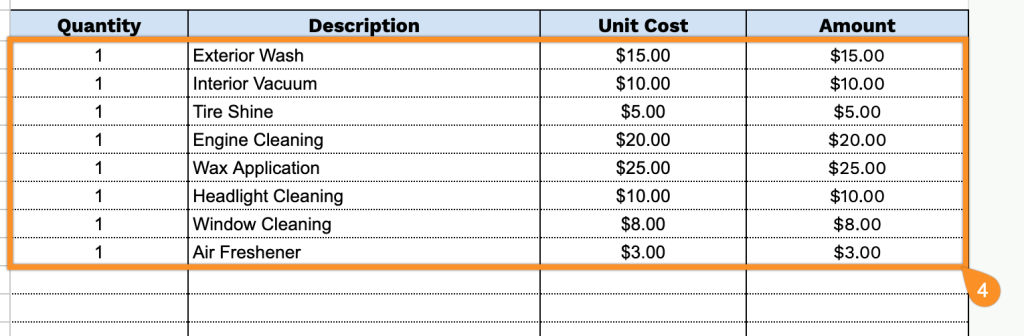
- Multi-line itemized service table: A table organized into four columns (Quantity, Description, Unit Cost, and Amount) enables you to list multiple car wash services, such as basic wash, deluxe wash, interior cleaning, waxing, tire shine, or other add-ons, with individual quantities and pricing for transparent billing.
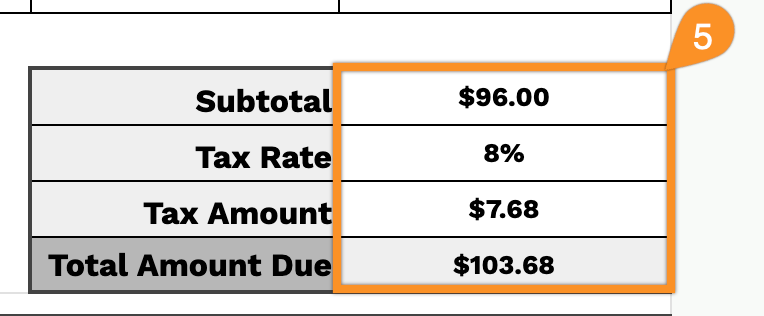
- Automated financial calculation fields: The bottom section includes subtotal, tax rate percentage, tax amount, and total amount due fields that work together to provide accurate final pricing, ensuring proper tax collection and clear payment expectations for your customers.
- Clean, print-ready layout with customer notes: A simple design that prints clearly on any printer, includes a dedicated notes section for special instructions, warranty information, or promotional messages, and concludes with a courteous “Thank you for the payment!” appreciation message.
You can customize the template by adding or removing columns to match your specific business requirements.
Select one of the links below to download a blank car wash receipt template in your chosen format:
How to Use Our Car Wash Receipt Template
1. Save this car wash receipt template in PDF, Word, or Excel, or generate a personal copy through Google Docs or Sheets.
2. Add your car wash’s information at the top of the receipt. Include the business name, email, address, phone number, and logo so customers know who provided the service.

3. Enter your customer’s details in the Bill To section along with the receipt date, receipt number, and payment method.
4. List the car wash services provided, such as exterior wash, interior cleaning, or waxing. Enter the quantity and price for each service. The template will automatically calculate each line total.
5. Add the appropriate tax rate. The template will calculate the subtotal, tax amount, and total amount due.
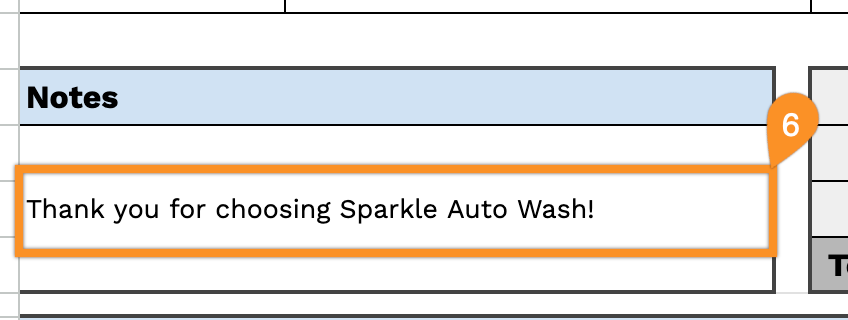
6. Use the Notes section for any critical information, such as service recommendations or special instructions.