

Want to create a certificate in minutes?
Grab our free, fully editable certificate template in Google Sheets, Excel, or PDF. Add names, achievements, and dates effortlessly to make your awards look polished and personalized.
What Is a Certificate Template?
A certificate template is a pre-designed document framework that provides a standardized format for creating certificates of achievement, completion, participation, or recognition.
These templates save time and ensure consistency while allowing organizations to quickly produce professional-looking certificates without starting from scratch each time.
Download Spreadsheet Daddy’s Free Certificate Template
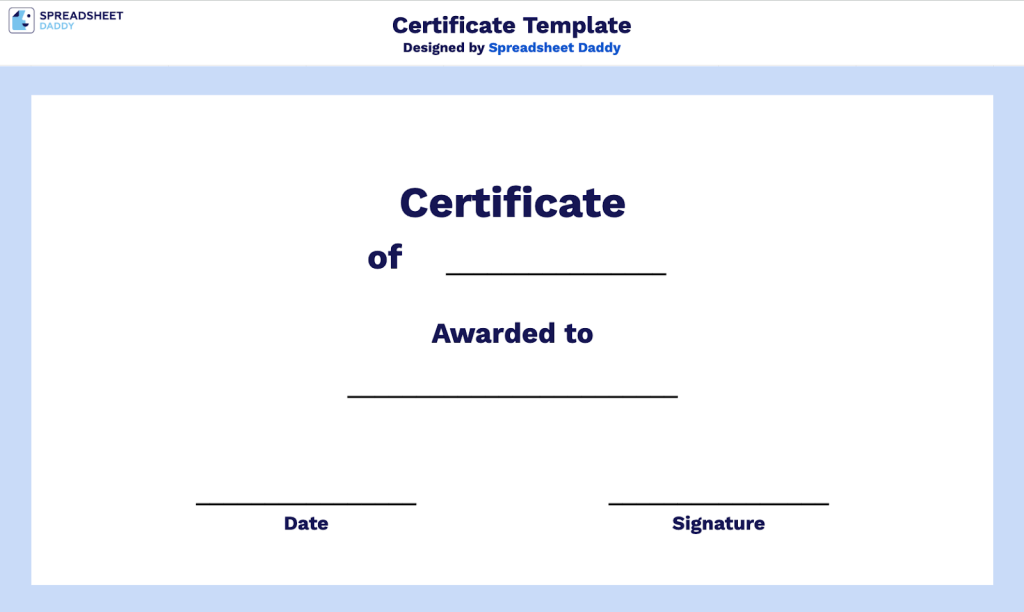
Our Certificate Template provides a clean, customizable format for recognizing achievements and accomplishments.
What’s included
- Customizable achievement title field: The top section includes an editable placeholder line after “Certificate of” allowing you to specify the type of recognition being awarded, such as completion, achievement, excellence, or appreciation, making the certificate versatile for any occasion or milestone.
- Recipient name personalization area: The center section features a prominent blank line under “Awarded to” for entering the honoree’s full name, providing clear space for the certificate’s primary focus and ensuring proper recognition of the individual being celebrated.
- Date documentation field: The bottom-left corner includes a designated line for recording the award date, enabling you to timestamp the recognition and create an official record of when the achievement or milestone was accomplished.
- Signature authorization space: The bottom-right section provides a dedicated line for an authorized signature, allowing managers, directors, instructors, or other officials to validate and authenticate the certificate with their handwritten endorsement personally.
- Clean, professional template design: The layout features a minimalist structure with ample white space and straightforward typography, ensuring the certificate maintains a polished, formal appearance suitable for printing on standard letter-size paper for professional or academic recognition.
You can adjust the structure if needed to create the perfect certificate for any occasion.
Use the links below to download a free blank certificate template in the format that suits you best:
