Need a simple way to organize your notes without starting from zero?
Download our free, professionally designed Notes Template available in Google Sheets, Excel, and PDF formats.
It’s fully editable, easy to use, and helps you keep your information structured, clear, and accessible whenever you need it.
What Is a Notes Template?
A notes template is a pre-designed document structure that provides a consistent framework for capturing and organizing information, saving users the effort of starting from scratch each time they need to take notes.
By standardizing the format, notes templates improve clarity, efficiency, and completeness, making it easier to review, share, and act on information later.
Download Spreadsheet Daddy’s Free Notes Template
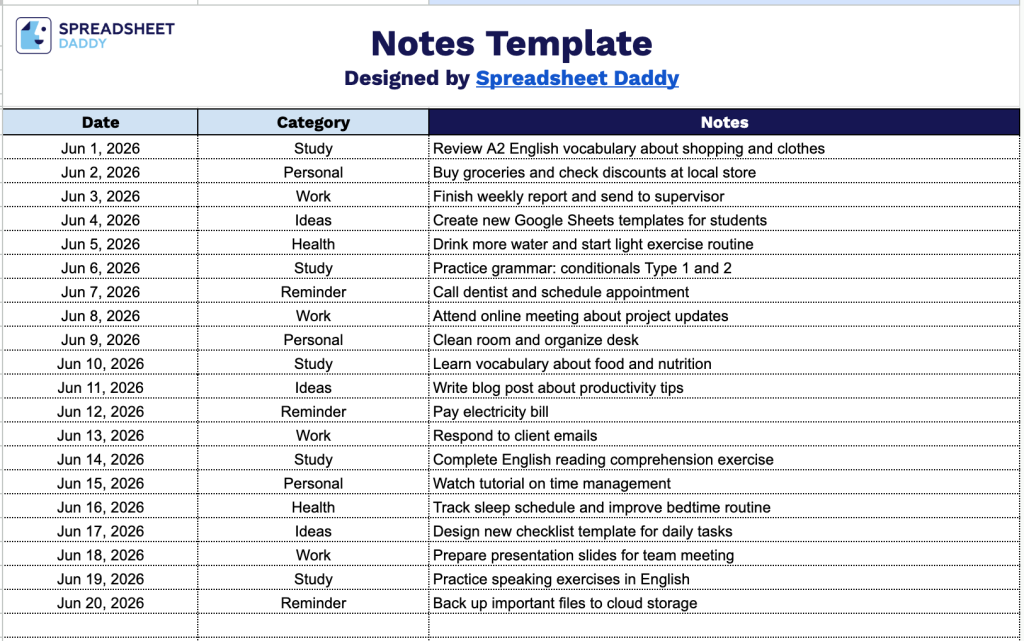
Our Notes Template provides a simple and flexible way to organize your daily entries by date, category, and note content.
What’s included
- Date column for chronological tracking: The leftmost column provides a dedicated space to log each entry’s date, making it easy to organize and reference notes in chronological order for time-sensitive projects, meetings, or daily logging.
- Category column for organized classification: The middle column allows users to assign a category label to each row, enabling quick filtering and grouping of notes by topic, department, task type, or any custom classification system that fits your workflow.
- Wide Notes column for detailed entries: The rightmost, widest column spans most of the page width, providing ample space to write thorough, descriptive notes for each entry without feeling cramped or constrained by column width.
You can easily add or remove columns to match your specific tracking needs.
Whether you are managing personal tasks, work projects, or study goals, this template adapts to fit any workflow.
Choose your preferred format and grab a free blank notes template from the download links below:
How to Use Our Notes Template
1. Start tracking your weight by downloading the template in Excel or PDF, or copying it into Google Sheets.
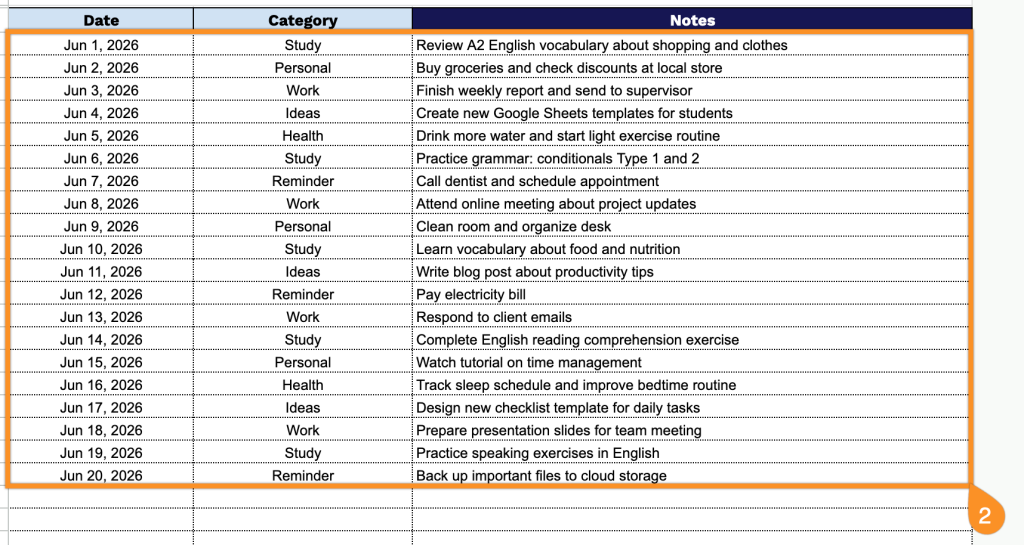
2. Add the date, choose a category, and write down your notes for quick and organized reference.