Take control of your finances with our free Personal Balance Sheet Template.
Designed for Google Sheets, Excel, and PDF, it helps you clearly see your assets, liabilities, and overall net worth so that you can make smarter financial decisions.
What Is a Personal Balance Sheet Template?
A personal balance sheet template is a financial document that provides a snapshot of your net worth at a specific point in time by listing all your assets (what you own) and liabilities (what you owe).
This template is commonly used for financial planning, loan applications, or simply monitoring progress toward financial goals.
Download Spreadsheet Daddy’s Free Personal Balance Sheet Template
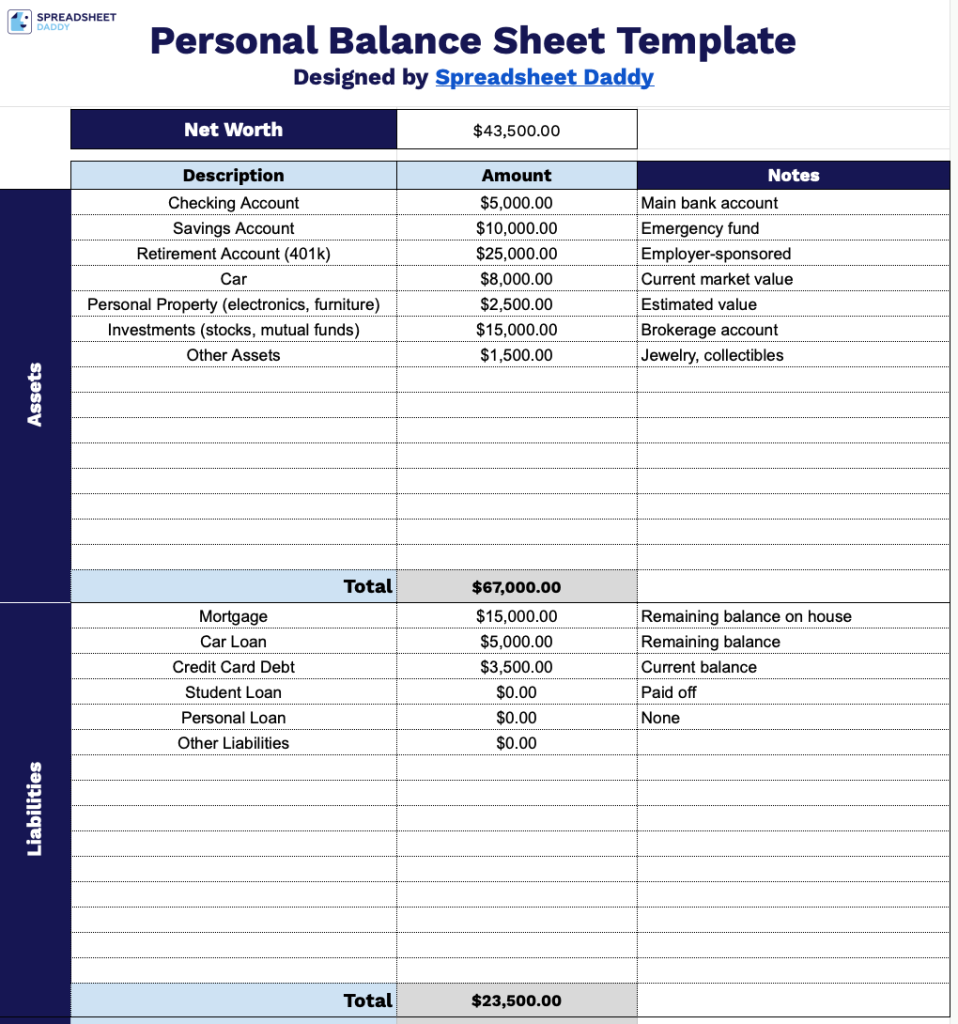
Our Personal Balance Sheet Template helps you track your financial position by organizing your assets and liabilities into a single, clear document.
What’s included
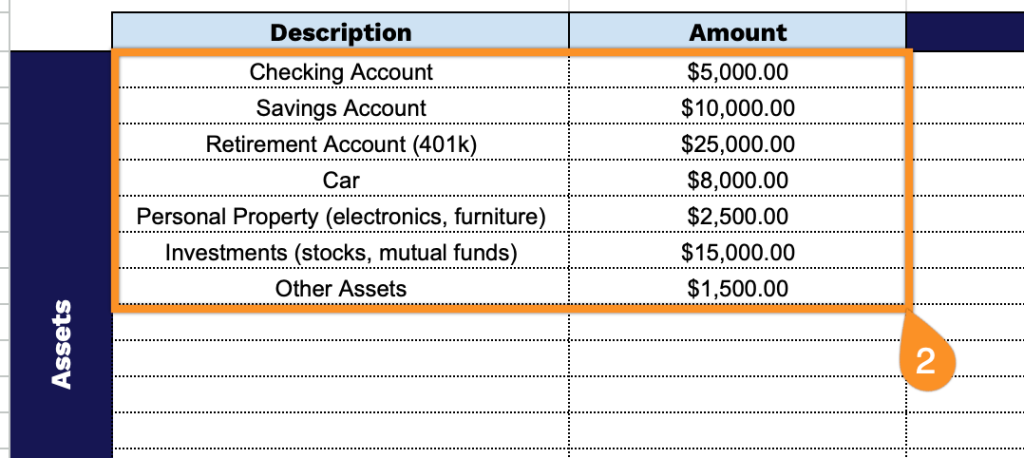
- Comprehensive asset tracking section: The Assets portion features multiple rows with three columns (Description, Amount, Notes) that allow you to itemize and categorize all your holdings, including cash, investments, real estate, vehicles, and personal property, with an automatic total calculation at the bottom to sum your complete asset portfolio.
- Detailed liability documentation area: The Liabilities section mirrors the asset structure with identical three-column formatting (Description, Amount, Notes), enabling you to list all debts such as mortgages, loans, credit cards, and other obligations, complete with an auto-calculating total field that aggregates your entire debt position.
- Automatic net worth calculation display: The template features a prominent net worth field at the top that automatically computes your financial position by subtracting total liabilities from total assets, providing an instant snapshot of your overall financial health in a clear, easy-to-read format.
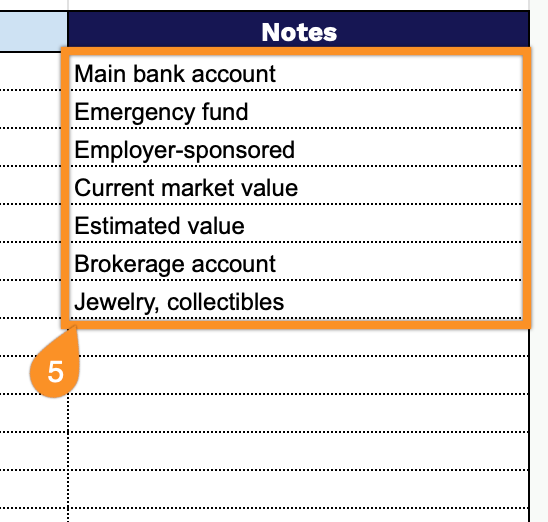
- Flexible notes column for context: Each line item includes a dedicated Notes column alongside Description and Amount fields, allowing you to add important details such as account numbers, interest rates, maturity dates, or any other relevant information that provides context for your financial entries.
Customize it by adding or removing columns to match your specific tracking needs.
Get started with your Personal Balance Sheet by downloading a blank template in the format that suits you:
How to Use Our Personal Balance Sheet Template
1. Download the balance sheet template in Excel or PDF, or duplicate it in Google Sheets for your own use.
2. Enter each item and its amount in the Assets and Liabilities sections.
3. The template will automatically total each section as you add your entries.

4. As you enter your items, the Net Worth at the top will update automatically.

5. Use the Notes section to record any additional context, such as planned large purchases, expected changes in debts, or financial goals for the month.