Skip the hassle of building a price list from scratch.
Our free Price List Template in Google Sheets, Excel, and PDF makes it simple to showcase your products or services professionally.
Fully editable, easy to update, and ideal for keeping your pricing clear and organized.
What Is a Price List Template?
A price list template is a pre-formatted document that businesses use to display their products or services alongside their corresponding prices in an organized, professional manner.
These templates save time by eliminating the need to create pricing documents from scratch and ensuring consistency across all customer-facing materials.
Download Spreadsheet Daddy’s Free Price List Template
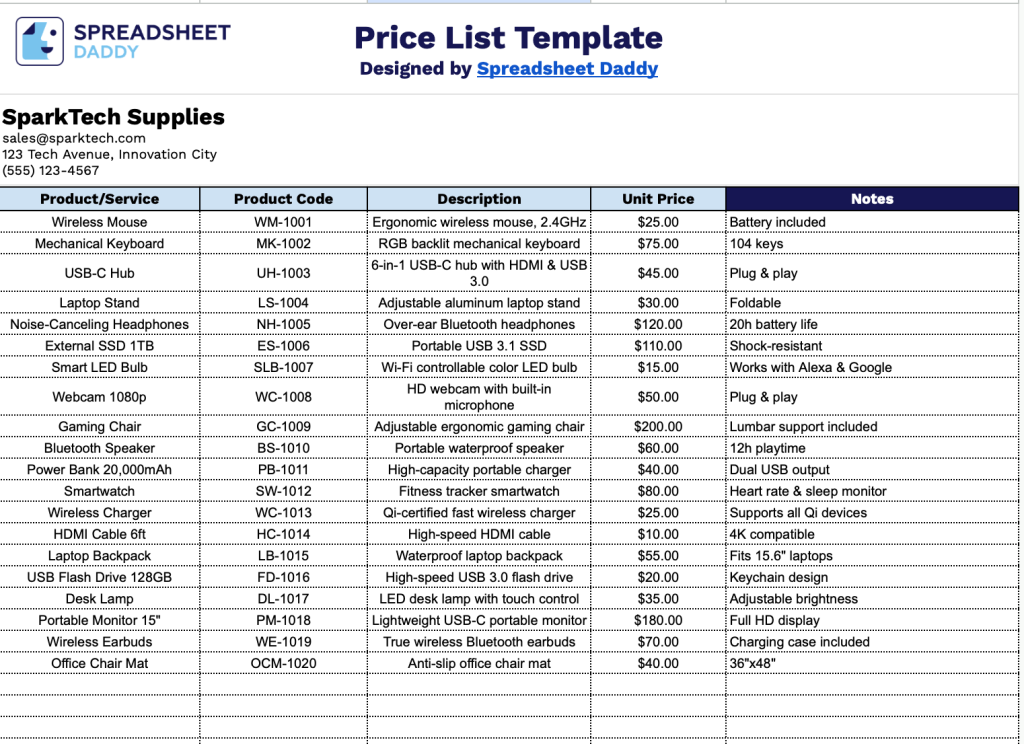
Our Price List Template provides a clean, organized format for displaying your products or services.
What’s included
- Customizable business information fields: The header section includes editable placeholders for company name, email address, physical address, and phone number, allowing you to quickly brand the price list with your business details for professional client-facing documentation.
- Comprehensive five-column product tracking system: The template features organized columns for Product/Service name, Product Code, Description, Unit Price, and Notes, enabling you to systematically capture all essential information about your offerings in a clear, structured format.
- Expandable row structure for unlimited entries: The design accommodates catalogs of any size, from small businesses with a handful of items to extensive inventories with hundreds of products or services, with rows that can be easily added as your catalog grows.
The template is fully customizable, allowing you to add or remove columns based on your business needs.
Pick your favorite format and get a free blank price list template from the links below:
How to Use Our Price List Template
1. Grab the template as an Excel spreadsheet or PDF, or save a copy to Google Sheets.
2. Enter your company details at the top, including name, email, address, phone number, and logo.

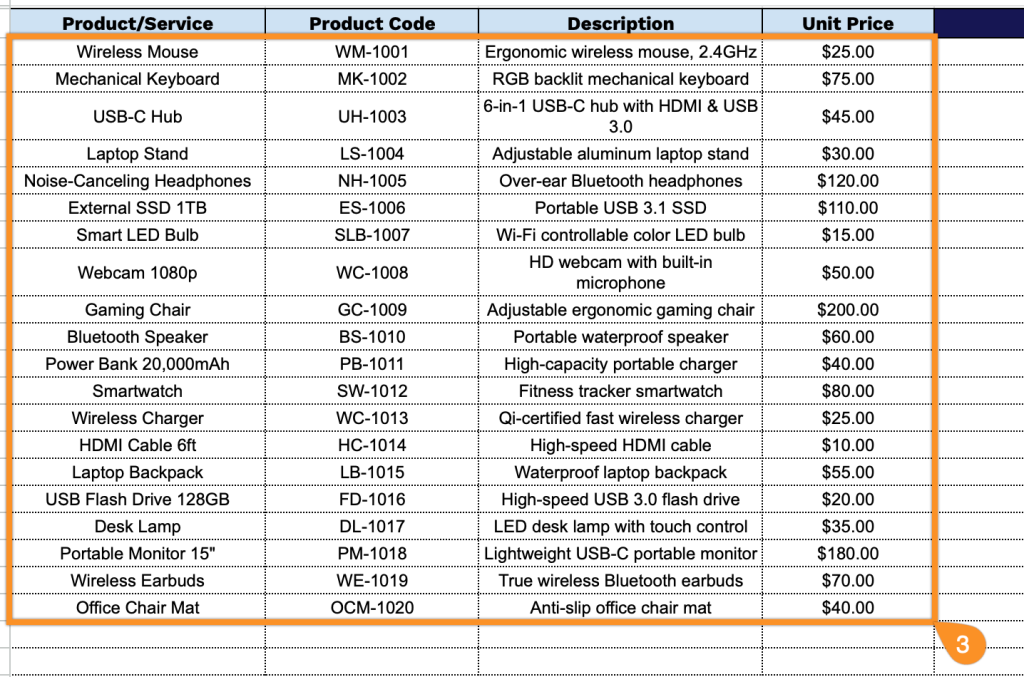
3. Complete the columns by filling in the following required fields for each item:
- Product/Service: Enter the complete name and description of the product or service you’re offering.
- Product Code: Assign a unique identifier (SKU) to each item for easy reference and inventory management.
- Description: Provide additional details about the product or service, including specifications, features, or any relevant information that helps distinguish it from other offerings.
- Unit Price: Record the price per unit for the product or service, ensuring consistency across your pricing structure.
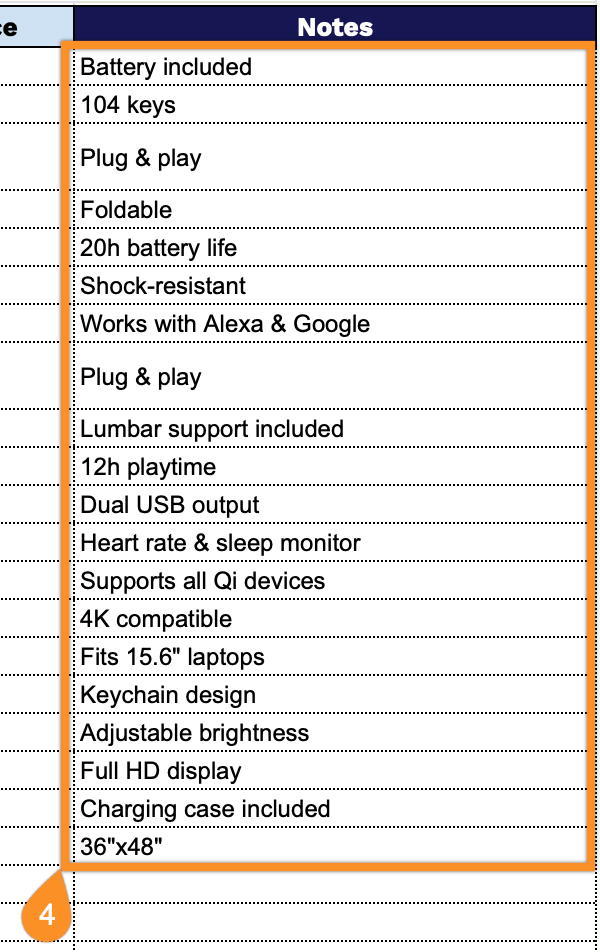
4. Use the Notes section for any additional details or special instructions.