Start planning your trip the easy way with our free Travel Itinerary Template.
Download it in Google Sheets, Excel, or PDF to keep your travel schedule, bookings, activities, and notes neatly organized from departure to return.
What Is a Travel Itinerary Template?
A travel itinerary template is a pre-structured document that helps travelers organize and plan the key details of their trip, including destinations, dates, transportation, accommodations, and activities, all in one place.
By providing a clear, day-by-day outline of a trip, an itinerary template helps travelers stay on schedule, reduce stress, and make the most of their time at each destination.
Download Spreadsheet Daddy’s Free Travel Itinerary Template
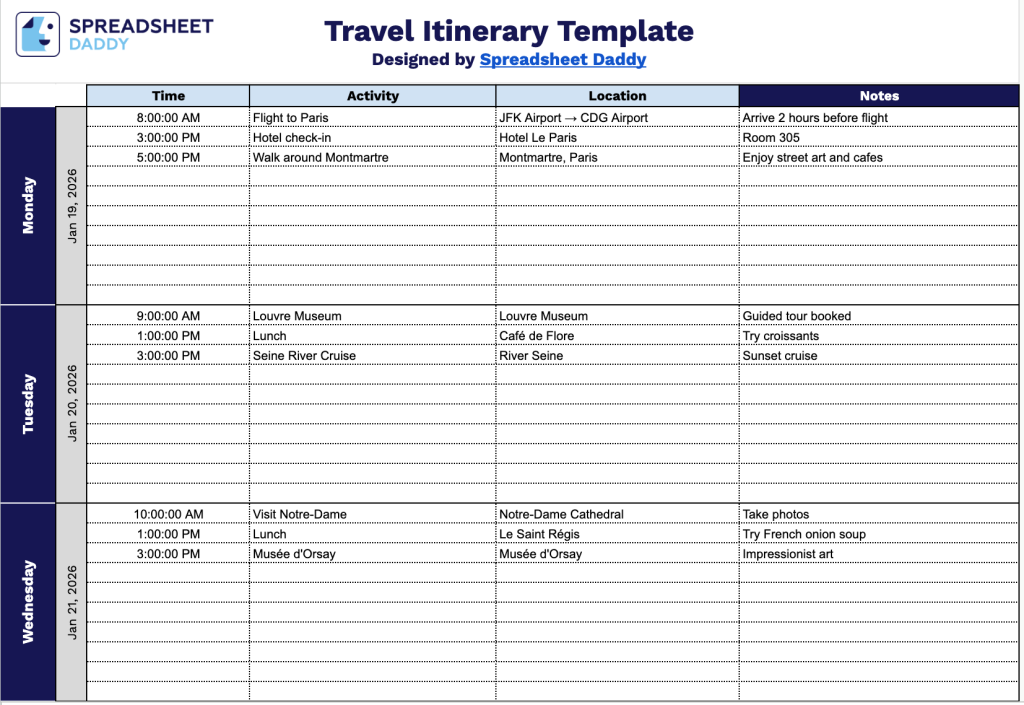
Our Travel Itinerary Template helps you organize your trip day by day, keeping all your activities, locations, times, and notes in one clear, easy-to-follow format.
What’s included
- Seven-day chronological layout: The template spans seven sequential day blocks, each containing its own dedicated section with day and date labels, allowing you to map out a full week of travel in a single, easy-to-scan view.
- Four structured columns per day: Each day block is divided into Time, Activity, Location, and Notes columns, giving you a consistent framework to log scheduled events alongside their corresponding venues and any supplementary reminders or booking details.
- Multiple-row entries per day: The daily section includes numerous dashed-row lines within its block, providing ample horizontal space to record multiple activities, meals, transfers, or appointments without running out of room on busier travel days.
You can add or remove columns as you need to match the specific details of your journey.
Pick your preferred file format and download the blank travel itinerary template for free:
How to Use Our Travel Itinerary Template
1. Download the travel itinerary template as an Excel spreadsheet or PDF, or create your own Google Sheets version.
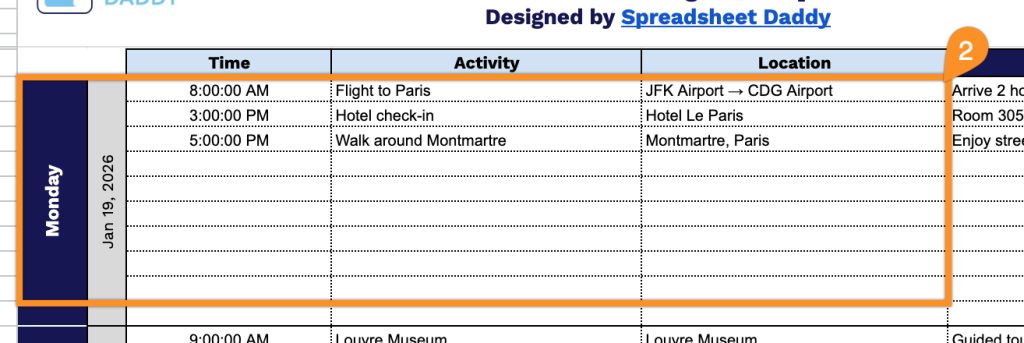
2. For each day, list the weekday, date, time, activities, and locations to keep your plan organized.
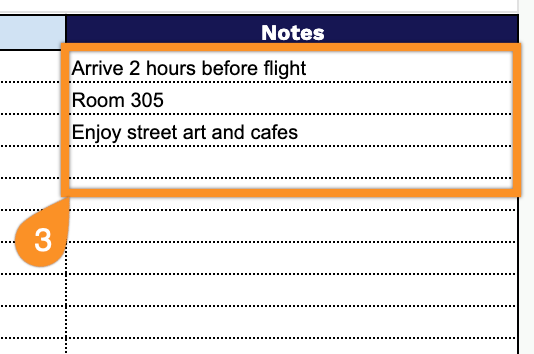
3. Use the Notes section to record important reminders, emergency contacts, travel tips, alternative plans, weather considerations, or any last-minute changes that may affect your trip.