Stay organized and professional with our babysitting receipt template.
Record hours, payments, and any additional details easily in Google Sheets, Excel, Word, Google Docs, or PDF. A handy tool for babysitters, parents, and anyone offering childcare services.
Looking for more options? Check out our full collection of free, professional receipt templates to handle any childcare or personal service documentation needs.
What Is a Babysitting Receipt Template?
A babysitting receipt template is a simple document that helps you record the details of childcare services provided.
It offers a clear and organized way to track transactions for both caregivers and parents.
Download Spreadsheet Daddy’s Free Babysitting Receipt Template
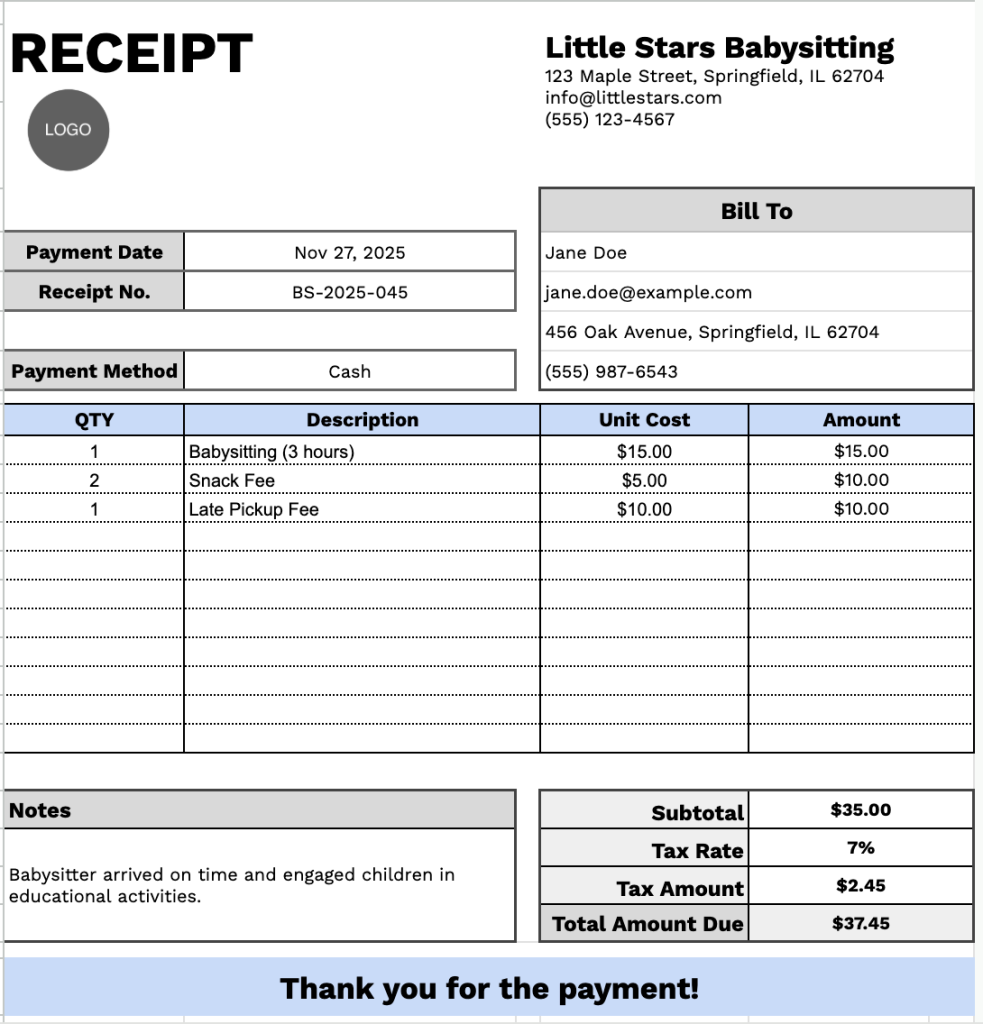
Our Babysitting Receipt Template provides a professional format for documenting childcare services and payments.
What’s included
- Customizable business information fields: The header section includes editable placeholders for company name, email address, physical address, and phone number, allowing you to quickly brand the receipt with your babysitting service or childcare business details for professional documentation.
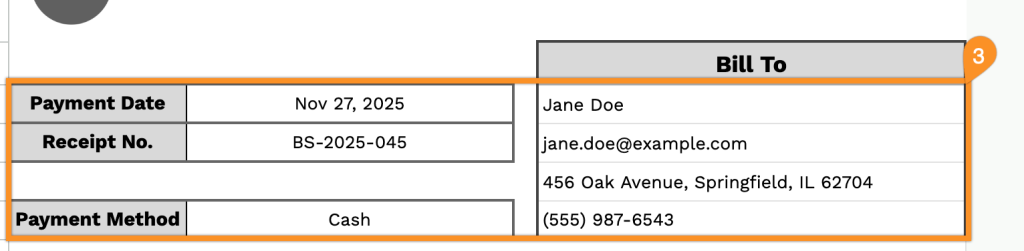
- Comprehensive client billing section: Dedicated fields capture complete client information, including name, email, physical address, and phone number, alongside essential payment tracking details such as receipt number, payment date, and payment method for thorough record-keeping.
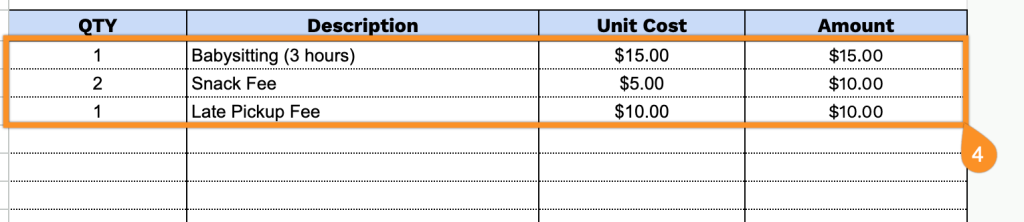
- Multi-row itemized service table: A flexible table with four columns (QTY, Description, Unit Cost, and Amount) and multiple pre-formatted rows provides a detailed breakdown of babysitting services, whether billed by hour, day, or session, with up to 11 line items for complex service descriptions.
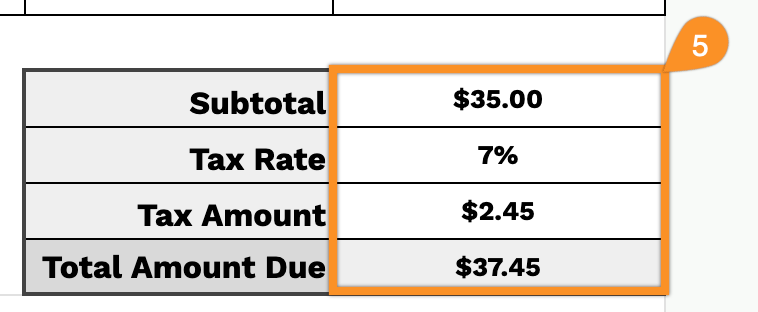
- Automatic calculation footer: The bottom section features built-in fields for subtotal, adjustable tax rate percentage, calculated tax amount, and total amount due, ensuring accurate billing computations and transparent cost presentation for clients.
- Notes section and thank-you message: An open notes field provides space for additional information, such as payment terms, special instructions, or service details, followed by a courteous “Thank you for the payment!” message to maintain positive client relationships and professional courtesy.
You can adjust it by adding or removing columns to match your specific needs.
Download a free blank babysitting receipt template in your preferred format using the links below:
How to Use Our Babysitting Receipt Template
1. Grab this babysitting receipt template in Excel, Word, or PDF, or create a personal copy in Google Docs or Sheets.
2. Include your Babysitting service name, email, address, phone number, and logo at the top of the receipt.

3. Enter the client’s name, along with the payment date, receipt number, and payment method.
4. Record each babysitting session or service, including the quantity and the rate. The receipt will automatically calculate the total for each line.
5. If applicable, add your tax rate. The template will automatically calculate the subtotal, tax, and total amount due.
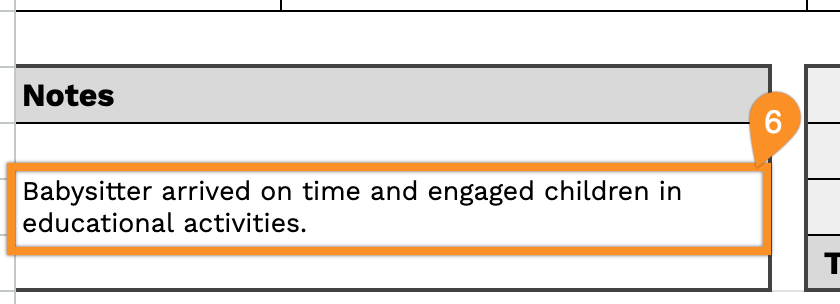
6. Use the Notes section to include important details, such as special instructions, late fees, or reminders for future sessions.