Create a professional deposit record in minutes!
Our free Deposit Receipt Template is ready to download in Google Sheets, Excel, Word, Google Docs, and PDF. Customize it to track deposits for rent, services, or any transaction with ease.
Browse our full range of free editable receipt templates to find the perfect fit for all your documentation needs.
What Is a Deposit Receipt Template?
A deposit receipt template is a pre-formatted document used to provide written proof that a payment or deposit has been received from one party by another.
This template serves as an official record for both parties and can be customized and reused for various transactions, from rental deposits to down payments on purchases.
Download Spreadsheet Daddy’s Free Deposit Receipt Template
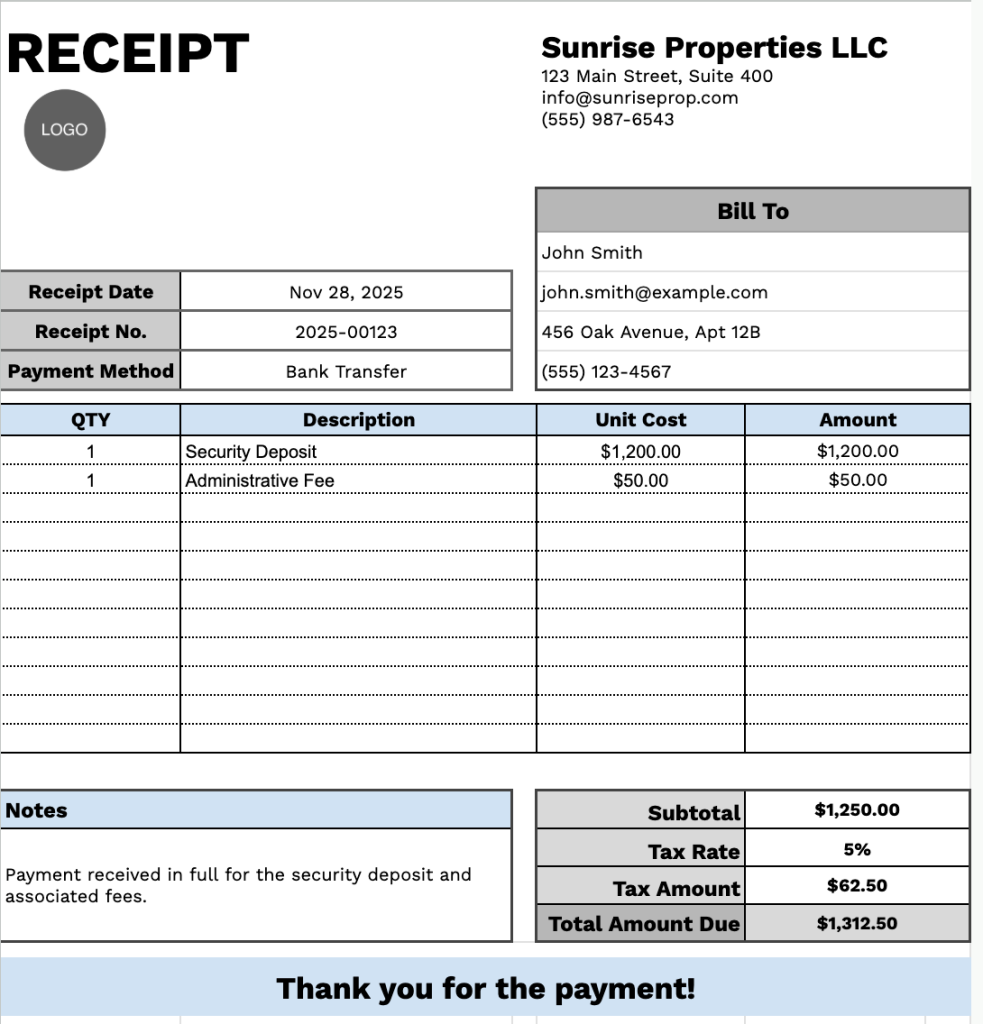
Our Deposit Receipt Template provides a professional format for documenting payments received from customers or clients.
What’s included
- Customizable business information fields: The header section includes editable placeholders for company name, email address, physical address, and phone number, allowing you to quickly brand the receipt with your property management company or business details for professional documentation.
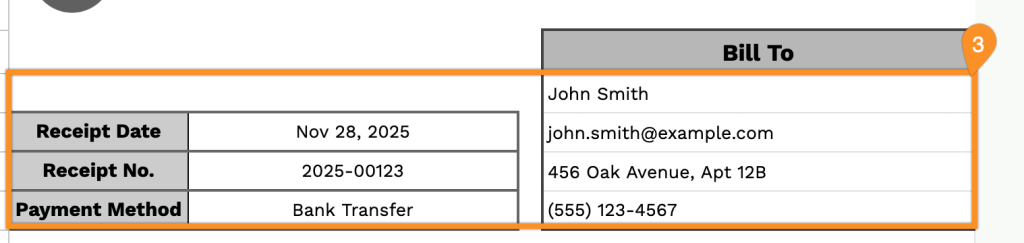
- Comprehensive customer billing section: The “Bill To” area captures complete client information, including full name, email address, physical address, and phone number, along with transaction details such as receipt date, unique receipt number, and payment method, for complete record-keeping.
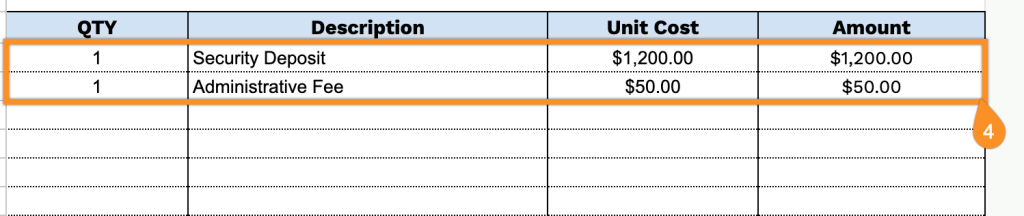
- Flexible line item table with four-column structure: The itemized charges section features QTY, Description, Unit Cost, and Amount columns, enabling you to list multiple deposit types, fees, or charges with precise quantity tracking and automatic amount calculations for each line item.
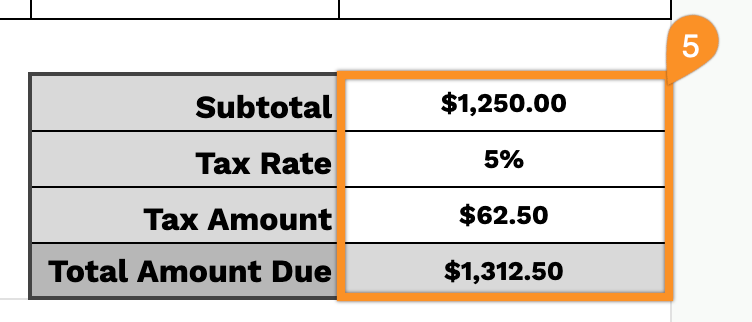
- Automated financial calculation fields: The bottom section automatically computes and displays the subtotal, tax rate percentage, calculated tax amount, and total amount due, ensuring accurate financial totals and eliminating manual calculation errors.
- Customizable notes and acknowledgment area: A dedicated notes field allows you to add payment terms, deposit refund policies, or special conditions, followed by a thank-you message that can be personalized to maintain professional client relationships and provide transaction-specific details.
You can customize the template by adding or removing columns to match your specific business requirements.
Grab your free blank deposit receipt template in the format you like best by clicking the links below:
How to Use Our Deposit Receipt Template
1. Download our deposit receipt template in your preferred format: Excel, Word, PDF, or use Google Sheets/Docs to customize it.
2. Enter your company details at the top, including your company name, email, address, phone number, and logo.

3. Fill in the “Bill To” section with your customer’s information, along with the receipt date, receipt number, and payment method.
4. List the items being supplied. For each item, enter the quantity and price, and the template will automatically calculate the line totals.
5. Apply the relevant tax rate. The template will automatically calculate the subtotal, tax amount, and total amount due.
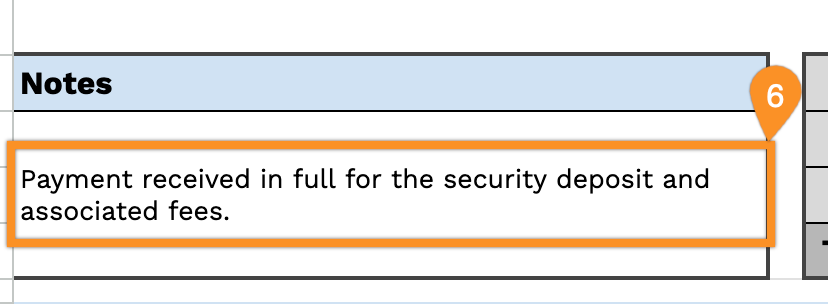
6. Use the Notes section to include any additional information or important details about the deposit.