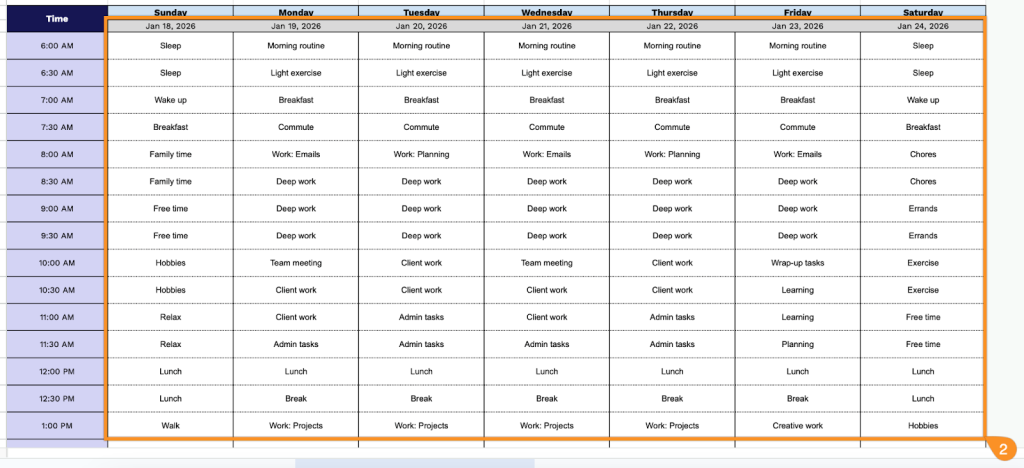
Maximize every hour without the hassle of scheduling.
Our free Time Blocking Template works in Google Sheets, Excel, and PDF, letting you map your tasks, track deadlines, and stay on top of your day.
What Is a Time Blocking Template?
A time-blocking template is a pre-structured scheduling framework that divides your day into dedicated blocks of time, each assigned to specific tasks or activities.
These templates can be customized to fit your routine and typically include blocks for deep work, meetings, breaks, and personal time.
Download Spreadsheet Daddy’s Free Time Blocking Template
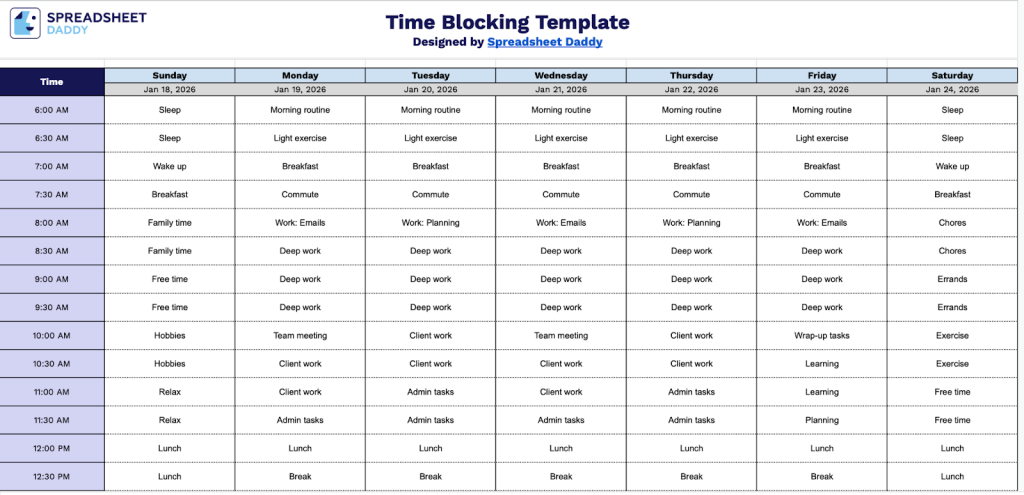
Our Time Blocking Template helps you organize your daily schedule by dividing each day into 30-minute increments.
What’s included
- Comprehensive weekly time grid: The template features a complete 7-day week layout (Sunday through Saturday) with customizable date fields at the top of each column, allowing you to plan any week of the year with clear daily organization.
- 30-minute interval time slots: Each day is divided into half-hour increments from 6:00 AM to 10:00 PM, providing 32 time blocks per day that enable precise scheduling and granular control over your daily activities and commitments.
- Blank, flexible planning cells: Every time slot across all seven days consists of empty, editable cells that you can fill in with tasks, appointments, meetings, or activities, giving you complete freedom to customize your schedule without pre-set categories or restrictions.
- Clean, minimalist design: The template uses a simple grid structure with clear time labels in the leftmost column and day headers across the top row, making it easy to read at a glance and reducing visual clutter so you can focus on your planned activities.
- Print-ready format: The layout is designed with professional spacing and clear borders that translate well to print, allowing you to use it digitally or print physical copies to keep at your desk, in your planner, or post on your wall for easy reference throughout the week.
You can customize it by adding or removing columns to match your specific needs and weekly structure.
Use one of the links below to download a free blank Time Blocking template in the format that works best for you:
How to Use Our Time Blocking Template
1. Save this template as an Excel or PDF file, or make a Google Sheets copy to customize.
2. Enter the dates for the week and block out your time for tasks, appointments, and priorities.