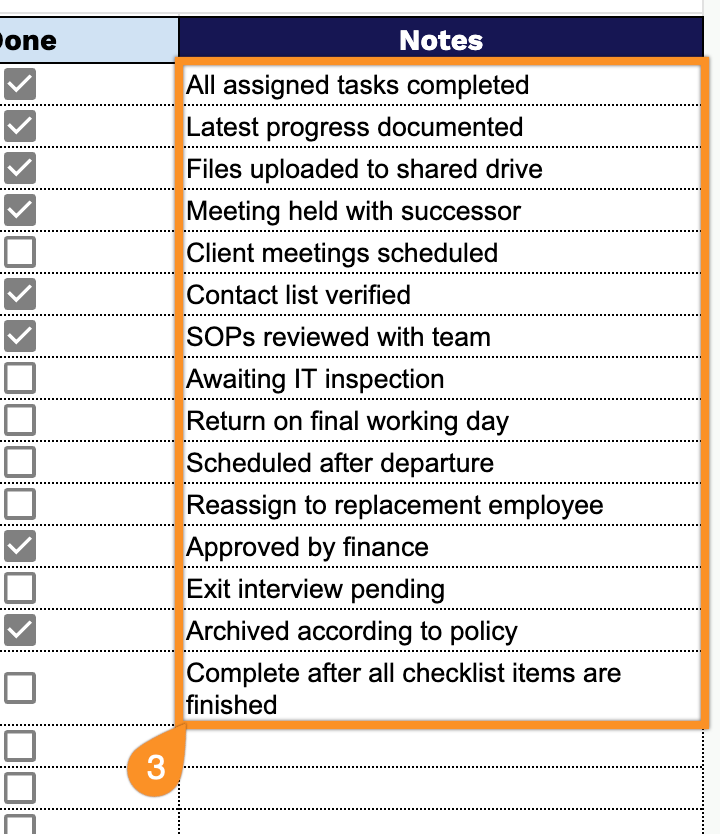
Don’t waste time designing a handover checklist from the beginning.
Download our free Handover Checklist Template, available in Google Sheets, Excel, and PDF formats.
It offers a professional, easy-to-edit structure for managing transitions and clearly documenting all key information.
What Is a Handover Checklist Template?
A handover checklist template is a structured document that ensures a smooth and complete transfer of responsibilities, tasks, and information from one person or team to another.
By standardizing the handover process, the template minimizes the risk of oversights, reduces downtime, and helps maintain continuity and accountability across teams or roles.
Download Spreadsheet Daddy’s Free Handover Checklist Template
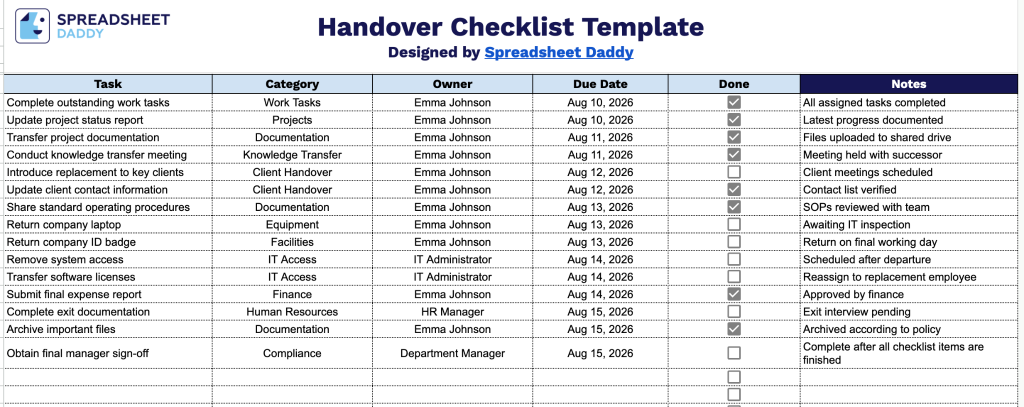
Our Handover Checklist Template helps you track every task, owner, and deadline involved in a smooth transition, from wrapping up outstanding work to final sign-off.
What’s included
- Structured six-column layout: The sheet is organized into Task, Category, Owner, Due Date, Done, and Notes columns, providing a clear framework for logging every item to be transferred, along with who’s responsible and when it’s due.
- Interactive checkbox tracking: The Done column includes clickable checkbox cells for each row, letting you mark items complete at a glance without typing or color-coding, so progress is visible immediately.
- Category field for grouping tasks: A dedicated Category column lets you tag each task (e.g., by department, project phase, or type of responsibility), making it easy to filter or sort related handover items together.
- Owner and Due Date accountability fields: Each task row includes space to assign a named Owner and a specific Due Date, ensuring clear responsibility and timelines for every handover item and reducing the risk of dropped tasks.
Add or remove columns to fit the specific needs of your handover process.
Pick your preferred format from the options below and create your own copy of this free Handover Checklist template:
How to Use Our Handover Checklist Template
1. Download the Handover Checklist template as an Excel or PDF file, or make a customizable copy in Google Sheets to suit your needs.
2. Enter all handover activities, specify who is responsible, set target completion dates, and use the checkbox to monitor finished tasks.
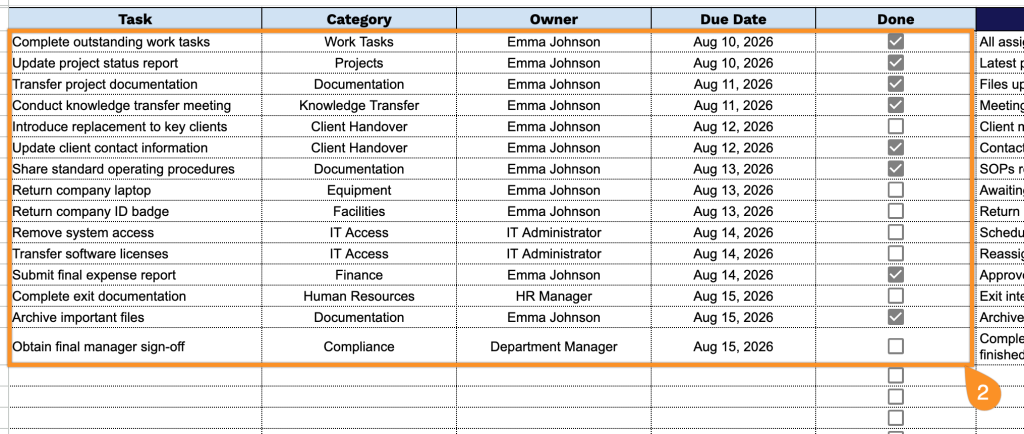
3. Use the Notes section to record additional information, special instructions, access details, or important reminders related to the handover process.