Streamline your bakery’s record-keeping with our professionally formatted bakery receipt template.
Compatible with Google Sheets, Excel, Word, Google Docs, and PDF, it’s easy to customize for daily sales, special orders, and accurate payment documentation.
Looking for more options? Browse our full collection of free, editable receipt templates to suit a variety of business needs and documentation styles.
What Is a Bakery Receipt Template?
A bakery receipt template is a pre-formatted document that bakery businesses use to provide customers with proof of purchase for baked goods and services.
Using a template saves time and ensures consistency while maintaining a professional appearance for every customer transaction.
Download Spreadsheet Daddy’s Free Bakery Receipt Template
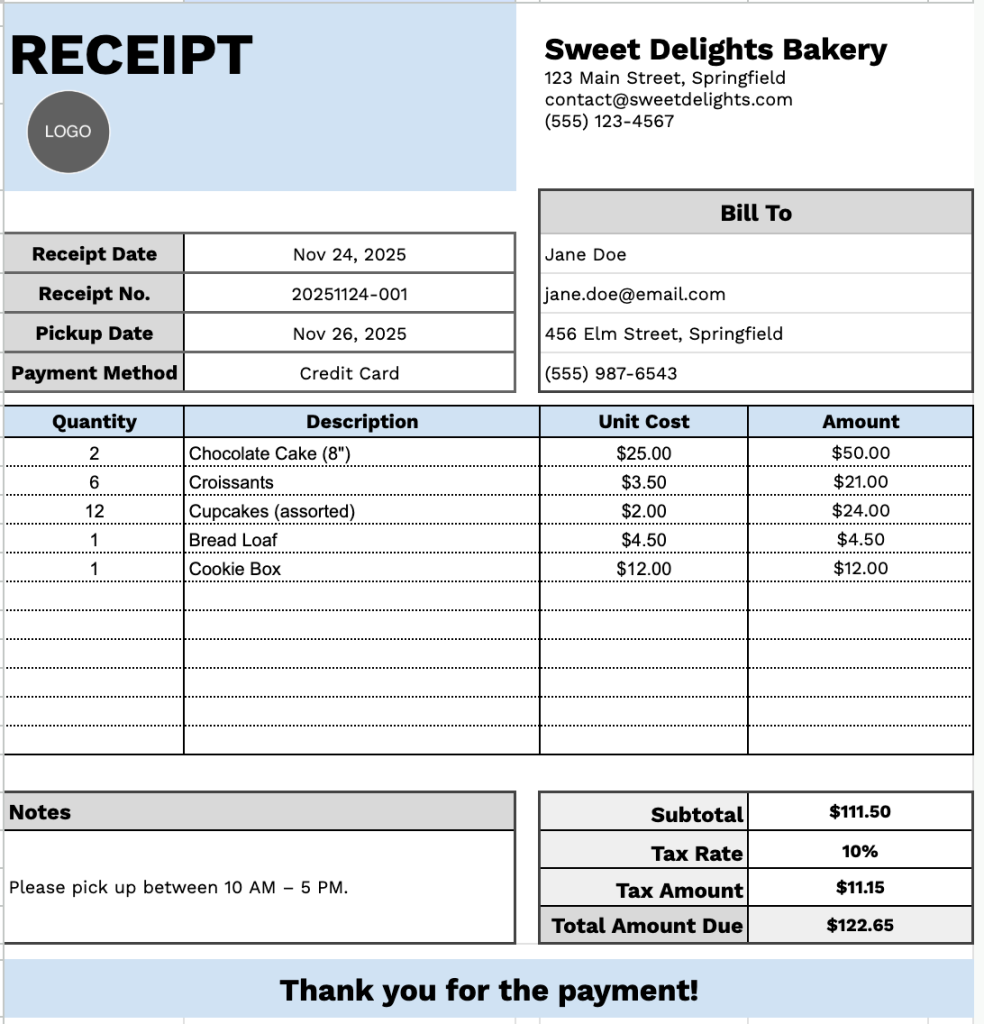
Our Bakery Receipt Template provides a clean, professional format for documenting customer orders and transactions.
What’s included
- Complete the business and customer information sections: a header area for bakery details (name, address, email, phone) and a “Bill To” section capturing customer information (name, email, address, phone number).
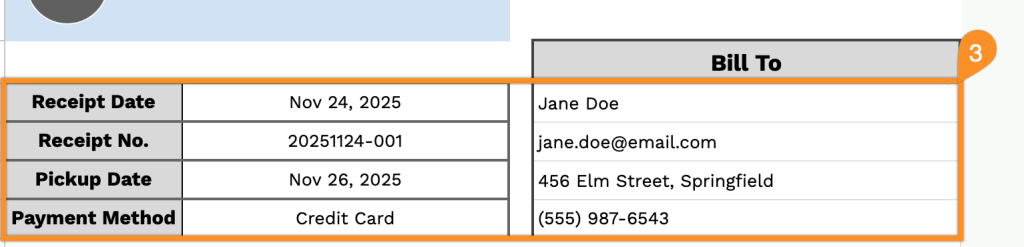
- Transaction tracking fields: Pre-formatted fields for Receipt Date, Receipt Number, Pickup Date, and Payment Method to maintain organized records and schedule order fulfillments.
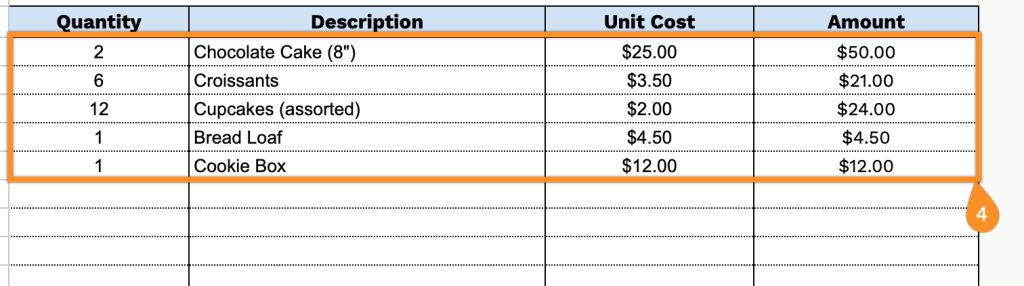
- Itemized order table: A structured table with Quantity, Description, Unit Cost, and Amount columns, providing space for up to 11 different bakery items per receipt with automatic amount calculations.
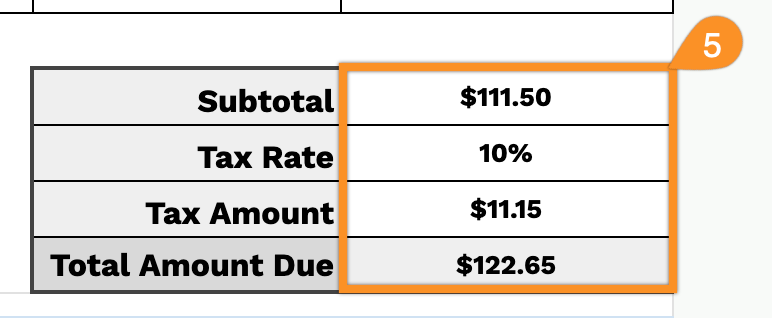
- Financial summary section: The bottom section includes Subtotal, Tax Rate (with a percentage field), Tax Amount, and Total Amount Due calculations, all clearly labeled and formatted in USD.
- Notes field and customer appreciation message: A dedicated notes area for special instructions or order details, followed by a “Thank you for the payment!” message to maintain professional customer relations.
The template is fully customizable, allowing you to add or remove columns based on your specific business needs.
Grab your free blank bakery receipt template in the format that works best for you using the links below:
How to Use Our Bakery Receipt Template
1. Access this bakery receipt template as an Excel, Word, or PDF file, or duplicate it in Google Sheets or Docs for personal use.
2. Enter your bakery details at the top, including your bakery name, email, address, phone number, and logo.

3. Fill in the customer’s information under “Bill To,” along with the receipt date, receipt number, pickup date, and payment method.
4. List the baked goods or products supplied, including the quantity and price for each item. The receipt will automatically calculate the line totals.
5. Add the applicable tax rate. The template will automatically calculate the subtotal, tax amount, and total amount due.
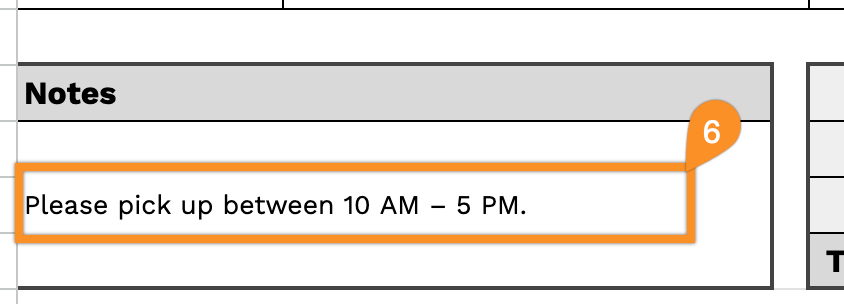
6. Use the Notes section to include any special instructions, messages, or important details about the order.