Stay organized and consistent with our free, editable journal template.
Downloadable in Google Sheets, Excel, Word, Google Docs, and PDF, it helps you track tasks, notes, and reflections efficiently.
What Is a Journal Template?
A journal template is a pre-designed document structure that provides a consistent format for recording thoughts, tracking activities, or organizing information regularly.
These templates can be used for various purposes, including personal reflection, goal tracking, gratitude practice, or professional documentation.
Download Spreadsheet Daddy’s Free Journal Template
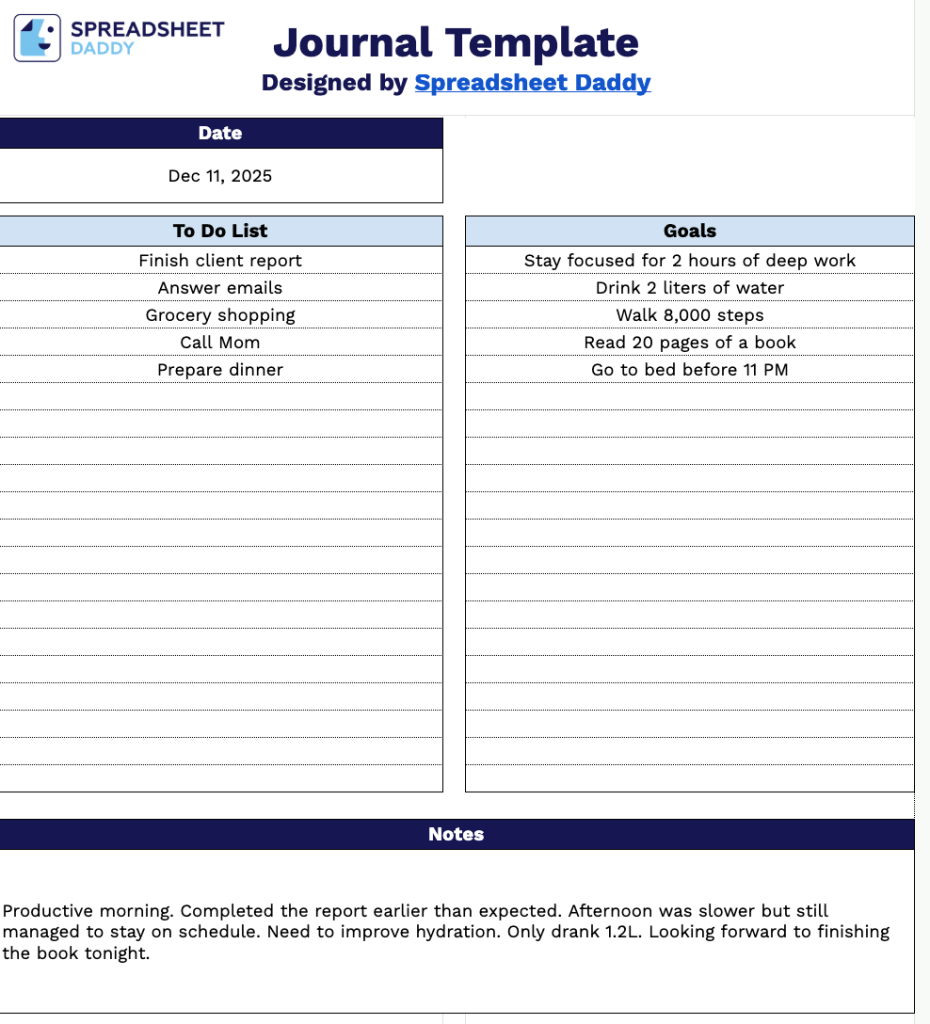
Our Journal Template provides a flexible and straightforward way to organize your daily tasks, goals, and reflections in one place.
What’s included
- Date tracking field: The header section includes a dedicated date entry area, allowing you to quickly document and organize your daily entries chronologically for easy reference and tracking over time.
- To Do List section: A structured area designed for listing and managing your daily tasks, enabling you to prioritize activities, check off completed items, and maintain clear visibility of what needs to be accomplished each day.
- Goals tracking area: A designated section specifically for recording your daily, weekly, or long-term objectives, helping you maintain focus on your priorities and track progress toward your personal or professional aspirations throughout the journaling period.
- Notes section: A flexible, open-format area that provides ample space for free-form writing, capturing ideas, reflections, meeting notes, or any additional information that supports your daily planning and documentation needs.
The design is fully customizable, allowing you to add or remove columns based on your personal needs and preferences.
Use the links below to select and download a free blank journal template in the format that suits you best:
How to Use Our Journal Template
1. Access the receipt template in PDF or Excel, or customize it directly in Google Sheets.
2. Add the date at the top of your entry.

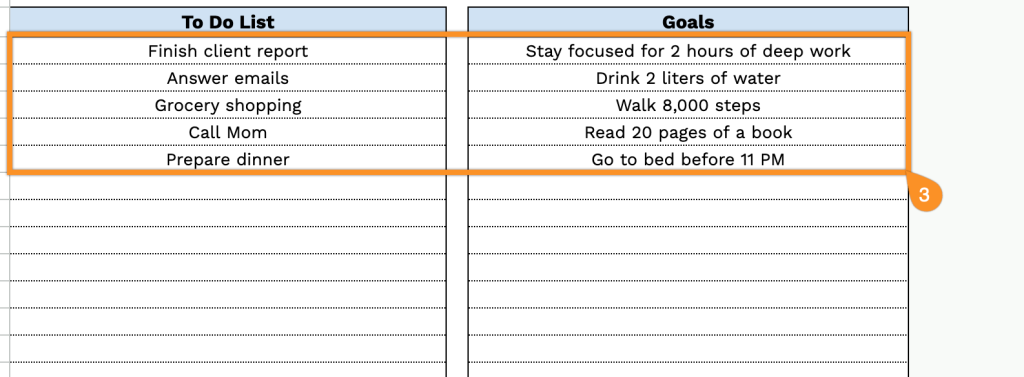
3. Write down your tasks and set your goals for the day.
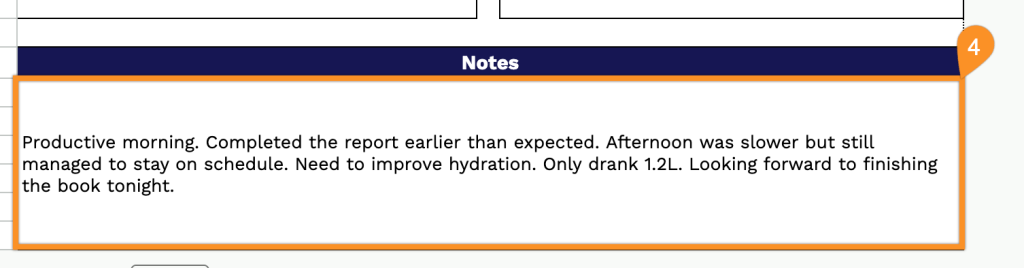
4. Use the notes section to capture thoughts, reflections, or anything extra you want to remember.