Need a restaurant receipt template that’s easy to download and customize?
Our free restaurant receipt template comes in Google Sheets, Excel, Word, Google Docs, and PDF, giving you flexibility for any workflow. Customize it to accurately record food orders, beverages, taxes, tips, and payment details.
For more options, browse our complete set of free editable receipt templates for all types of businesses.
What Is a Restaurant Receipt Template?
A restaurant receipt template is a pre-formatted document that restaurants use to provide customers with a standardized record of their purchases.
These templates help restaurants maintain consistency in their documentation, speed up the checkout process, and ensure all necessary transaction information is captured for both customer records and business accounting purposes.
Download Spreadsheet Daddy’s Free Restaurant Receipt Template
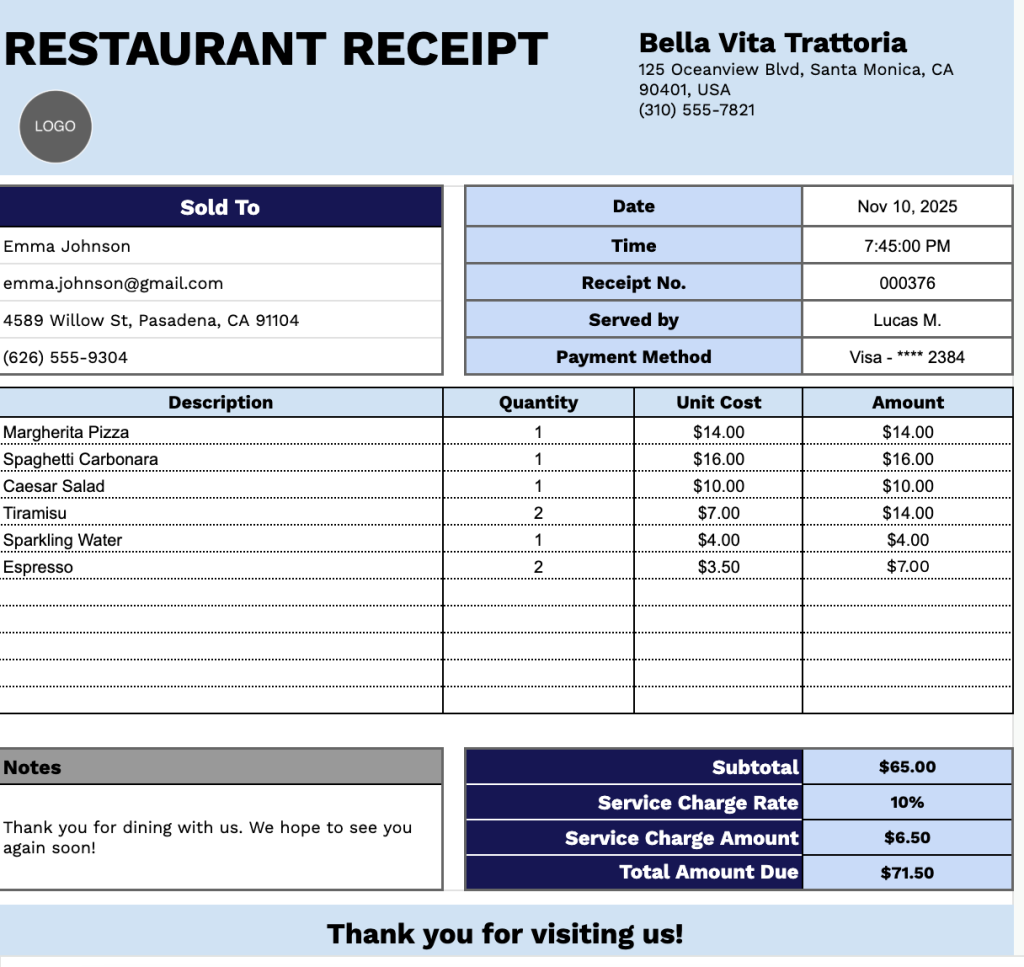
Our Restaurant Receipt Template provides a clean and professional format for documenting customer transactions at dining establishments.
What’s included
- Customizable restaurant information fields: The header section includes editable placeholders for restaurant name, physical address, and phone number, allowing you to quickly brand the receipt with your establishment’s details for professional documentation.
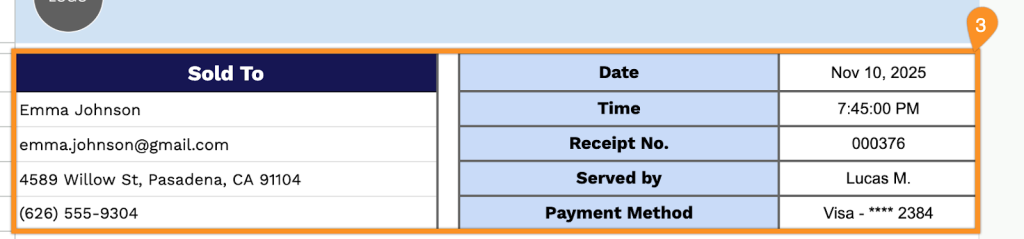
- Comprehensive customer and transaction details: Dedicated fields capture sold-to information (customer name, email, address, phone number), along with date, time, receipt number, server name, and payment method to create a complete record of each dining transaction.
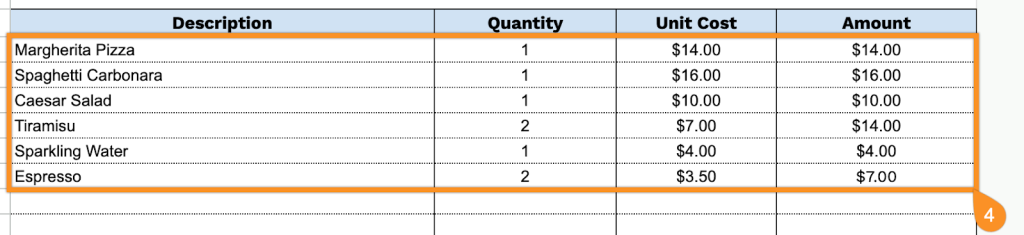
- Itemized order table: A structured four-column table (Description, Quantity, Unit Cost, Amount) provides space to list menu items, beverages, and add-ons, along with their quantities and pricing, for transparent billing and detailed order tracking.
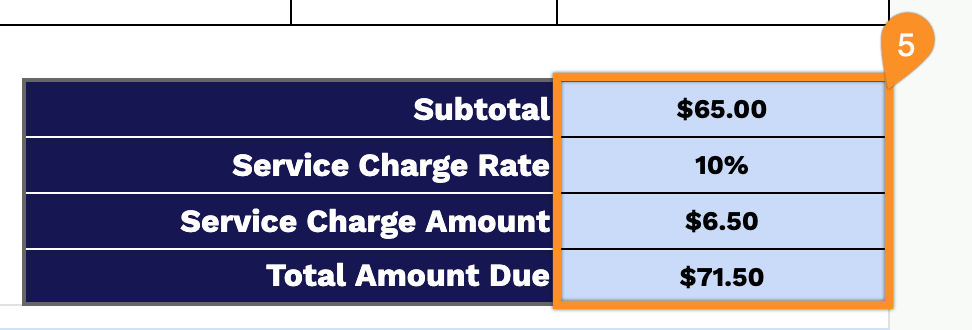
- Automated calculation section with service charge functionality: The bottom section includes subtotal, a customizable service charge rate field, service charge amount, and total amount due calculations to streamline billing accuracy and ensure proper application of gratuity or service fee.
- Notes field and customer appreciation message: A dedicated notes area allows for special instructions, dietary restrictions, or custom messages, complemented by a “Thank you for visiting us!” closing statement to enhance customer relations and encourage repeat business.
You can easily adjust it by adding or removing columns to match your specific restaurant requirements.
Click any of the links below to get a free restaurant receipt template in the format you need:
How to Use Our Restaurant Receipt Template
1. Get this dining receipt template as an Excel, Word, or PDF file, or duplicate it in Google Sheets or Google Docs.
2. Enter your restaurant’s details at the top, including name, address, phone number, and logo, so the receipt is branded correctly.

3. Fill in the customer information, along with the date, time, receipt number, server’s name, and payment method.
4. List all menu items ordered. Include the quantity and price for each; the template will automatically calculate each line total.
5. Add the service charge rate if your restaurant applies one. The template will then automatically compute the subtotal, service charge amount, and final total.
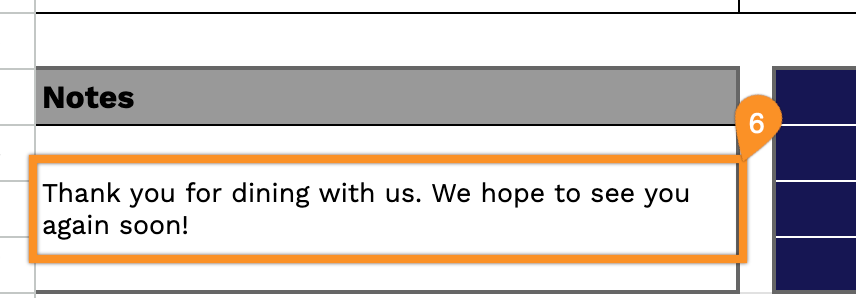
6. Use the Notes section for any additional details, such as special requests, promotions, or customer messages.