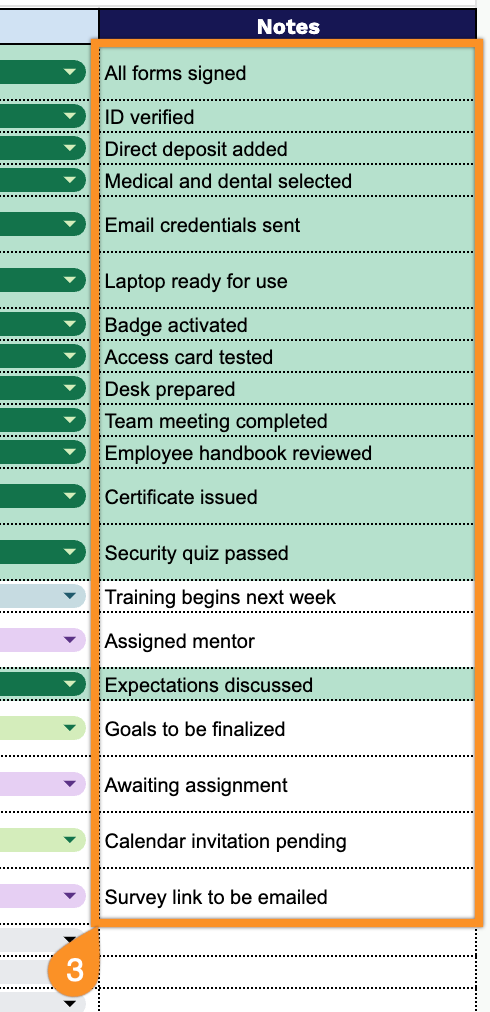
Get your new employees off to a great start with our free Onboarding Checklist Template.
Available in Google Sheets, Excel, and PDF, it’s fully customizable and helps you organize onboarding tasks, assign responsibilities, and track progress from day one.
What Is an Onboarding Checklist Template?
An onboarding checklist template is a structured document that outlines the essential tasks, steps, and milestones to complete when bringing a new employee into an organization.
By using a template, companies can create a consistent and repeatable onboarding experience that helps new employees feel welcomed, prepared, and productive from day one.
Download Spreadsheet Daddy’s Free Onboarding Checklist Template
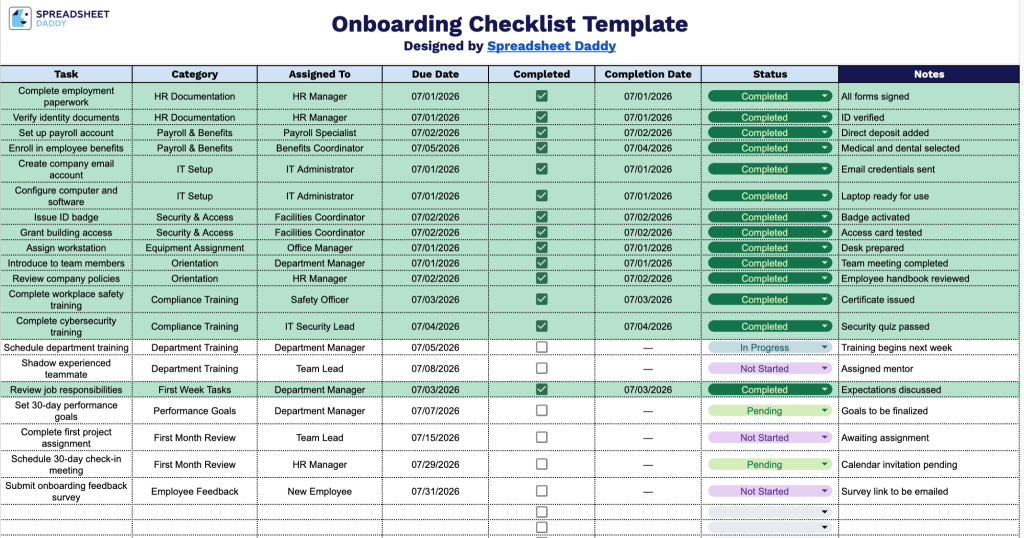
Our Onboarding Checklist Template helps you track every step of a new hire’s journey, from paperwork and IT setup to training and 30-day check-ins.
What’s included
- Comprehensive eight-column tracking layout: The sheet includes dedicated columns for Task, Category, Assigned To, Due Date, Completed, Completion Date, Status, and Notes, giving you a complete view of every onboarding step from assignment through completion in a single, easy-to-scan table.
- Interactive checkbox column for quick progress tracking: The Completed column features clickable checkboxes for each task row, letting managers and new hires instantly mark items as done without typing, making onboarding progress easy to see at a glance.
- Assignment and deadline fields for accountability: The Assigned To and Due Date columns let you designate ownership and set clear deadlines for each onboarding task, helping HR teams and managers keep new hire ramp-up on schedule and easily identify overdue items.
Add or remove columns to fit the specific roles, departments, or approval steps your onboarding process requires.
Select your preferred format below to download a free Onboarding Checklist template and customize it for your new hire workflow:
How to Use Our Onboarding Checklist Template
1. Start with this Onboarding Checklist by downloading the Excel or PDF version, or making your own Google Sheets copy.
2. Track the onboarding process by entering each task, assigning it to the appropriate person, adding a category, setting due dates, checking off completed items, recording completion dates, and updating the status.
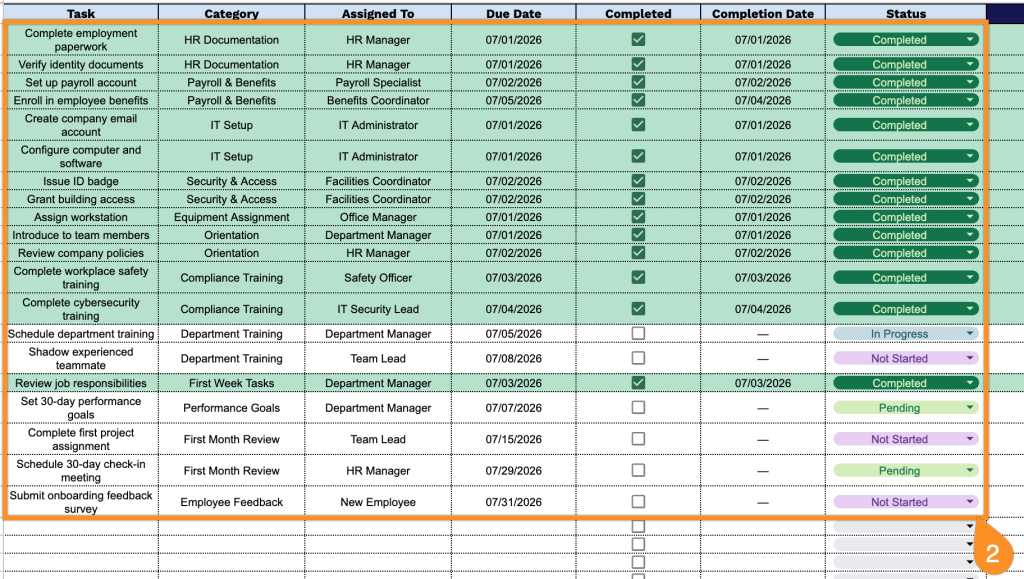
3. Use the Notes section to document additional instructions, training outcomes, outstanding tasks, or any role-specific information that should be followed up on during the onboarding process.