

Streamline your order fulfillment with our free Packing Slip Template.
Available in Google Sheets, Google Docs, Excel, Word, and PDF, it’s easy to edit and ensures accurate tracking of items, quantities, and shipping details.
What Is a Packing Slip Template?
A packing slip template is a pre-formatted document that lists the contents of a shipment, including item descriptions, quantities, and order details.
These templates can be customized with company branding and information, then reused for multiple orders to streamline the shipping process.
Download Spreadsheet Daddy’s Free Packing Slip Template
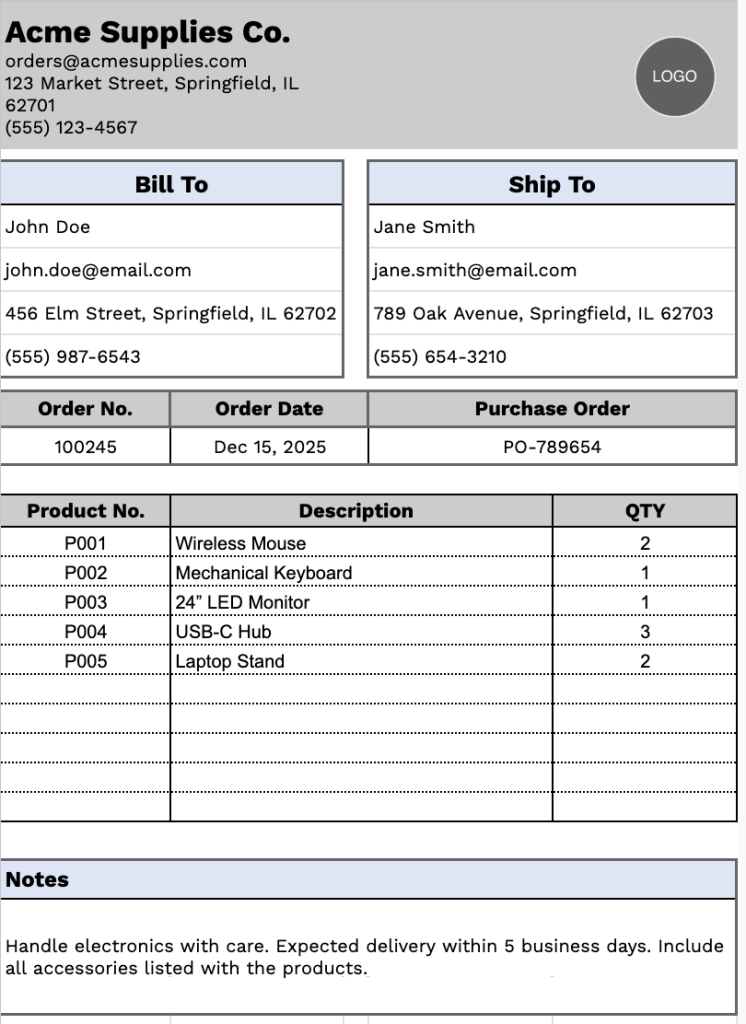
Our Packing Slip Template provides a clean, professional format for documenting shipment details between your business and customers.
What’s included
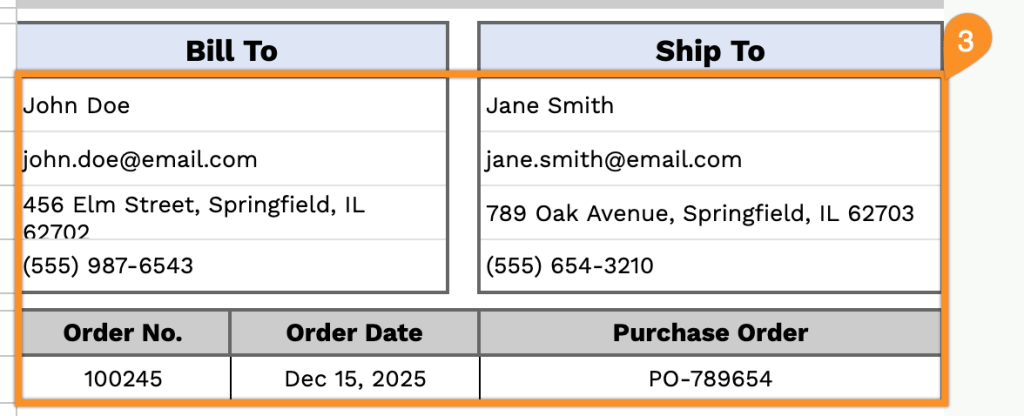
- Dual contact information sections: The template features separate “Bill To” and “Ship To” sections, each with complete contact fields including name, email, address, and phone number, enabling you to clearly distinguish between the billing party and shipping destination for accurate order fulfillment.
- Order reference tracking fields: Three key header fields, including Order Number, Order Date, and Purchase Order, allow you to systematically track and reference each shipment, ensuring proper documentation and easy retrieval of packing information for inventory management.
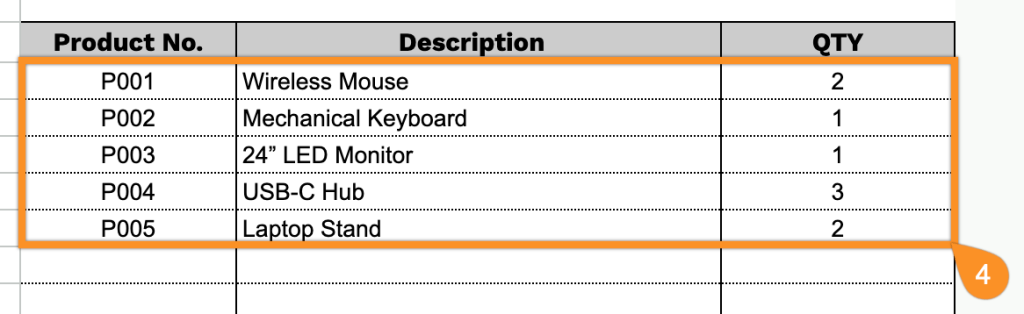
- Product itemization table: A structured table with Product Description and QTY (Quantity) columns lets you list multiple items in a single shipment, providing clear visibility of what’s being sent and how many units of each product are included.
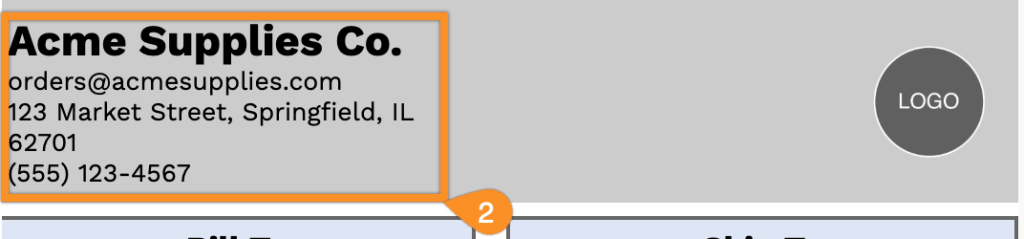
- Customizable business information fields: The header section includes editable placeholders for company name, email address, physical address, and phone number, allowing you to quickly brand the packing slip with your business details for professional shipping documentation.
- Flexible notes section: A dedicated notes area at the bottom of the template provides space for special handling instructions, return policies, delivery requirements, or any additional shipping information that needs to be communicated to the recipient or carrier.
Customize the template by adding or removing columns to match your specific business needs.
Use the links below to download a free blank packing slip template in your preferred format:
How to Use Our Packing Slip Template
1. Download this packing slip template in Excel, Word, or PDF, or make your own editable copy in Google Sheets or Google Docs.
2. Start by adding your company details at the top, such as your company name, email, address, phone number, and logo.
3. Enter the Bill To and Ship To information, along with the order number, order date, and purchase order reference.
4. List each item being shipped, including the product number, description, and quantity.
5. Use the Notes section to include special instructions, handling details, or additional order information.

