Create accurate client quotes in seconds with our free quote template, available in multiple formats: Google Sheets, Excel, Word, Google Docs, and PDF.
It’s easy to edit and perfect for streamlining your billing.
What Is a Quote Template?
A quote template is a pre-formatted document that businesses use to provide potential customers with detailed pricing information for products or services.
Using a template saves time, reduces errors, and ensures all necessary information is included in every customer quote.
Download Spreadsheet Daddy’s Free Quote Template
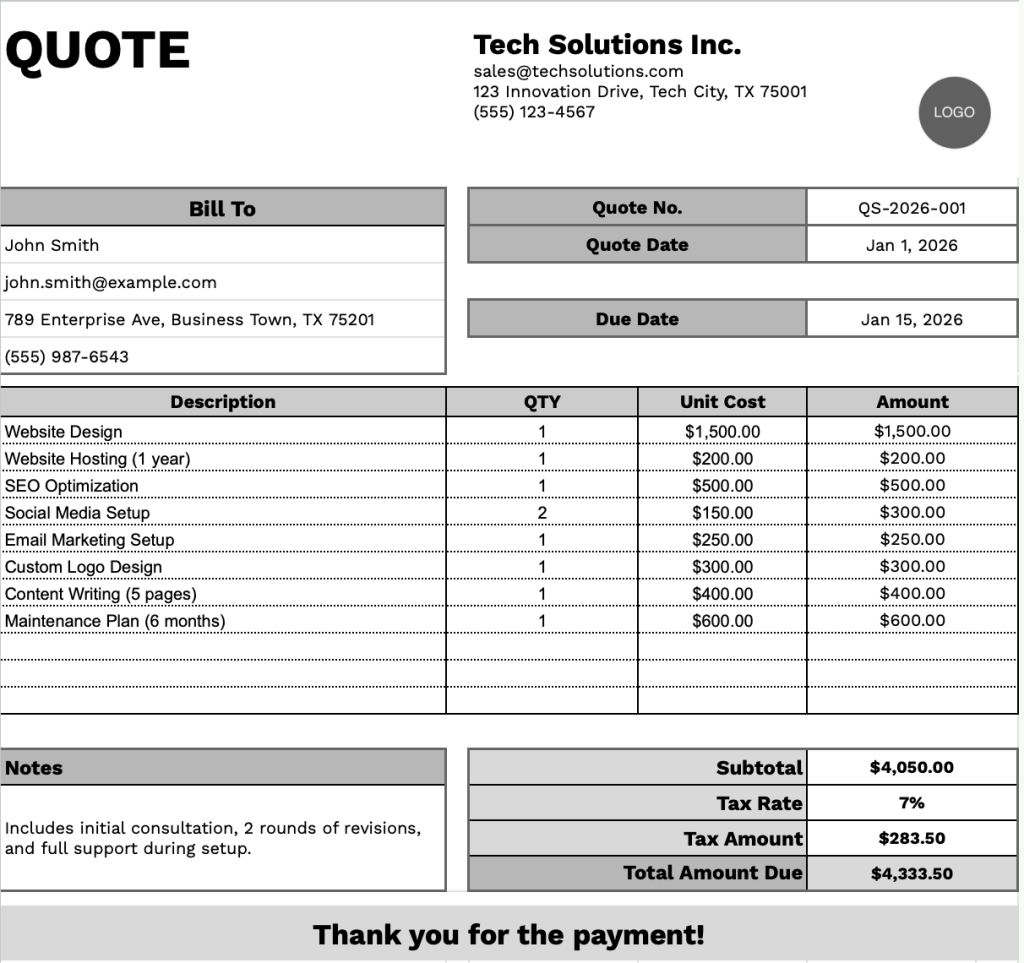
Our Quote Template provides a clean and organized format for presenting service quotes to clients.
What’s included
- Customizable business information fields: The header section includes editable placeholders for company name, email address, physical address, and phone number, allowing you to quickly brand the quote with your business details for professional client communication.
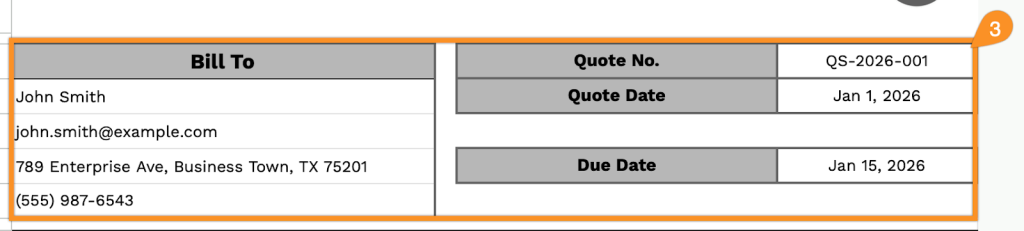
- Client billing information section: A dedicated “Bill To” area contains fields for the client’s name, email, address, and phone number, ensuring all necessary contact details are captured for accurate invoicing and follow-up correspondence.
- Quote tracking and management fields: The top-right corner features essential administrative fields, including the quote number for reference tracking, the quote date for timestamp documentation, and the due date for setting clear response deadlines and managing proposal timelines.
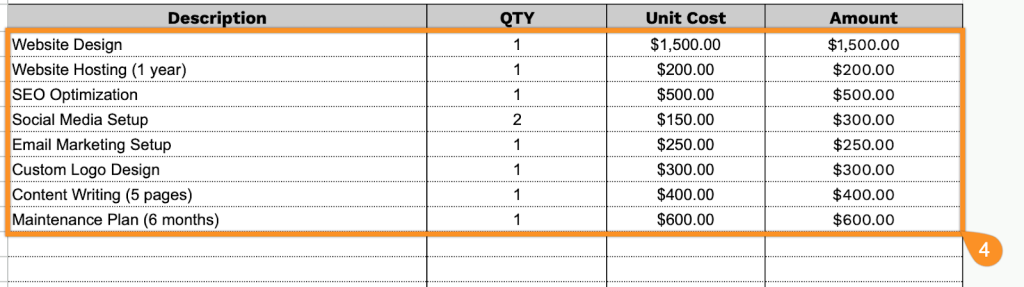
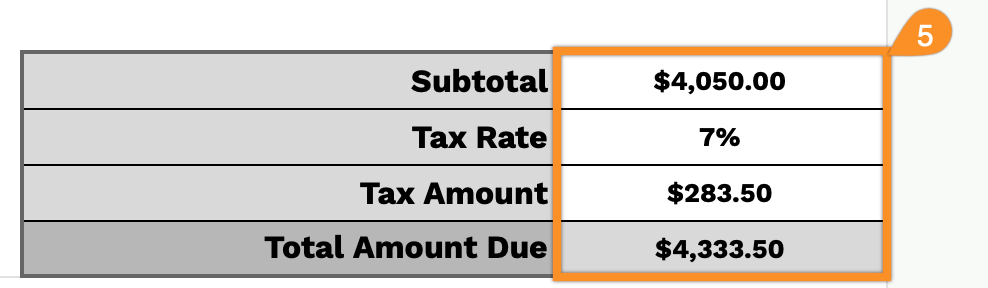
- Itemized pricing table with automatic calculations: A table with Description, QTY, Unit Cost, and Amount columns lets you list multiple products or services, with the footer automatically calculating the subtotal, applying customizable tax rates, computing tax amounts, and displaying the total amount due for transparent pricing breakdowns.
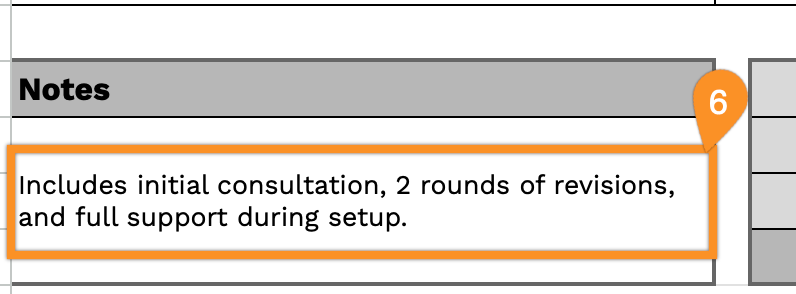
- Notes and terms section with payment acknowledgment: A flexible notes area at the bottom left provides space for payment terms, project specifications, warranty information, or special conditions, complemented by a courteous “Thank you for the payment!” message to maintain professional client relations.
You can easily customize the template by adding or removing columns to match your specific business needs and workflow requirements.
Download a free blank quote template in your preferred format using the links below:
How to Use Our Quote Template
1. Access this quote template in Excel, Word, or PDF, or create a custom one using Google Sheets or Docs.
2. Enter your company details at the top, including your company name, email, address, phone number, and logo.

3. Fill out the customer information in the “Bill To” section, and include the Quote Number, Quote Date, and Due Date.
4. List all items or services being quoted. Enter the quantity and price for each item, and the template will automatically calculate the line totals.
5. Add the applicable tax rate. The template will calculate the subtotal, tax amount, and total amount due for you.
6. Use the Notes section to include any essential details or special instructions for your customer.