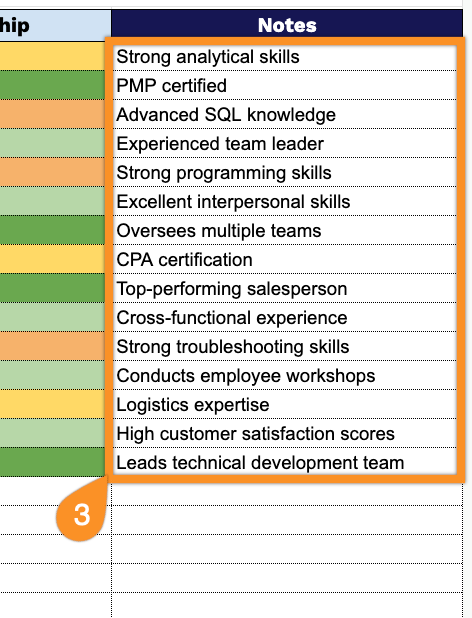
Save time with our free Skills Matrix Template, available in Google Sheets, Excel, and PDF formats.
Customize it to map employee skills, evaluate expertise, identify training opportunities, and support workforce planning with ease.
What Is a Skills Matrix Template?
A skills matrix template is a visual tool for mapping and assessing the competencies of individuals within a team or organization, showing who knows what and at what level of proficiency.
By providing a clear, at-a-glance overview of the team’s collective capabilities, a skills matrix helps organizations make smarter decisions around hiring, project assignments, and professional development planning.
Download Spreadsheet Daddy’s Free Skills Matrix Template
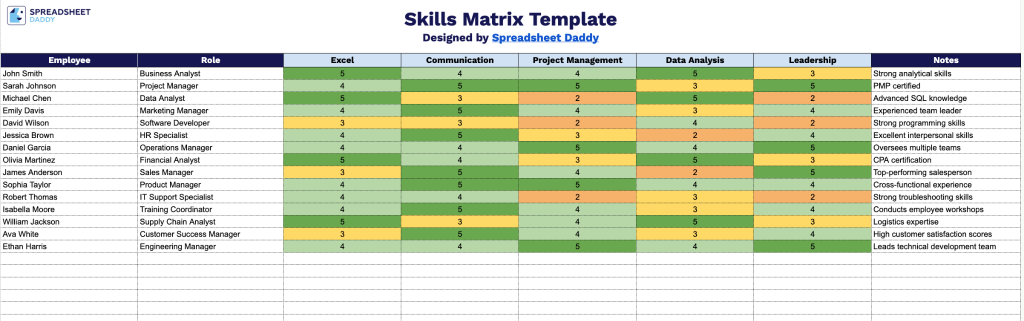
Our Skills Matrix Template gives you a simple way to track your team’s skill levels across key competencies.
What’s included
- Editable employee and role columns: The left-most columns provide dedicated fields for “Employee” and “Role,” letting you list every team member alongside their job title or position so skill data is easy to organize and reference by function.
- Customizable skill category headers: Five placeholder columns labeled “[Skill 1]” through “[Skill 5]” let you rename each header to reflect the specific competencies, certifications, or tools relevant to your team, making the matrix adaptable to any department or industry.
- Notes column for added context: A dedicated “Notes” column on the far right gives you space to record proficiency levels, certification dates, training needs, or other qualitative details that don’t fit neatly into a skill rating.
You can add or remove columns as needed to match the specific skills and roles relevant to your organization.
Select your preferred format below to download a customizable Skills Matrix template for free:
How to Use Our Skills Matrix Template
1. Get the Skills Matrix template as an Excel or PDF file, or save a personal Google Sheets version.
2. Enter the skills to assess, add employee names and roles, and record each employee’s proficiency level for every skill.
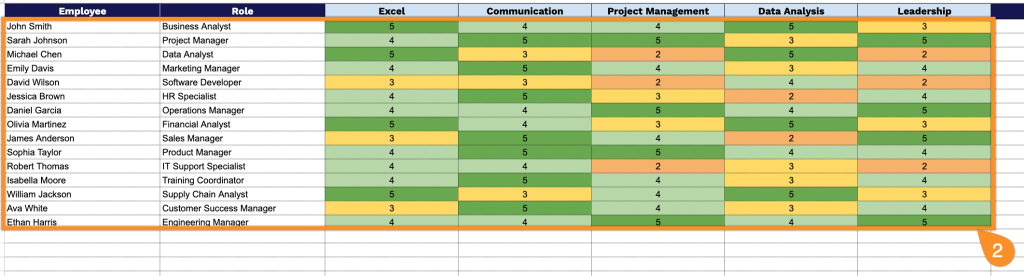
3. Use the Notes section to record certifications, training plans, performance observations, upcoming learning goals, or any other relevant comments for individual employees or the team.