Need a quick way to track parts and costs?
Our free Bill of Materials template is ready to use in Google Sheets, Excel, and PDF. Easy to edit and perfect for accurate record-keeping.
What Is a Bill of Materials Template?
A Bill of Materials (BOM) template is a standardized document format that lists all the raw materials, components, parts, and assemblies required to manufacture a finished product.
This template helps manufacturers, engineers, and procurement teams organize production planning, manage inventory, and ensure all necessary components are available for assembly.
Download Spreadsheet Daddy’s Free Bill of Materials Template
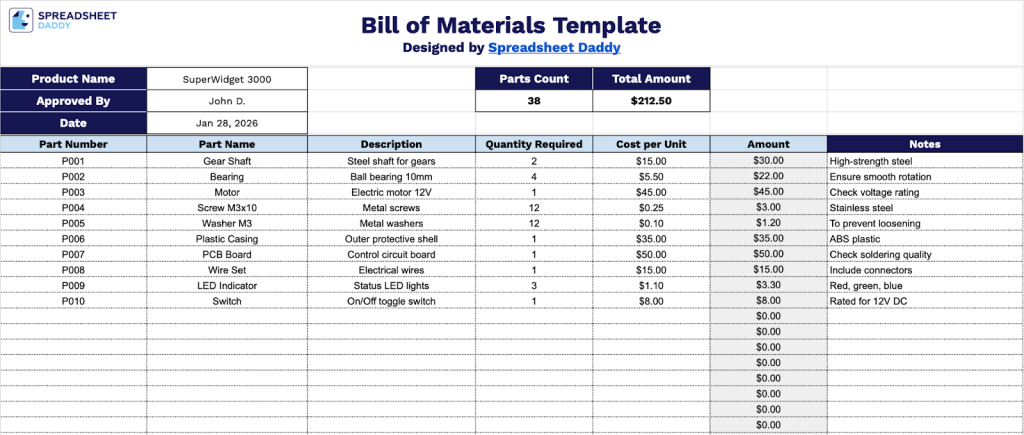
Our Bill of Materials Template provides a structured format for organizing and tracking all components needed for your product assembly.
What’s included
- Comprehensive header section with key project identifiers: The template features customizable fields at the top for Product Name, Approved By designation, and Date stamp, along with automatic counters that display total Parts Count and Total Amount, providing instant visibility into the scope and cost of your bill of materials.
- Structured parts inventory table with essential columns: The main section contains a detailed grid with columns for Part Number, Part Name, Description, Quantity Required, Cost per Unit, Amount (auto-calculated), and Notes, enabling you to systematically document every component needed for manufacturing, assembly, or production projects.
- Automatic cost calculation functionality: Each row computes the Amount field by multiplying Quantity Required by Cost per Unit, with all individual amounts feeding into the Total Amount field at the top, eliminating manual calculation errors and providing real-time cost visibility as you build your BOM.
Adjust it by adding or removing columns to fit your specific project requirements.
Click the links below to get a free blank Bill of Materials template in the format you prefer:
How to Use Our Bill of Materials Template
1. Save this Bill of Materials template in Excel or PDF, or make your own copy in Google Sheets.
2. Start by entering the final product’s name, who approved it, and the date. As you list each part with its quantity and cost, the template will automatically calculate the total number of parts and the overall amount.

3. Complete the columns by entering all component and pricing information for each item required:
- Part Number: Enter the unique identification code or SKU assigned to each component in your inventory system.
- Part Name: Record the official name or title of the component as it appears in your catalog.
- Description: Provide detailed specifications, including size, material, color, or other distinguishing characteristics of the part.
- Quantity Required: Specify the number of units needed for this particular project or assembly.
- Cost per Unit: Enter the current price for a single unit of this component.
- Amount: This field is calculated automatically by multiplying the Quantity Required by the Cost per Unit to show the total cost for each line item.
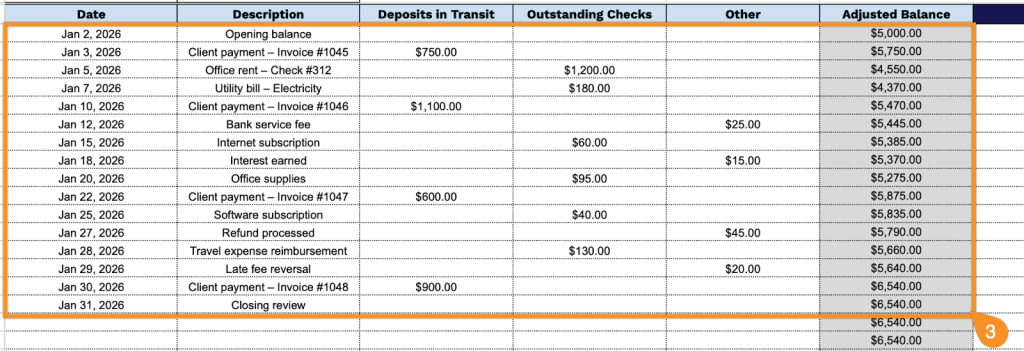
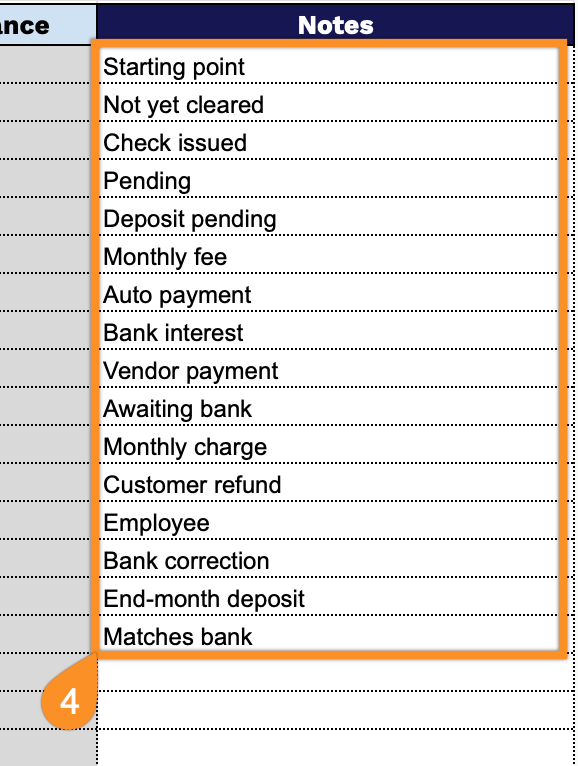
4. Use the Notes section for any additional details or special instructions.