Don’t waste time starting from zero. With our free Business Card Template, you can effortlessly design cards with your logo, contact info, and position.
Ready to customize in Google Sheets, Excel, and PDF.
What Is a Business Card Template?
A business card template is a pre-designed layout that provides a structured format for creating professional business cards.
Templates allow users to quickly customize and produce consistent, polished business cards without starting from scratch or needing advanced design skills.
Download Spreadsheet Daddy’s Free Business Card Template
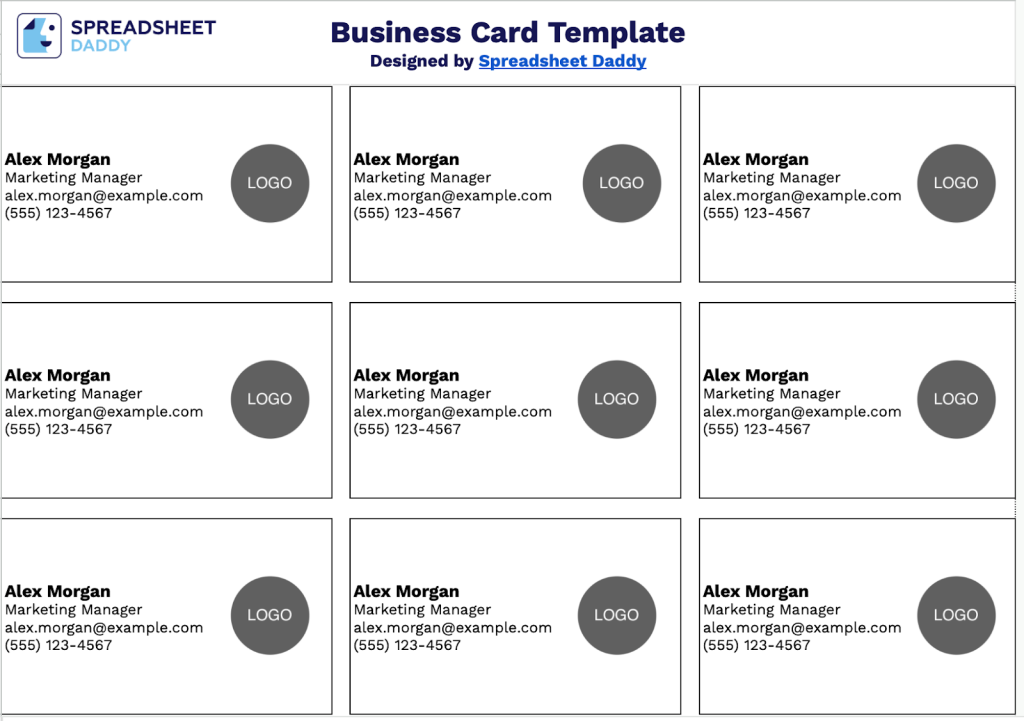
Our Business Card Template provides a clean, organized layout for printing multiple cards on a single sheet.
What’s included
- Print-ready grid layout with 12 business cards: The template features a 3-column by 4-row configuration optimized for standard business card dimensions, allowing you to print multiple cards on a single sheet and efficiently cut them out for immediate use.
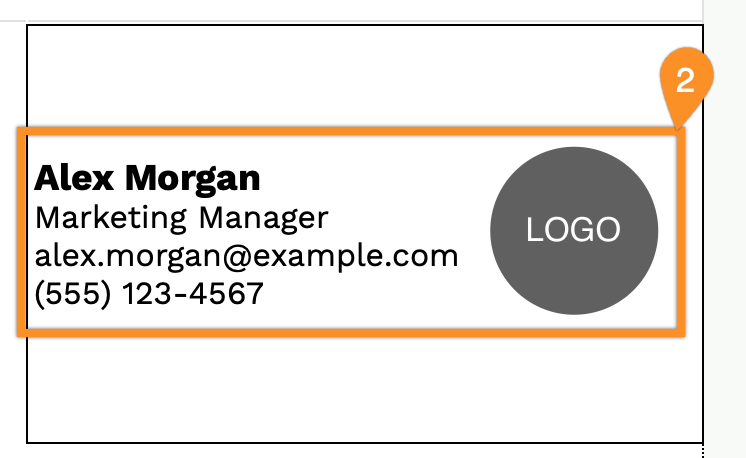
- Customizable contact information fields: Each card includes dedicated placeholders for name, job title, email address, and phone number, making it easy to personalize cards for different team members, clients, or networking contacts.
- Professional circular logo placement: A gray circular placeholder is positioned on the right side of each card, designed to accommodate your company logo, personal branding element, or professional headshot while maintaining visual balance and modern aesthetics.
You can add or remove columns to adjust the number of cards per page based on your printing requirements.
Download a free blank Business Card template in your preferred format using the links below:
How to Use Our Business Card Template
1. Use this Business Card template in Excel, PDF, or Google Sheets to create professional cards.
2. Customize your business card by entering your name, position, email, phone number, and logo.