Simplify church financial management with our professionally formatted Church Budget Template.
Download it for free in Google Sheets, Excel, or PDF and start recording income and expenses accurately today.
What Is a Church Budget Template?
A church budget template is a pre-formatted financial planning document that helps religious organizations organize and track their income and expenses.
Using a template saves time and ensures that essential budget items aren’t overlooked during the planning process.
Download Spreadsheet Daddy’s Free Church Budget Template
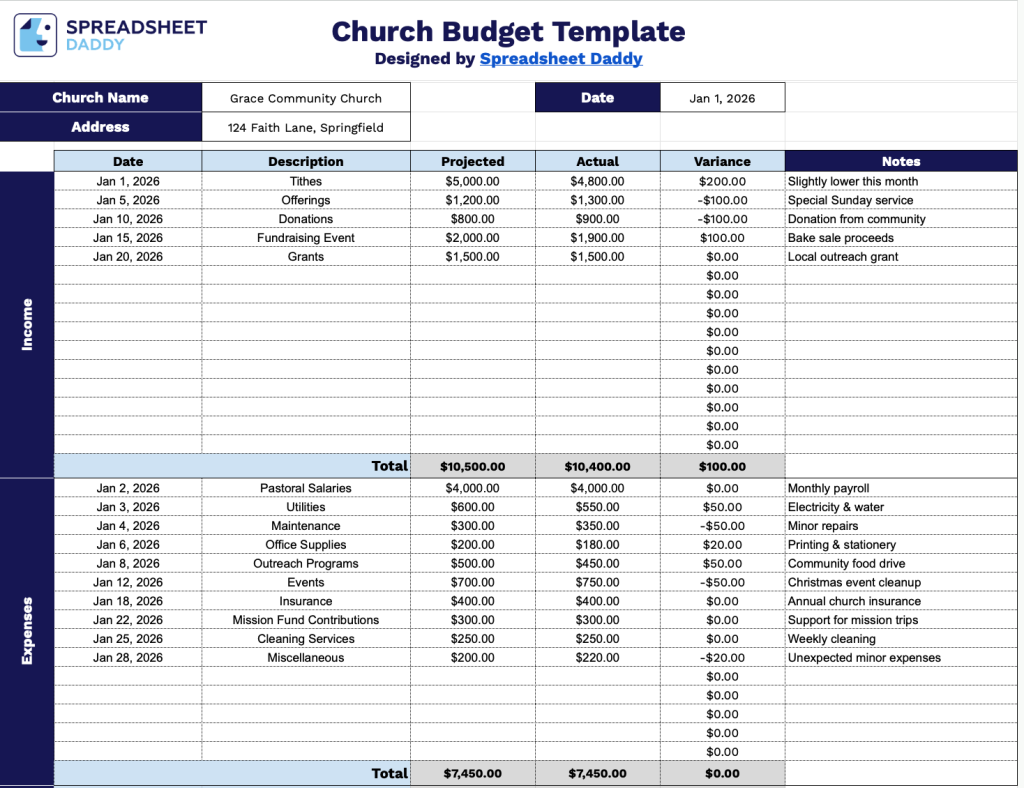
Our Church Budget Template helps you track your church’s income and expenses, comparing projected amounts against actual figures to monitor financial health.
What’s included
- Comprehensive income tracking section: The template features a dedicated income area with 15 customizable line items, each with columns for Date, Description, Projected amount, Actual amount, Variance calculation, and Notes, enabling churches to track all revenue sources, including tithes, offerings, donations, fundraisers, and other income streams with detailed documentation and comparison against projections.
- Detailed expense management system: The expense section mirrors the income structure with 15 line items and identical column headers (Date, Description, Projected, Actual, Variance, Notes), allowing churches to categorize and monitor all operational costs such as salaries, utilities, building maintenance, mission support, ministry programs, and administrative expenses while comparing budgeted versus actual spending.
- Automatic variance calculation columns: Each income and expense line includes a Variance column that shows the difference between projected and actual amounts, providing instant visibility into budget performance and helping church leadership identify areas of over-performance or concern without manual calculations.
- Customizable header fields for church branding: The top section includes editable placeholders for Church Name, Date, and Address, allowing you to personalize the template with your congregation’s specific information for professional financial reporting and record-keeping purposes.
- Built-in total row summaries: Both the Income and Expenses sections feature automatic total rows that sum all projected amounts, actual amounts, and variances, providing clear snapshots of overall financial performance and enabling a quick assessment of the church’s fiscal health.
Customize it by adding or removing columns to match your church’s unique financial tracking requirements.
Use the links provided to access a free, ready-to-use Church Budget Template in your preferred file type:
How to Use Our Church Budget Template
1. Use the Church Budget Template by downloading it in Excel or PDF, or copying it to Google Sheets.
2. Enter your church’s name, address, and the date for this budget record.

3. Complete the columns by filling in all necessary financial data for both income and expenses:
- Date: Record the specific date when each transaction occurred or is expected to occur.
- Description: Enter a clear explanation of the income source or expense category.
- Projected: Specify the anticipated amount budgeted for each line item based on your financial planning.
- Actual: Document the real amount received or spent once the transaction has been completed.
- Variance: The template automatically calculates the difference between projected and actual amounts.
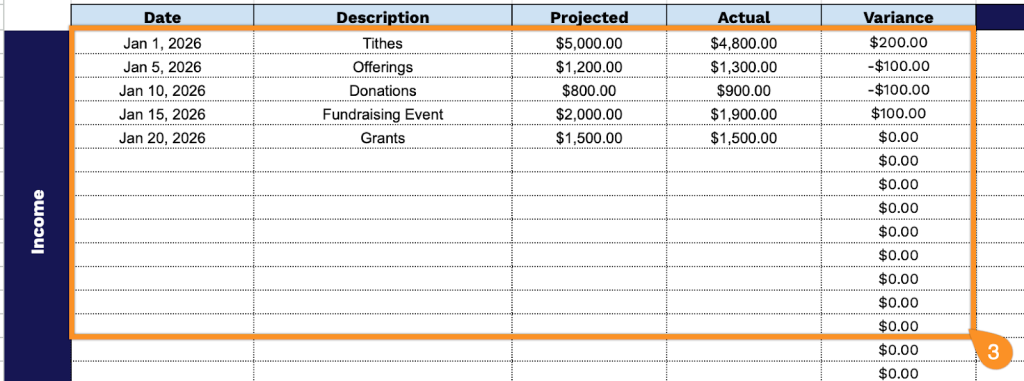
4. As you enter your income and expenses, the template will automatically calculate the projected totals, actual totals, and any variance, helping you see at a glance how your budget compares to your plans.

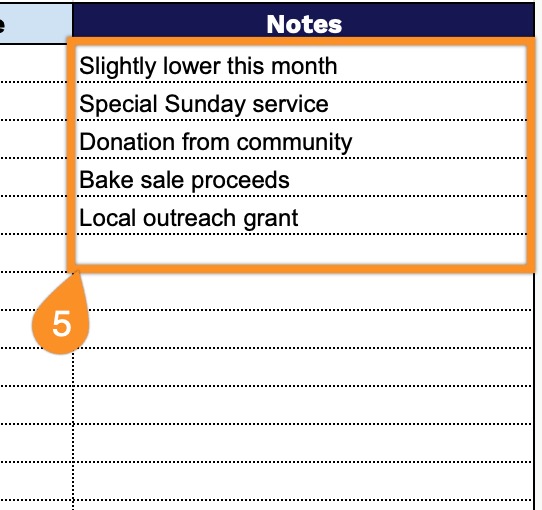
5. Use the Notes section to record essential details or explanations for any discrepancies.