Looking for a hassle-free way to record bank deposits?
Our Deposit Slip Template is fully editable, professionally formatted, and free to download in Google Sheets, Google Docs, Word, Excel, or PDF.
Keep your cash and check deposits organized with ease.
What Is a Deposit Slip Template?
A deposit slip template is a pre-formatted document used to record the details of a deposit into a bank account.
Using a template ensures accurate record-keeping and provides a standardized format that meets bank requirements for deposit processing.
Download Spreadsheet Daddy’s Free Deposit Slip Template
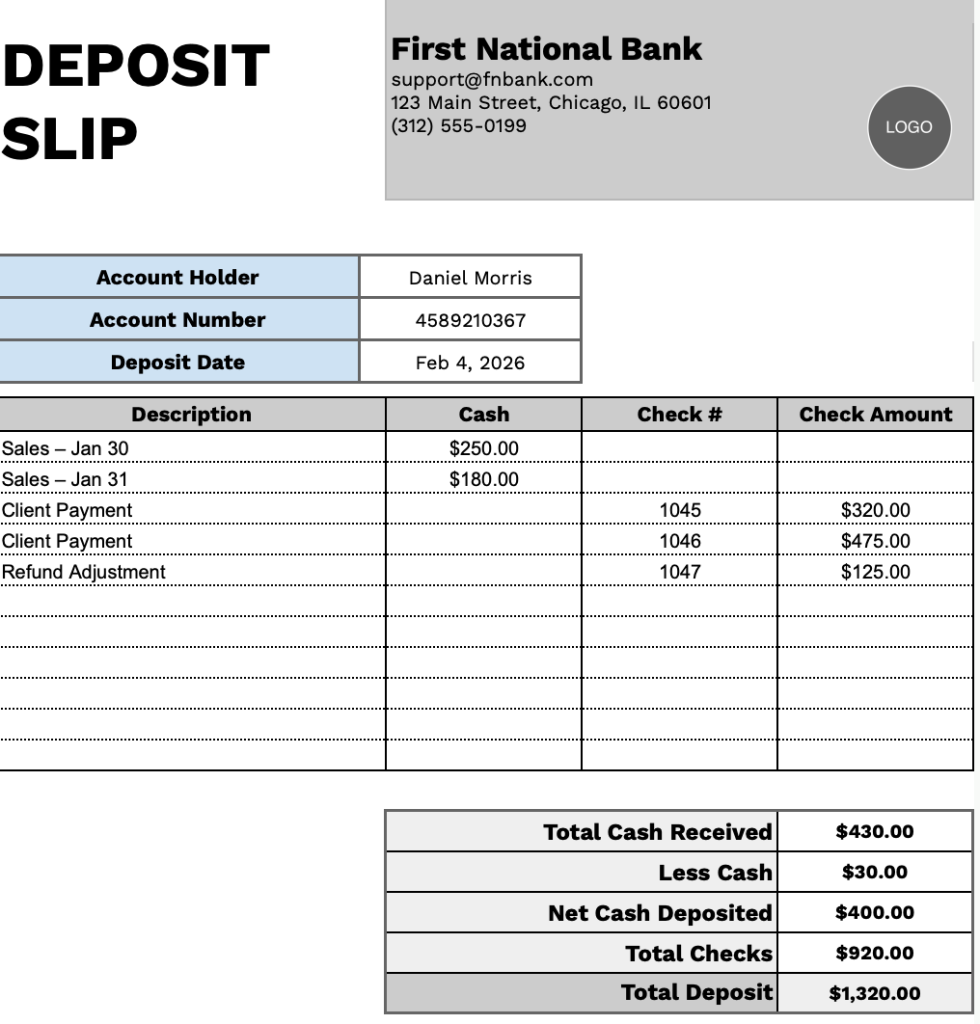
Our Deposit Slip Template provides a clear format for recording bank deposits, including separate tracking for cash and check transactions.
What’s included
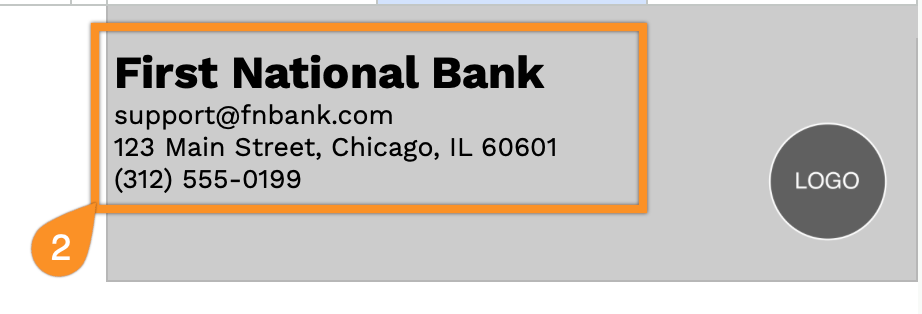
- Customizable bank and account information fields: The header section includes editable placeholders for bank name, email address, physical address, and phone number, allowing you to quickly brand the deposit slip with your financial institution’s details for professional record-keeping.
- Essential account holder details: Dedicated fields for account holder name, account number, and deposit date ensure all critical identification information is captured accurately for proper transaction processing and tracking.
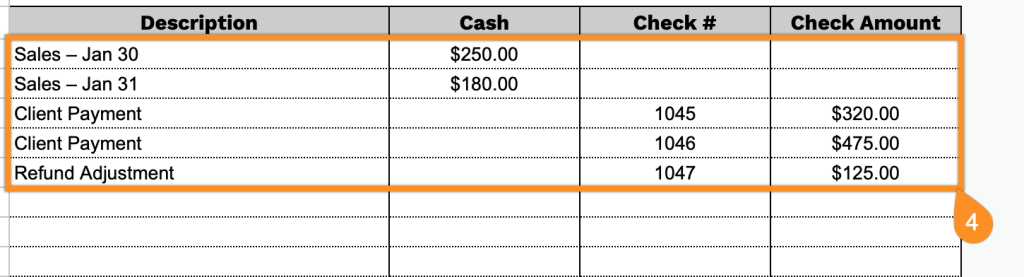
- Itemized deposit entry table: A structured table with columns for description, cash deposits, check numbers, and check amounts enables you to record multiple deposit items in an organized format, providing clear documentation of each component of your total deposit.
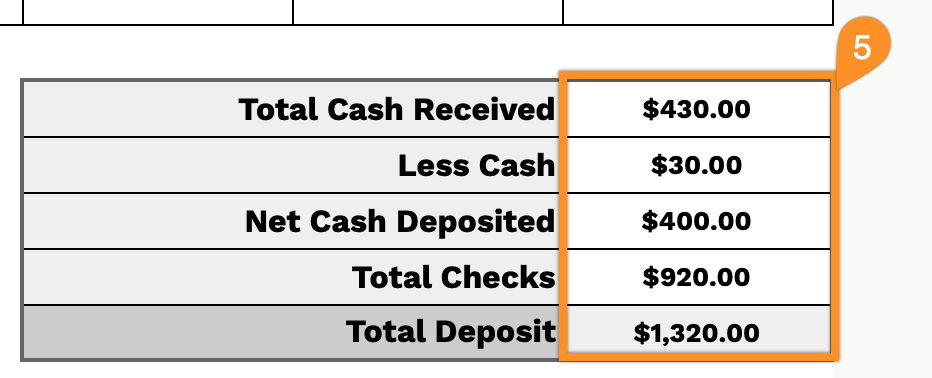
- Automated calculation fields: Pre-formatted summary sections automatically total your cash received, subtract any cash back requested (less cash), calculate net cash deposited, sum all checks, and display the final total deposit amount, ensuring mathematical accuracy and reducing manual calculation errors.
- Professional layout with clear visual hierarchy: The template features a clean, structured design with bold section headers, organized rows for multiple entries, and clearly separated calculation fields, making it easy to read, complete, and process deposit transactions efficiently.
The template is fully customizable, allowing you to add or remove columns and rows as needed.
Select and download a free deposit slip template in the style and format you prefer:
How to Use Our Deposit Slip Template
1. Get this Deposit Slip Template as an Excel, Word, or PDF file, or make your own copy in Google Sheets or Google Docs.
2. Fill in your bank information, including the bank name, email, address, and phone number.
3. Enter the account holder’s name, account number, and the date of the deposit.

4. Record each item you’re depositing, including description, cash amount, check number, and check amount.
5. Enter any cash withdrawals (if applicable), and the template will automatically calculate total cash received, net cash deposited, total checks, and the overall deposit total.