Create polished, professional estimates in minutes with our free Estimate Template.
Designed for Google Sheets, Google Docs, Word, Excel, and PDF, it helps you clearly break down pricing, avoid errors, and present clients with accurate cost projections.
What Is an Estimate Template?
An estimate template is a pre-formatted document that businesses use to provide potential clients with detailed cost projections for products or services before work begins.
By using a template, companies can quickly generate professional estimates that clearly communicate pricing expectations and help clients make informed purchasing decisions.
Download Spreadsheet Daddy’s Free Estimate Template
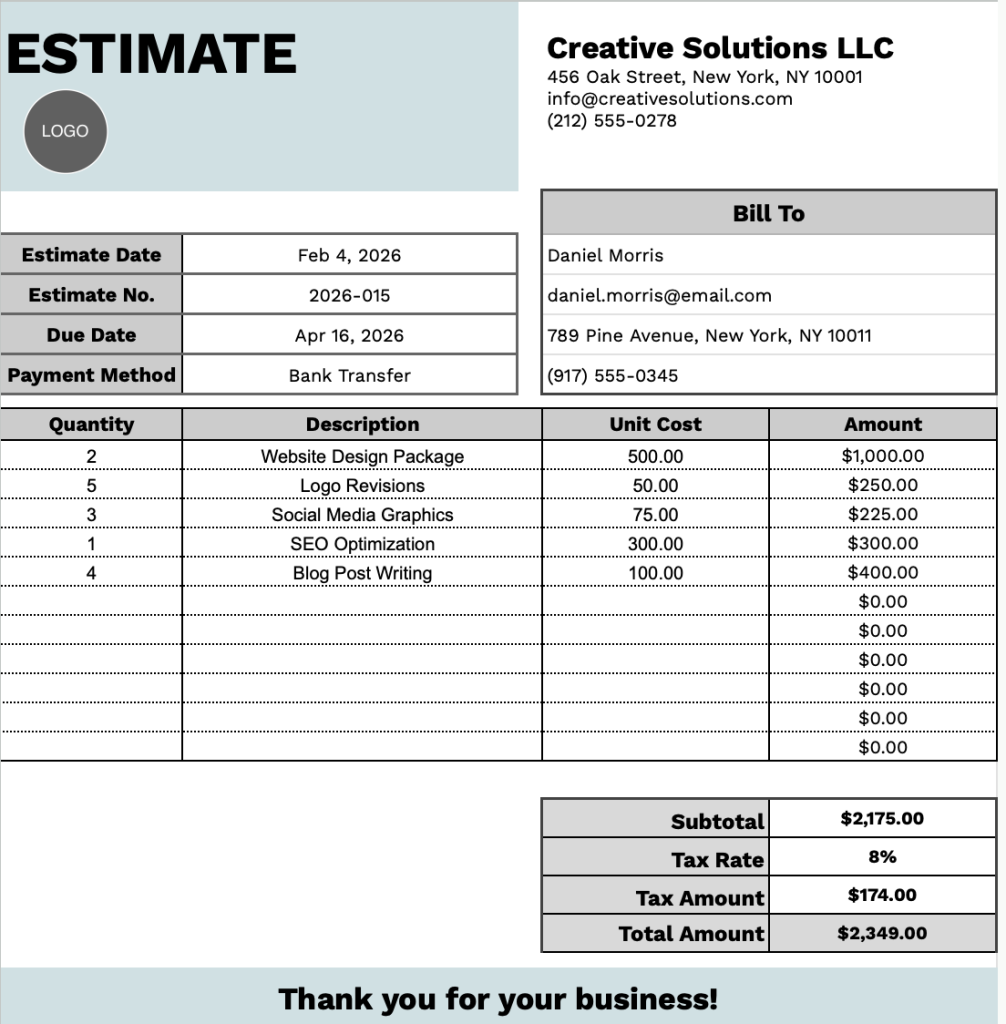
Our Estimate Template provides a clean, professional format for presenting service quotes to clients.
What’s included
- Comprehensive client and billing information section: The template features dedicated fields for “Bill To” information, including customer name, email, address, and phone number, alongside essential estimate metadata such as estimate date, estimate number, due date, and payment method for complete transaction tracking.
- Flexible line-item table with quantity and pricing columns: A structured table with 11 pre-formatted rows lets you list services or products, with columns for quantity, detailed description, unit cost, and automatically calculated amount fields, accommodating multiple items on a single estimate.
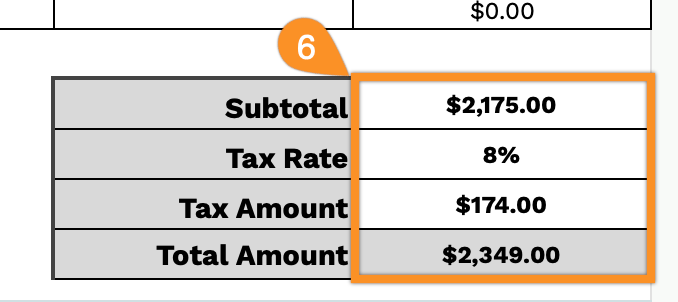
- Automated financial calculations and tax functionality: The bottom section includes a subtotal field that aggregates all line items, a customizable tax rate percentage input, an auto-calculated tax amount field, and a final total amount display for accurate financial summaries.
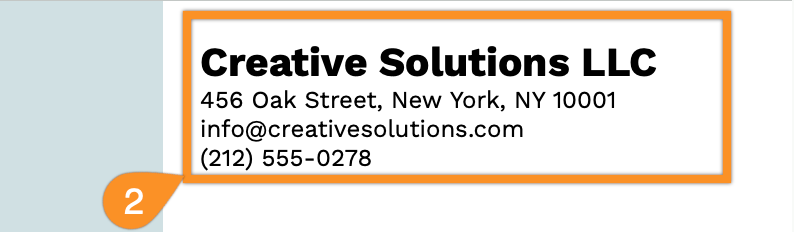
- Professional header with customizable business branding: The top of the template contains editable placeholder fields for your company name, business address, email contact, and phone number, enabling you to personalize the estimate with your organization’s identity and contact information.
You can easily customize the template by adding or removing columns to match your specific business requirements.
Download a free blank estimate template using the links below in your preferred format:
How to Use Our Estimate Template
1. Get this Estimate Template by downloading it in Excel, Word, or PDF, or by making a copy in Google Sheets or Google Docs.
2. Start by adding your company details, including the business name, address, email, and phone number.
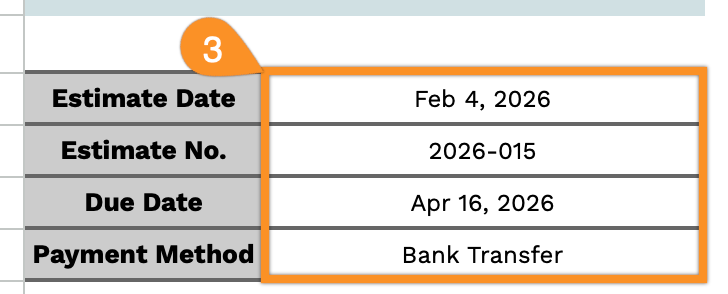
3. Fill in the estimate information, such as the estimate date, estimate number, due date, and preferred payment method.
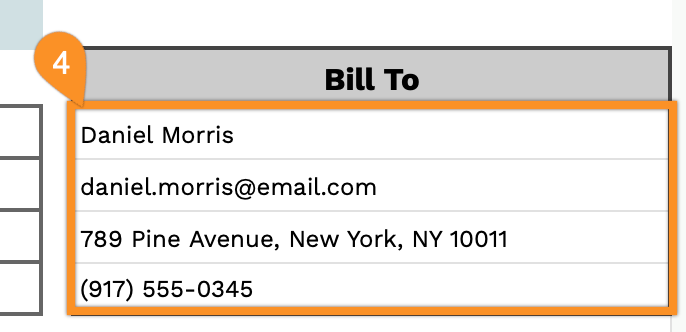
4. Complete the Bill To section with the client’s name, email, address, and phone number.
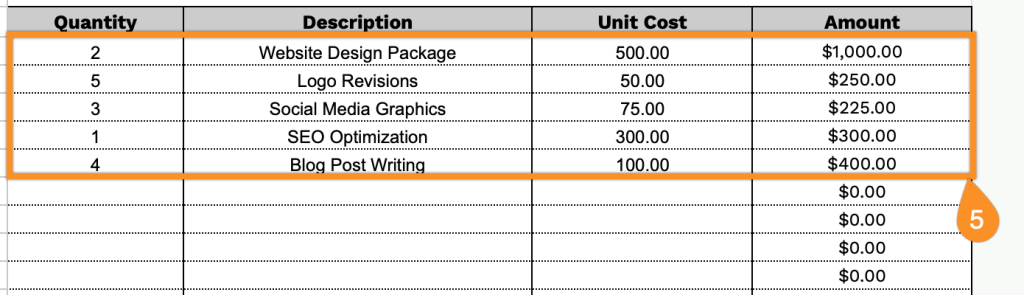
5. Enter the quantity, item or service description, and unit cost for each line item; the template will automatically calculate the line total.
6. Add the applicable tax rate, and the template will automatically calculate the subtotal, tax amount, and final total.