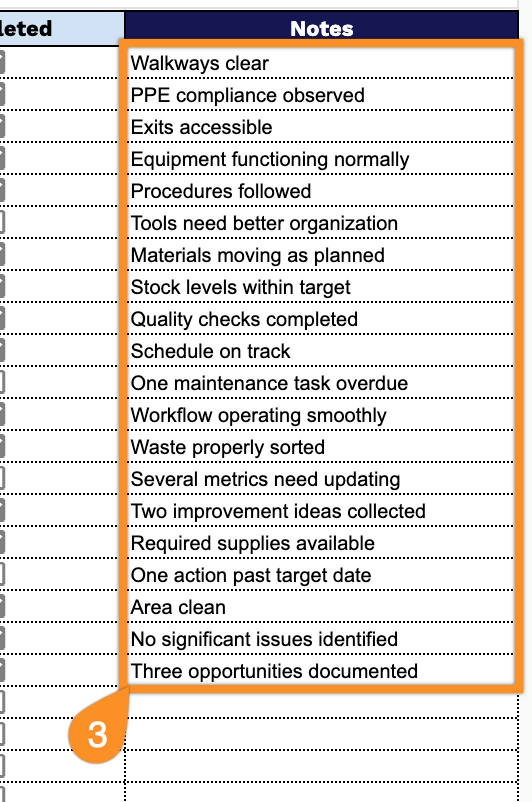
Make your next Gemba walk easier with our free Gemba Walk Checklist Template.
Download it in Google Sheets, Excel, or PDF and quickly document workplace observations, note areas for improvement, and keep action items organized in one place.
What Is a Gemba Walk Checklist Template?
A Gemba walk checklist template is a structured tool used by managers and leaders to guide their on-the-floor observations of where work actually happens, whether on a factory floor, in a hospital, or within any operational workspace.
By using a checklist template, leaders can systematically gather insights, track improvements over time, and foster a culture of continuous improvement rooted in real-world observation rather than assumptions made from a distance.
Download Spreadsheet Daddy’s Free Gemba Walk Checklist Template
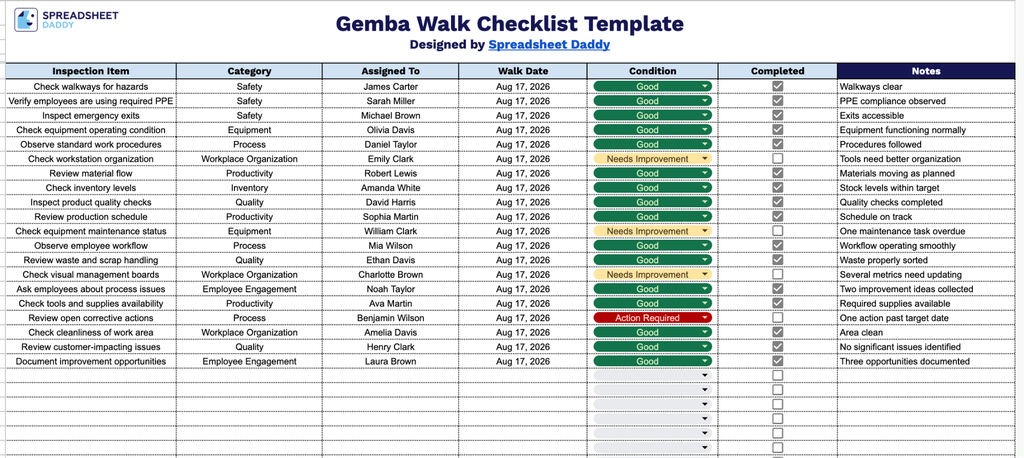
Our Gemba Walk Checklist Template gives you a simple, structured way to track inspection items, conditions, and follow-up notes during your walks.
What’s included
- Seven-column tracking system: Columns for Inspection Item, Category, Assigned To, Walk Date, Condition, Completed, and Notes capture what was checked, who’s accountable, when it happened, and the outcome, all in one place.
- Built-in completion checkboxes: The Completed column includes clickable checkbox cells for each row, so you can mark items off in real time as you move through the floor without needing to type status updates manually.
- Category field for grouping inspections: The Category column lets you tag each inspection item by area or process type, making it easy to filter or sort findings by department, machine, or workflow stage.
- Assignment and accountability tracking: The Assigned To column ties each inspection item to a specific person, so responsibility for follow-up or resolution is always clear.
- Open notes field for context: The Notes column provides space to record observations, root causes, or corrective actions for each inspection item, so the checklist doubles as a record of findings, not just a pass/fail log.
Since every workplace tracks different details, you can add or remove columns to match exactly what your walks need to capture.
Choose from the download options below to access a free, blank Gemba Walk Checklist template:
How to Use Our Gemba Walk Checklist Template
1. Select the format that works best for your workflow: Excel, PDF, or an editable Google Sheets copy.
2. Record the inspection item, select the appropriate category, assign it to the responsible team member, and enter the walk date. Note the current condition of each item, and check the box once the inspection or follow-up task is complete.
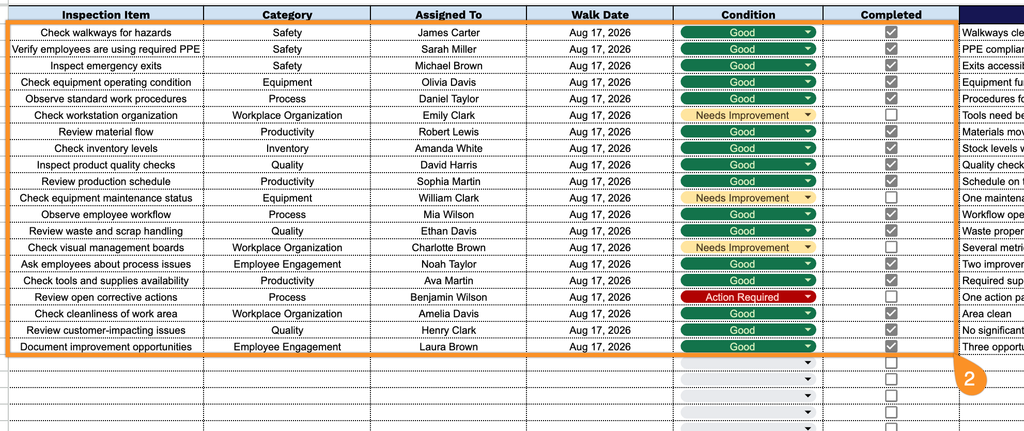
3. Use the Notes section to add important observations, follow-up actions, recommendations, or other details that may help track and resolve identified issues.