Skip the hassle of designing your own receipts!
Our free mechanic receipt template is ready to use and fully editable in Google Sheets, Excel, Word, Google Docs, and PDF. Perfect for recording vehicle repairs, parts replacements, labor fees, and payments with clarity.
For more options, check out our complete collection of free, customizable receipt templates to suit all kinds of service and business needs.
What Is a Mechanic Receipt Template?
A mechanic receipt template is a pre-formatted document that auto repair shops and mechanics use to provide customers with a detailed record of services performed and parts used.
This standardized template helps mechanics create professional, consistent receipts quickly while ensuring all necessary transaction details are documented for both business records and customer reference.
Download Spreadsheet Daddy’s Free Mechanic Receipt Template
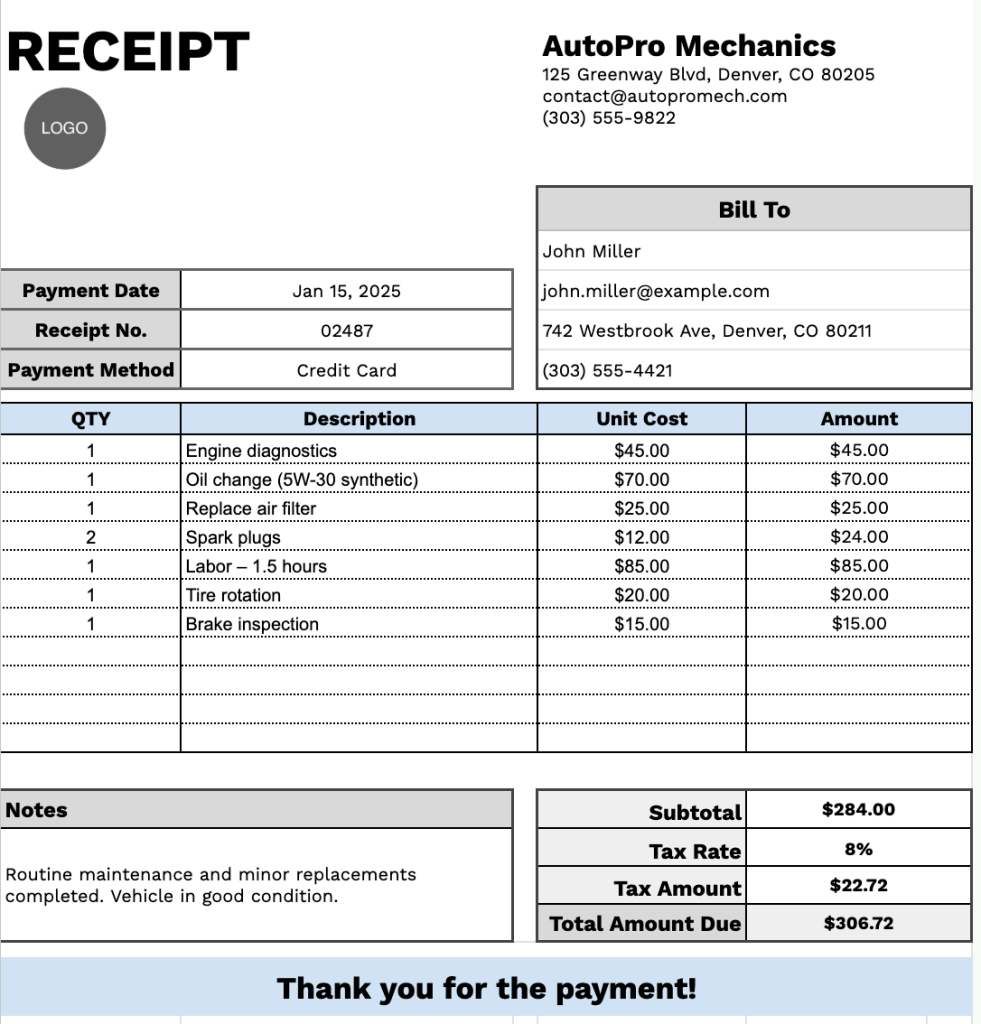
Our Mechanic Receipt Template provides a clean, professional format for documenting automotive service transactions.
What’s included
- Professional header section: Customizable fields let you add your business name, physical address, email address, and phone number, helping you reinforce your brand identity on every receipt you issue.
- Comprehensive customer billing section: Dedicated input fields capture essential client information, including name, email, address, and phone number, along with receipt-specific details such as receipt number, payment date, and payment method for accurate payment tracking.
- Itemized service table: A structured table with columns for quantity, description, unit cost, and total amount per line, allowing you to outline services and parts for complete transparency.
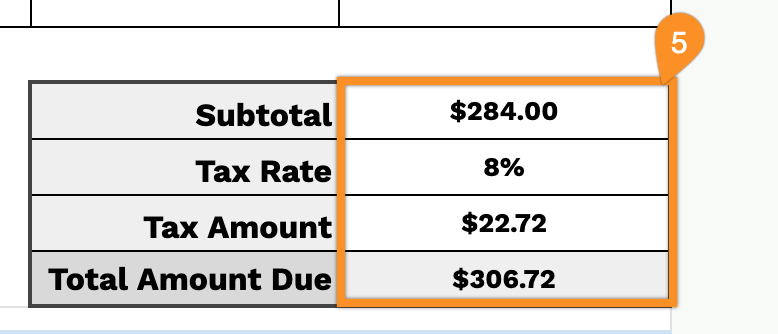
- Automated calculation area: Pre-set fields automatically calculate the subtotal, apply your chosen tax rate percentage, compute the tax amount, and generate the final total due, ensuring precise and consistent billing.
- Additional sections: A designated notes area lets you include special instructions or warranty details, while a courteous thank-you message at the bottom helps maintain strong customer relationships.
You can adjust the template by adding or removing columns to match your specific business requirements.
Get your free blank mechanic receipt template in the format you prefer by clicking the links below:
How to Use Our Mechanic Receipt Template
1. Access and download the mechanic receipt template in Word, Excel, or PDF, or duplicate it in Google Docs or Sheets.
2. At the top of the template, add your garage or workshop name, email, address, phone number, and logo.

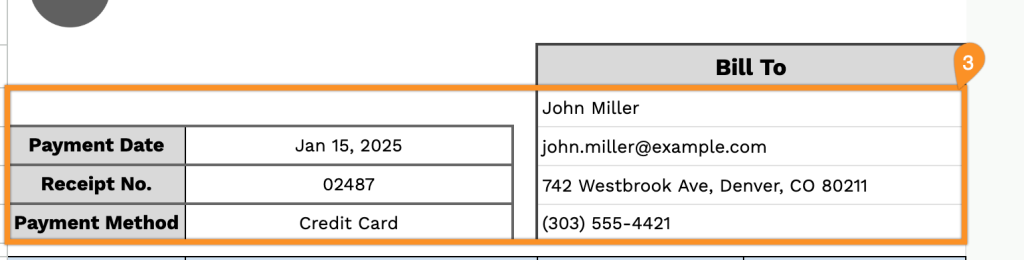
3. Fill in the customer’s details under “Bill To,” along with the payment date, receipt number, and payment method.
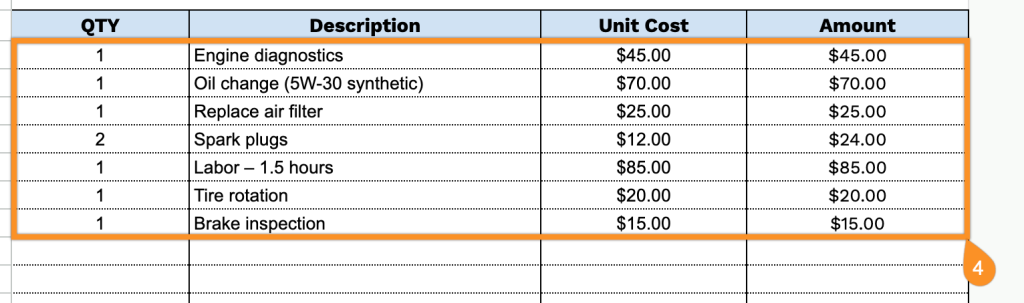
4. Itemize all parts, labor, and services provided. Include the quantity and price for each, and the template will automatically calculate the line totals.
5. Enter the applicable tax rate, and the template will calculate the subtotal, tax, and total amount due.
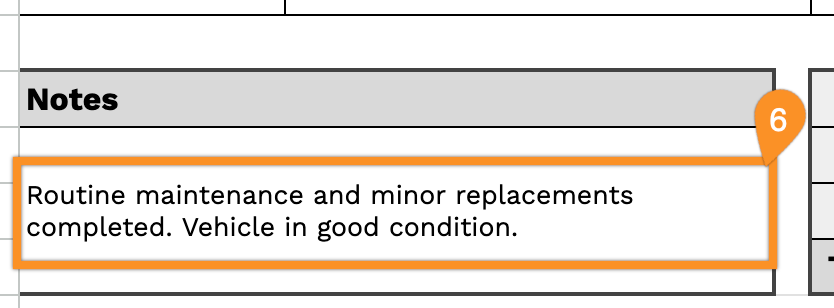
6. Use the Notes space for essential details, such as warranty information, service recommendations, or special instructions.