Need a reliable receipt template for your nonprofit?
Download our free Nonprofit Receipt Template in Google Sheets, Excel, Word, Google Docs, or PDF. Easily record donations, sponsorships, or event contributions with a format that’s simple, clear, and fully editable.
Browse our full collection of free, editable receipt templates for additional options suited to all your nonprofit documentation needs.
What Is a Nonprofit Receipt Template?
A nonprofit receipt template is a standardized document that charitable organizations use to acknowledge donations and provide proof of contribution for tax purposes.
These templates help nonprofits maintain proper records while enabling donors to claim tax deductions for their charitable contributions.
Download Spreadsheet Daddy’s Free Nonprofit Receipt Template
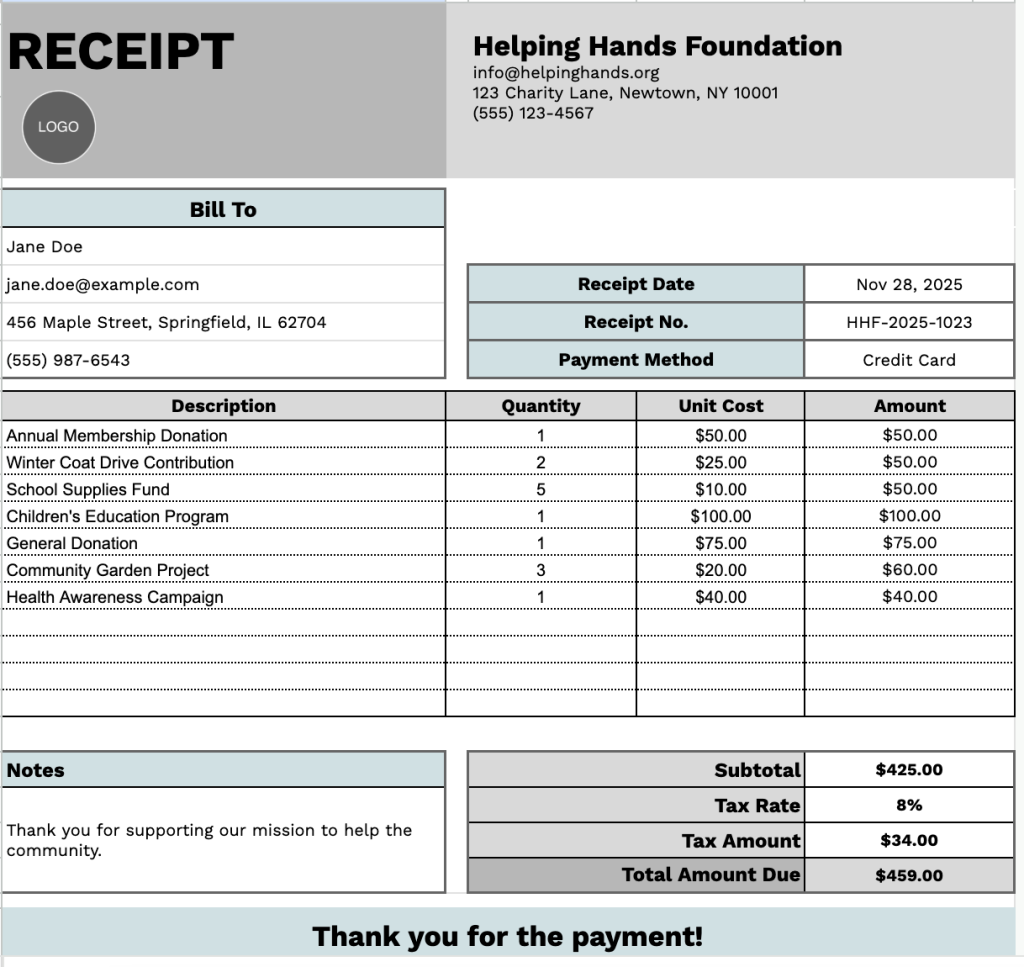
Our Nonprofit Receipt Template provides a clean, professional format for documenting donations and contributions.
What’s included
- Customizable organization information fields: The header section includes editable placeholders for your nonprofit’s company name, email address, physical address, and phone number, allowing you to quickly brand the receipt with your nonprofit’s details for professional documentation and donor recognition.
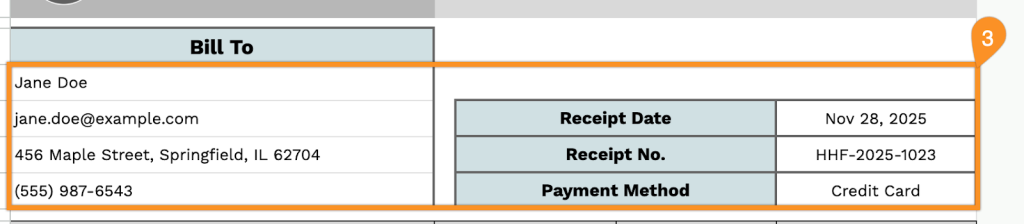
- Comprehensive donor and receipt-tracking fields: The “Bill To” section captures complete donor information, including name, email, address, and phone number, and provides fields for receipt date, unique receipt number, and payment method to ensure proper record-keeping and tax compliance.
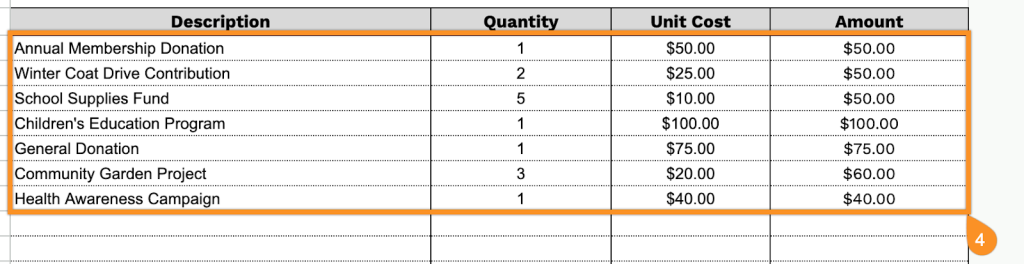
- Flexible itemized transaction table: A multi-row table with four columns (Description, Quantity, Unit Cost, Amount) accommodates up to 11 line items, enabling you to provide detailed breakdowns of donations, membership fees, event tickets, or purchased goods with individual amount calculations for each entry.
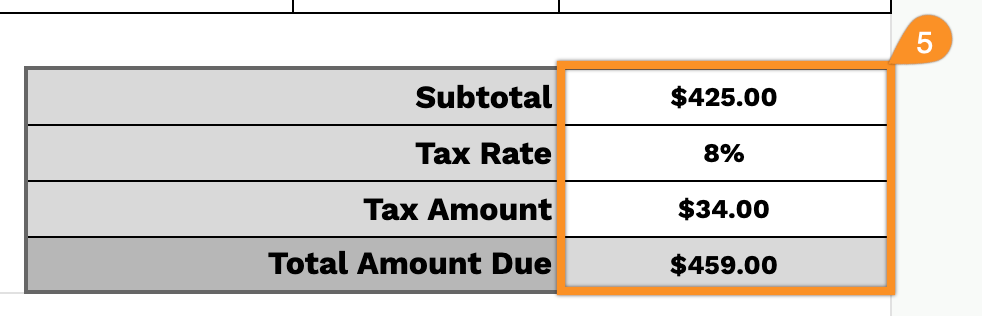
- Automated financial calculation system: Built-in formula fields automatically compute the subtotal from all line items, apply a configurable tax rate percentage, calculate the tax amount, and display the total amount due, ensuring accuracy and eliminating manual calculation errors.
- Professional notes and acknowledgment section: A dedicated notes area allows you to include crucial tax-deductible language, EINs, IRS compliance statements, or personalized thank-you messages, followed by a courteous “Thank you for the payment!” closing to maintain positive donor relationships.
The customizable layout lets you easily add or remove columns to meet your organization’s specific needs.
Use the links below to download a free blank nonprofit receipt template in your preferred format:
How to Use Our Nonprofit Receipt Template
1. Get this nonprofit receipt template in Excel, Word, or PDF, or make your own copy using Google Sheets or Docs.
2. Add your nonprofit’s name, email, address, phone number, and logo at the top of the receipt.

3. Provide the “Bill To” information, along with the receipt date, receipt number, and payment method used.
4. Include any items, services, or donations provided. Enter the quantity and value for each, and the template will automatically calculate the line totals.
5. If applicable, enter the tax rate. The template will automatically calculate the subtotal, tax amount, and total contribution or payment amount.
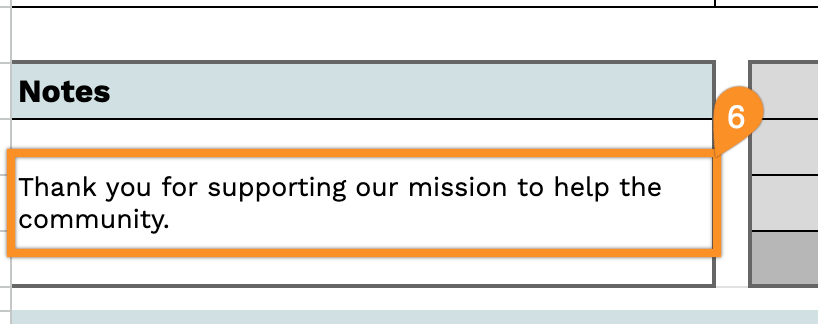
6. Use the Notes section to include any additional details, such as the purpose of the donation, acknowledgment messages, or special instructions.