Need a fast, reliable way to record vet payments?
Our free Vet Receipt Template makes it simple. Download and edit in Google Sheets, Excel, Word, Google Docs, or PDF to log services, treatments, and fees.
Explore our full collection of free professional receipt templates to cover all your veterinary documentation needs.
What Is a Vet Receipt Template?
A vet receipt template is a pre-formatted document that veterinary clinics use to provide clients with proof of payment for animal care services.
This standardized format helps veterinary practices maintain professional records while giving pet owners clear documentation for insurance claims, tax purposes, or personal record-keeping.
Download Spreadsheet Daddy’s Free Vet Receipt Template
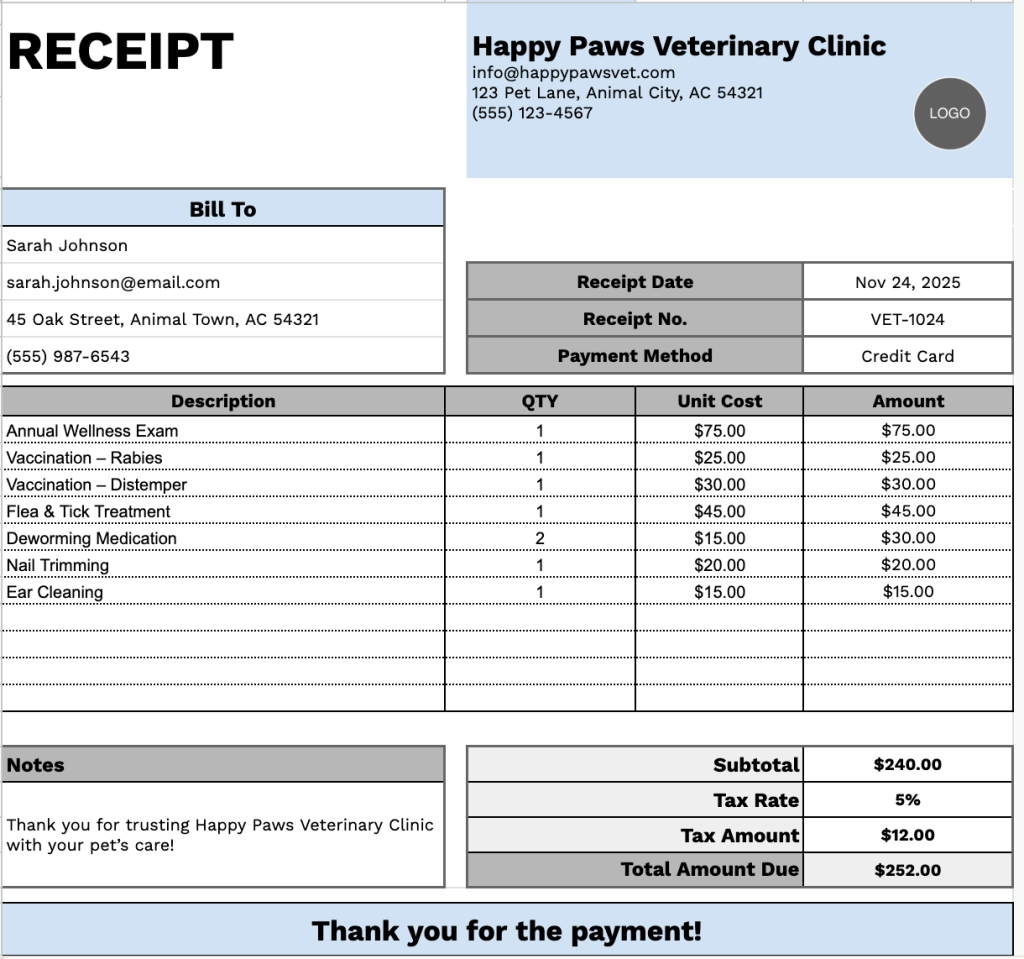
Our Vet Receipt Template provides a clean, professional format for documenting pet care services and associated costs.
What’s included
- Complete business and client information sections: The template features clearly labeled fields at the top for your veterinary clinic’s name, email, address, and phone number, plus a dedicated “Bill To” section for capturing client details, including their name, email, address, and phone number. Additional header fields include receipt date, receipt number, and payment method for comprehensive record-keeping.
- Flexible itemized services table: A structured table with four columns (Description, QTY, Unit Cost, Amount) and 11 pre-formatted rows lets you list multiple services, medications, procedures, or products. Each line automatically calculates the amount based on quantity and unit cost, accommodating everything from routine checkups to surgical procedures and prescribed medications.
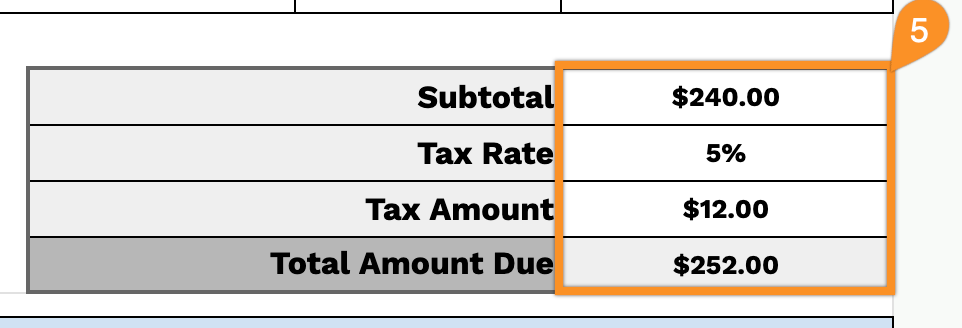
- Automated financial calculations section: The bottom portion includes a complete financial summary with fields for subtotal, a customizable tax rate (displayed as a percentage), the calculated tax amount, and the total amount due. All monetary values are formatted in USD with proper decimal notation, ensuring accurate billing for each transaction.
- Notes field and customer appreciation message: Includes a dedicated notes section for special instructions, appointment reminders, or payment terms, plus a “Thank you for the payment!” message at the bottom to maintain a professional, courteous client experience.
You can easily customize it by adding or removing columns to match your clinic’s specific needs and workflow requirements.
Click one of the links below to get a free blank veterinary receipt template in the format that works best for you:
How to Use Our Vet Receipt Template
1. Get this veterinary receipt template in Excel, Word, or PDF formats, or customize it in Google Sheets or Docs.
2. Enter your veterinary clinic’s details at the top, including the clinic name, email, address, phone number, and logo.

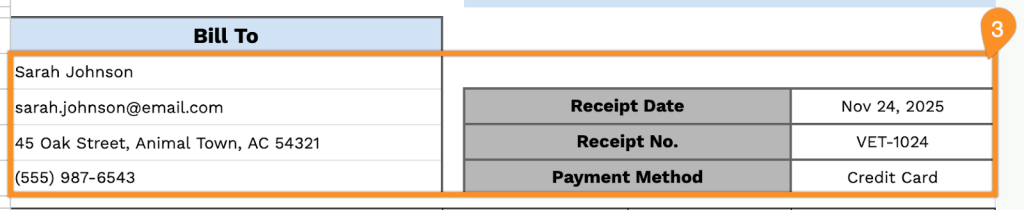
3. Fill in the client’s information under “Bill To,” along with the receipt date, receipt number, and payment method.
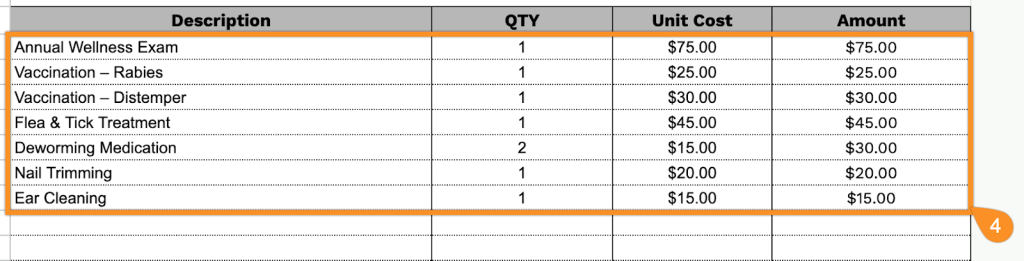
4. List all items or services provided, including the quantity and price for each. The template will automatically calculate the line totals.
5. Enter the applicable tax rate, and the template will calculate the subtotal, tax, and total amount due.
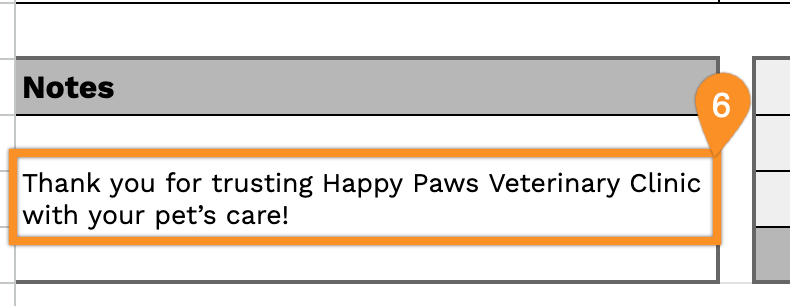
6. Use the “Notes” section to add any important details about the visit, treatment, or special instructions.